NiCd/NiMH battery program
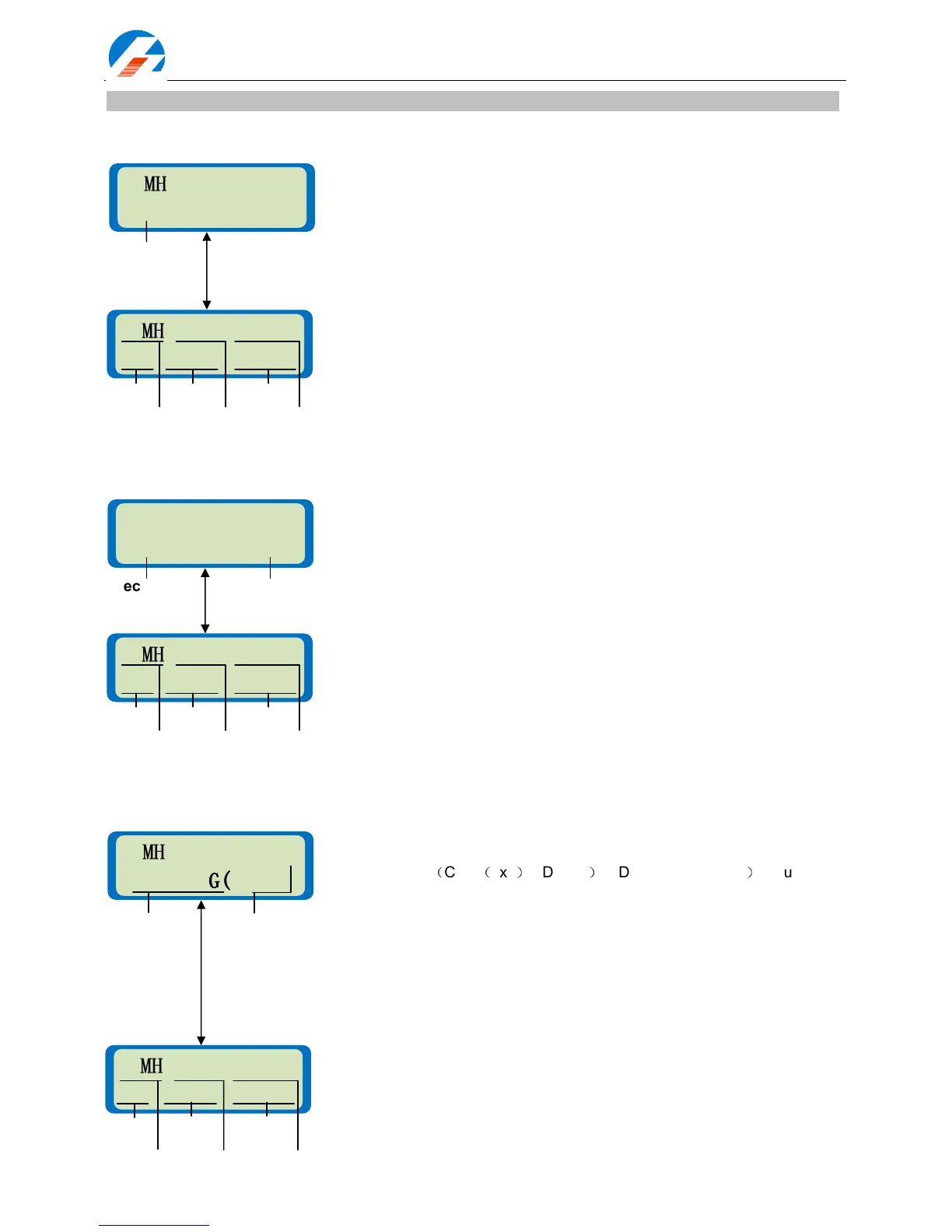
Charging a NiCd/NiHM battery
Discharging a NiCd/NiMH battery
Charge-to-Discharge & Discharge-to-Charge cycle mode for a NiCd/NiMH battery
The left side of the first line displays the type of battery (NiCd/NiHM) and the
second line allows you to set the current limit. The iCharger offers two
charging modes for NiCd/NiMH., ‘CHARGE Aut’ and ‘CHARGE Manual’. In
‘Aut’ mode the user sets the upper limit for the charging current. The
iCharger will charge with about 1C automatically but no higher than the
configured current. In ‘Manual’ mode it will charge at the configured current.
Press Start/Enter for more than 3 seconds to start charging.
Current for Aut: 0.05 – 10A; Current for Manual: 0.05 – 10A
Charge status. You can stop the process at any time by pressing Batt
type/Stop. Press
Dec to display the General Status information.
The left side of the first line shows the type of battery (NiCd/NiHM). The
value in the second line sets the discharge current on the left and final
voltage on the right. Press Start/Enter for more than 3 seconds to start
discharging.
Discharge current: 0.05 – 7A
Final voltage: 0.1 – 40.0V (0.1 – 29.0V for 106B)
Discharge status . You can adjust the discharge current by pressing
Start/Enter during the process. Press Inc
or
Dec to increase or
decrease the charge current. After you alter the current value, store it by
pressing Start/Enter again. You can stop the process at any time by
pressing Batt type/Stop. Press
Dec to display the General Status
information.
NiMH DISCHARGE
NiMH DISCHARGENiMH DISCHARGE
NiMH DISCHARGE
1.0A 7.0V
1.0A 7.0V1.0A 7.0V
1.0A 7.0V
The left side of the first line shows the type of battery (NiCd/NiHM) and the
right shows the cycle number. The second line shows the cycle direction
you selected:
(
CHG
(
xxx
)
->DCHG
)
or DCHG->CHG(xxx)
)
. You can set
the charge mode as “Charge Auto” or “Charge Manual”. The discharge
parameters are those set in NiCd/NiHM discharge screen. Press
Start/Enter for more than 3 seconds to start the cycling.
Cycle number: 1 – 10 ,
Cycle charge mode: ‘Aut’ or ‘Man’
The screen displays the NiCd/NiMH cycle mode. On the left side of the
second line, in the process is identified as either C>D or D>C. A blinking “C”
indicates charging, while a blinking “D” indicates discharging.
You can stop the cycling process at any time by pressing Batt type/Stop.
Press Inc
to display the cycle history (see the balance voltage information
& cyclic information) and press
Dec to display the General Status
information.



 To Next Page