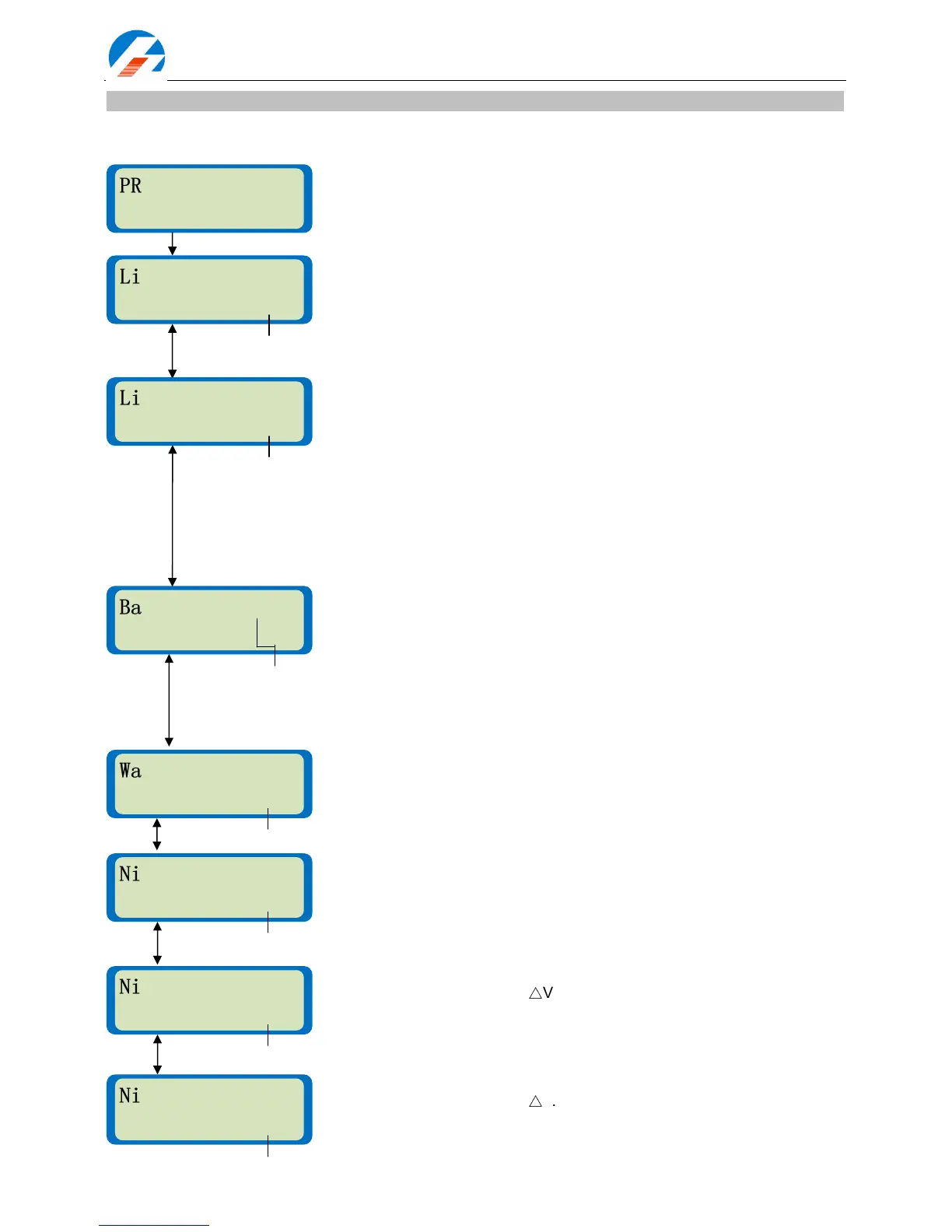
Parameter setup
Users should check the parameter settings and adjust the parameter values according to the specifications of
the pack to be charged or discharged.
User parameter setup initial display.
This menu controls the nominal voltage for each kind of Lithium battery.
There are three kinds of Lithium battery: LiFe (3.3V), Lilo (3.6V) or LiPo
(3.7V). It is very important to check whether the setting matches with the
battery before charging or discharging.
Types:LiFe (3.3V), Lilo (3.6 V) or LiPo (3.7V). (LiPo (3.7V), default)
iCharger checks the cell count of Lithium batteries automatically at the
beginning of the charge or discharge process in order to detect and avoid
erroneous setting by the user. However, deeply discharged batteries can be
perceived incorrectly. To avoid this problem you can set an initial time during
which to charge the battery at a low current, usually 100mA. Normally 10
minutes is enough to detect the cell count correctly. For batteries of different
capacities, you should adjust the time delay. Note: If you set the time delay
too long for a low capacity battery then the charging process can be finished
within the time delay with an erroneous cell count, which may damage the
battery and could be dangerous.
Range: 1 –
10 min. (1min, default)
For balance charging Lithium batteries. If the Bal. Speed is set to Fast, the
CV termination current will be higher, the charging time shorter and the
per-cell voltage lower. When set to Slow, the CV termination current will be
lower, the charging time longer and the per-cell voltage higher. The default
value of Normal is between the Fast and the Slow. If Bal. Trickle is ON, the
iCharger won’t stop charging until the current falls to around 20mA.
Bal.Speed: Fast, Normal & Slow, (Normal, default).
Bal.Trickle: OFF & ON: (OFF, default)
When running a charge/discharge cycle program for a Lithium, NiMH or
NiCd battery the charger will stop for a while before continuing to the next
phase. This allows the pack to cool down.
Range: 1 –
60 min. (10 min default)
You can turn post charge-completion trickle charging. On or Off for NiMH,
NiCd or Pb batteries.
Range: OFF, 10 –
500mA. (OFF,default)
Usually, the NiMH battery voltage will drop a little right after reaching full
charge. This is known as -
△
V. You can alter the iCharger’s delta-peak
detection sensitivity.
Range: 3 –
20mV/Cell. (4mV/Cell, default)
Usually, the NiCd battery voltage will drop a little right after reaching full
charge. This is known as -
△
V. You can alter the iCharger’s delta-peak
detection sensitivity.
Range: 3 –
20mV/Cell. (8mV/Cell,default)
PROGRAM SELECT
PROGRAM SELECTPROGRAM SELECT
PROGRAM SELECT
User set
User set User set
User set -
--
->
>>
>



 To Next Page