406DUO V1.2.0
Synchronous Balance Charger/Discharger
Use Logview for 406DUO
First, gratitude to the development team of Logview, more details please see http://www.logview.info.
Communication Steps
To install the Logview software, start the procedure of X:\ logview \ LogViewInstaller.exe (here X is the drive
letter designator for the CD-ROM drive).
Connect 406DUO with PC via USB port (make sure USB driver has been installed)
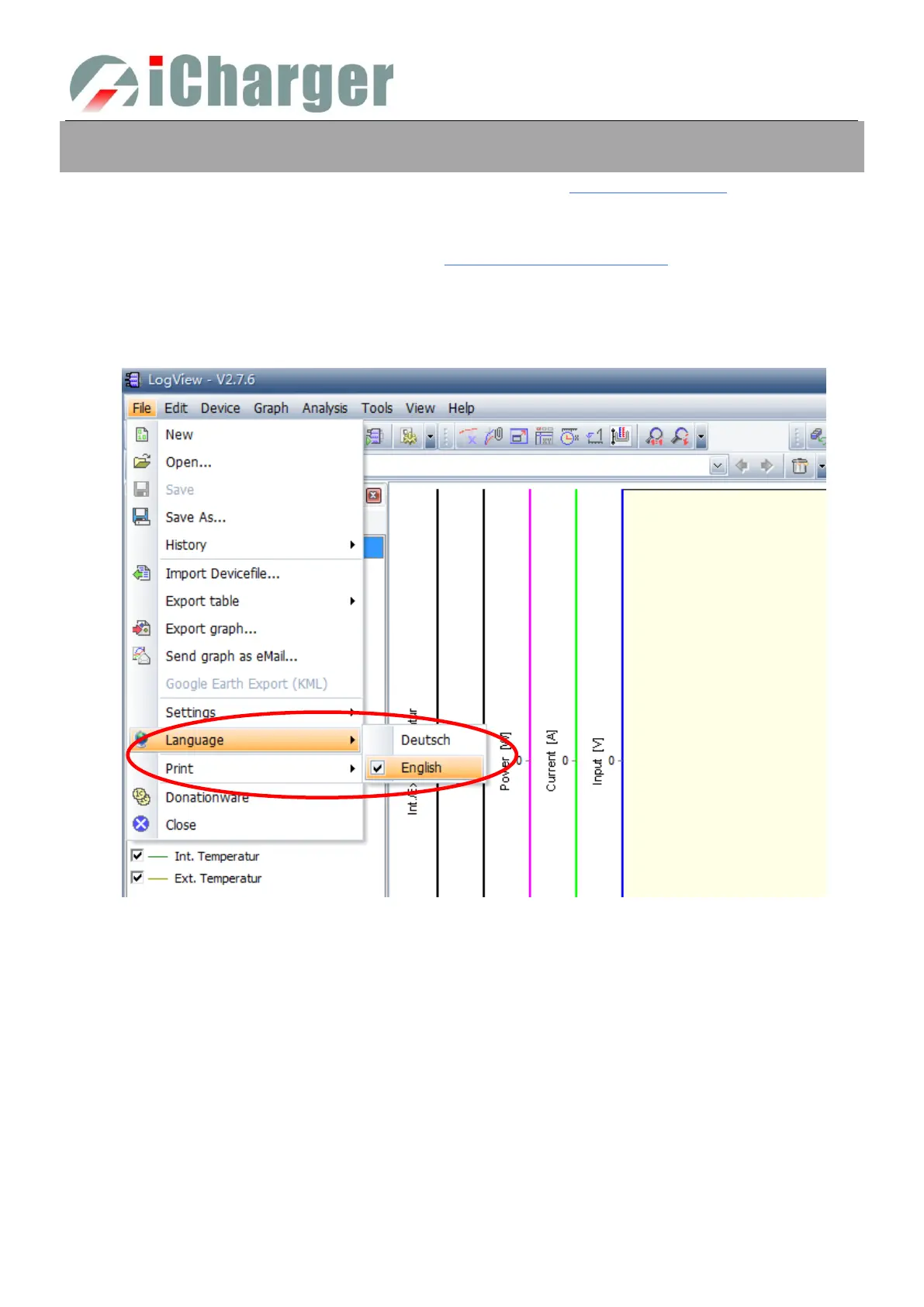
Start LogView
1) Please choose language first;



 To Next Page