• Focus of the Screen Image
When an image appears on the screen, check if it is in focus and fits the screen
properly. To adjust the focus of the image, rotate the focus ring.
• Using the projector
1. When in standby mode, press the power button to turn the projector on.
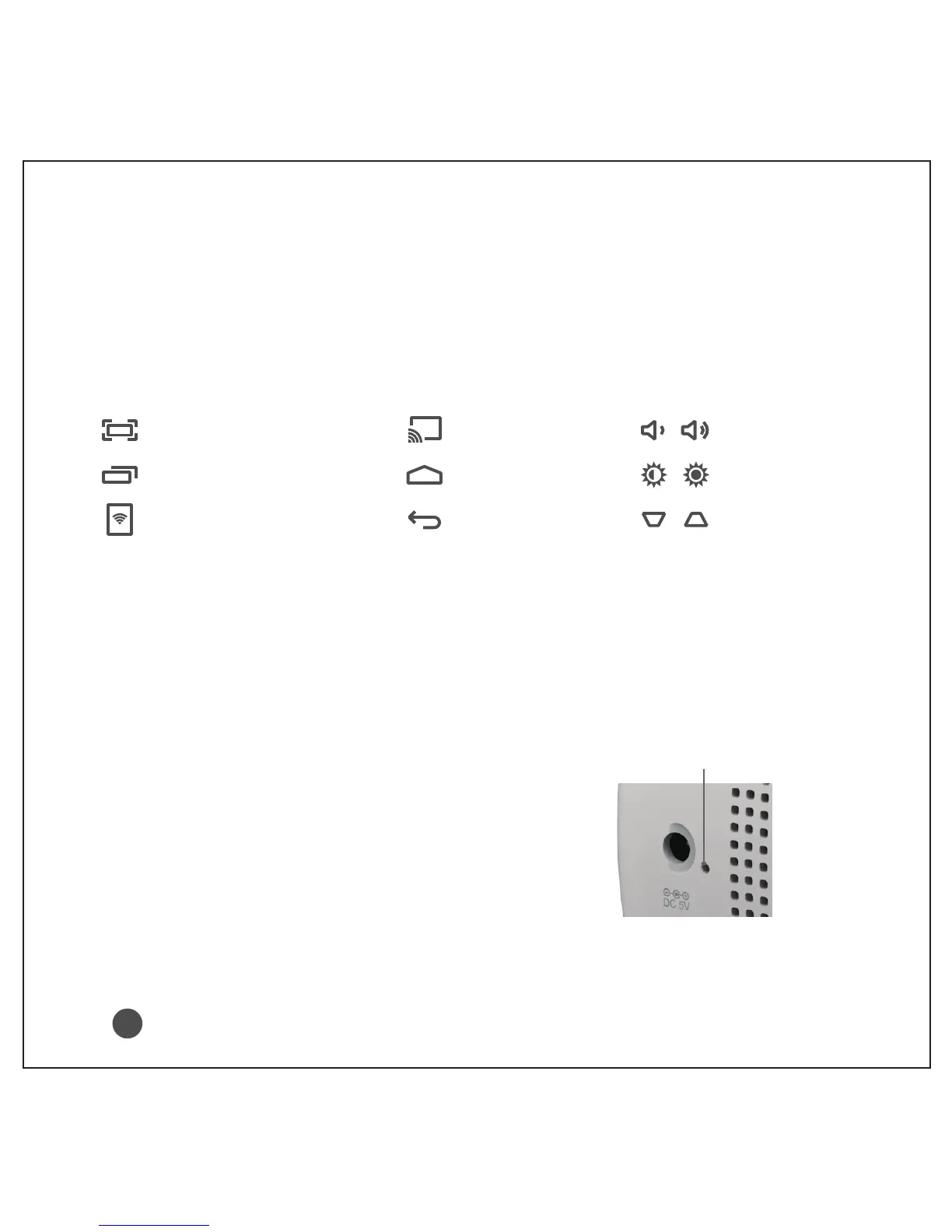
2. Control the projector using the following buttons while watching the screen.
3.To turn the projector off, press the power button long and then select ok.
• Using the battery
1. As your battery is low, the projector will be turned off in a minute.
2. If the screen shows a low battery message, be sure to charge the battery.
Battery Charge Indicator
Red: Charging
Turned off: Charging complete
Battery using time information
Charging: About 5 hours
Usage Hours: Up to 1.5 hours
(Available battery using time up to 1.5 hours when battery mode set to Max.)
Screenshot
Task manager
eShareDMC(DLNA)
Home
Back
Volume +/-
Brightness +/-
Keystone +/-
Miracast
Only use the official power cord provided by iCODIS. Do not use other power cords.
!
Battery Charge Indicator
3



 To Next Page