21
4
BIIS OPERATION
DD
Received message selection
The transceiver memorizes the received messages for
record. Up to 6 messages for status and SDM, or 95 charac-
ter SDM’s can be memorized. The oldest message is erased
when the 7th message is received. However, once the trans-
ceiver is powered OFF, all messages are cleared.
q Push [P1] (Digital) for 1 sec.
• Displays queue memory.
w Push [P1] (Digital) momentarily.
• Displays message memory.
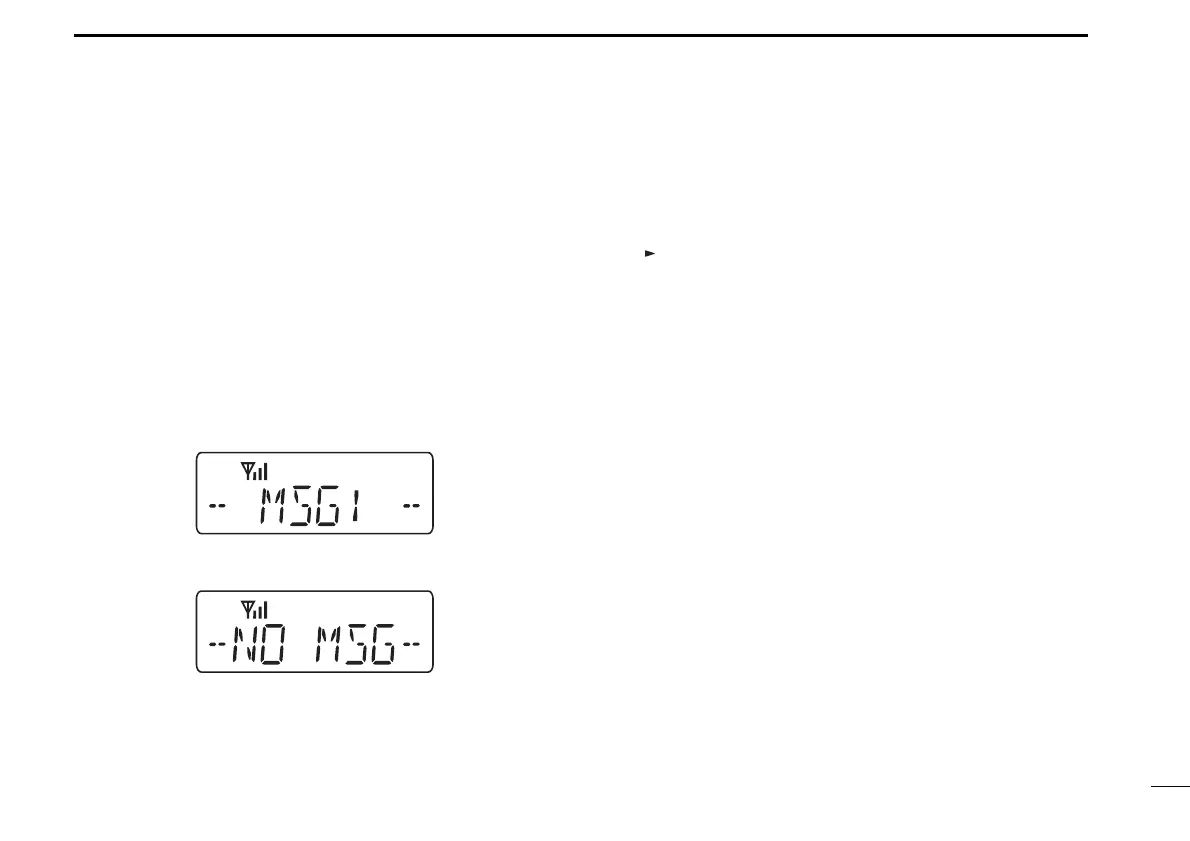
When a message is available
When no message is available
e Push [UP] or [DOWN] to select the desired message.
•When selecting the SDM that includes more than 8 characters,
“” appears and the message scrolls automatically, when the
automatic scroll function is activated.
• Push [Status Up]/[Status Down] to scroll the message manually.
r Push [P1] (Digital) for 1 sec. again to return to the standby
condition.
•When no operation is performed for 30 sec., the transceiver
returns to the standby condition automatically.
IC-F34_44GT_GS-1.qxd 04.9.24 10:26 AM Page 21 (1,1)



 To Next Page
 Loading...