58
7
DSC OPERATION
■ Receiving DSC calls (Continued)
D Receiving a Position Report Call
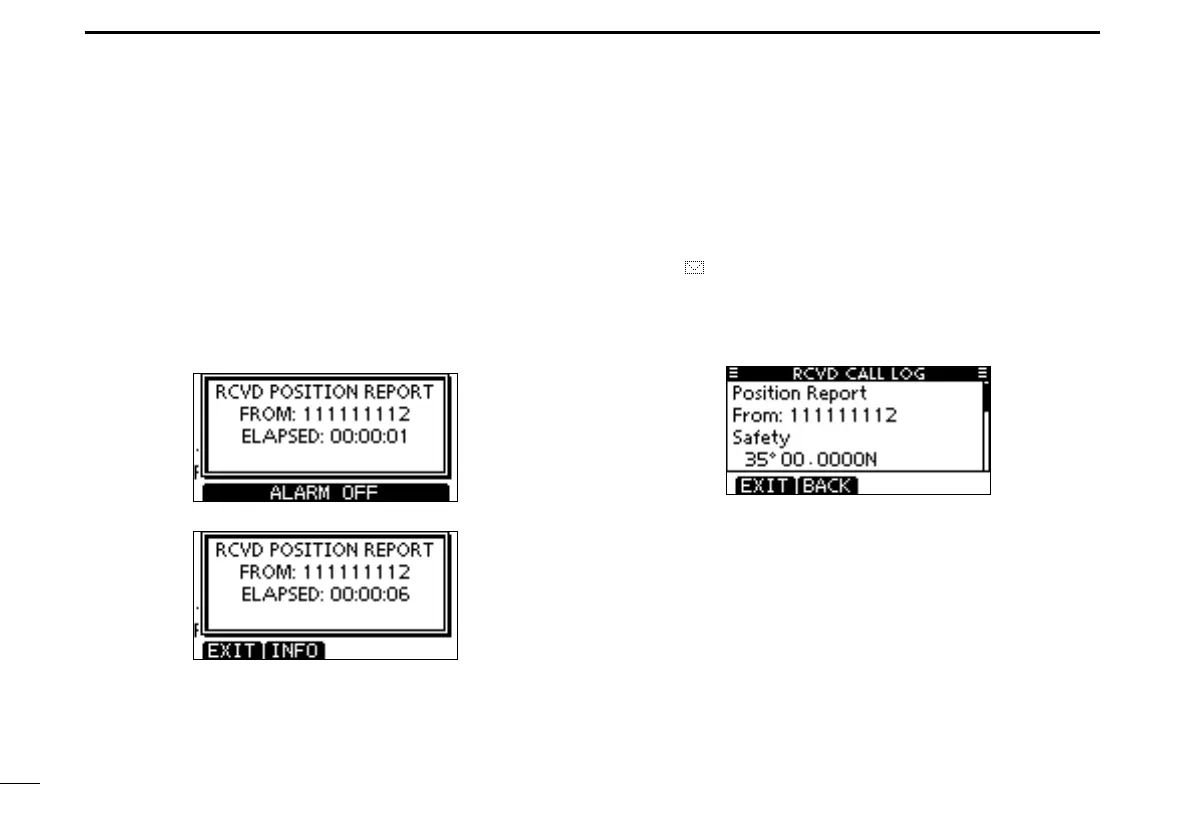
When a Position Report Call is received:
➥ The alarm sounds for 2 minutes.
➥ “RCVD POSITION REPORT” is displayed. The backlight
blinks for 2 minutes.
Push [ALARM OFF] to stop the alarm and the blinking q
backlight.
•Evenifyoudonotpush[ALARMOFF],thealarmstopsafter2
minutes, and then the screen in step w is displayed.
Push a softkey to select your desired action. w
[EXIT]
➥Push to ignore the Call and return to the normal operat-
ing mode.
•ThetransceiverexitstheDSCmode.
•“ ” continues to blink and the Call is stored in the Received
Call Log.
[INFO]
➥Push to display the Received call information. (p. 61)



 To Next Page