46
1
7
4
10
15
18
2
8
13
5
11
16
3
9
14
6
12
17
DIGITAL SELECTIVE CALLING (DSC)
7
■ Making an Individual call to an AIS target
MMSI code. In this case, the call type is automatically set to Routine.
D Selecting an AIS target on the IC-M510BB
You can compose an Individual call to an AIS target selected on the Plotter screen or the
AIS list.
NOTE:
1. Select the AIS target from the Plotter screen, the Target List, the Friends List, or the
Danger list (pp. 53, 57).
2. Push
.
• “COMPOSE OTHER” screen is displayed.
3. Select “Channel,” then push [ENT] or [DIAL] to display the Voice channel selection
screen.
L See page 23 for details.
4. Select a channel to assign, and then push [ENT] or [DIAL].
5. Push
to send the Individual call.
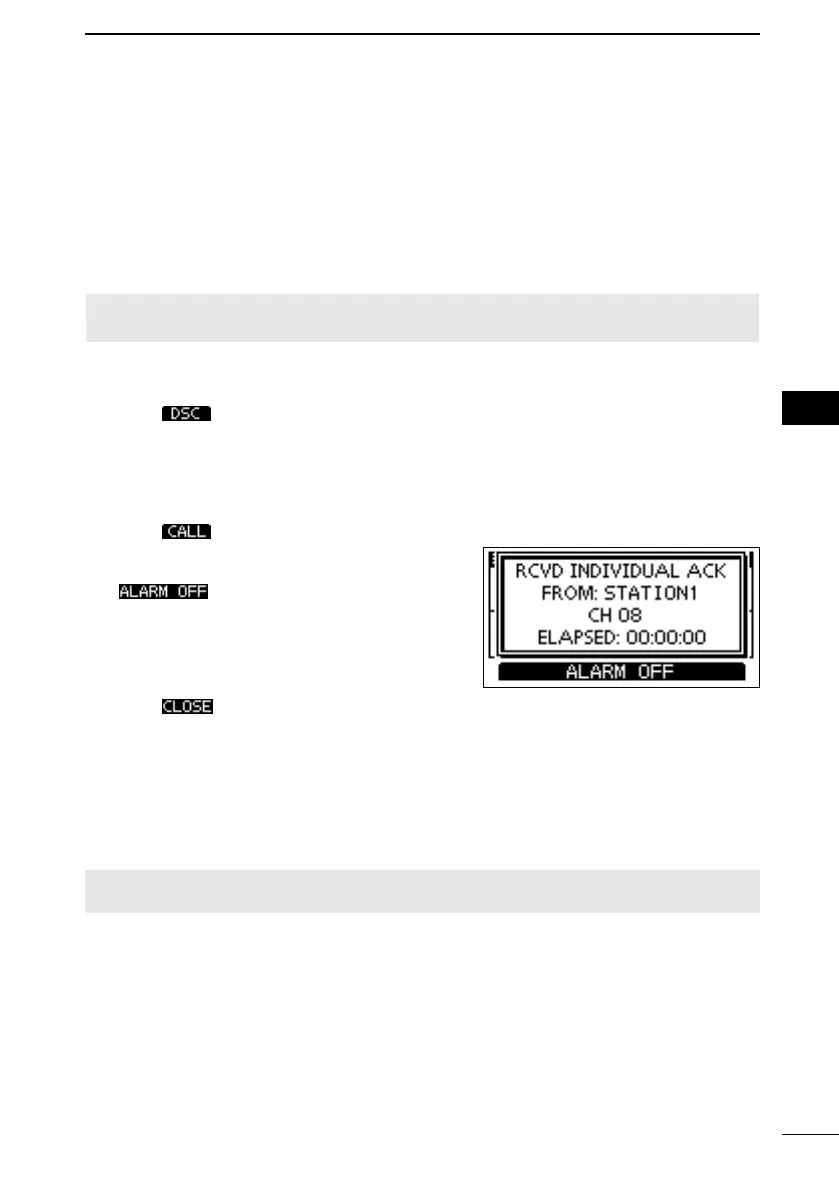
6.
“Able to comply”, an alarm sounds. Push
to turn OFF the alarm.
• The channel assigned in step 4 is automatically
selected.
L If the called station cannot use the channel
selected by the other station.
7. Push .
8.
D Using an AIS transponder
When the optional MA-510TR is connected to the transceiver,
you can transmit an Individual call to a selected AIS target and the voice channel on the
transponder.
L See page 82 for connecting instructions.
NOTE: To ensure correct operation of the DSC function, make sure you correctly set the
CH70 SQL Level. (p. 45)
L
FELLECS-TECH | inbox@fellecs-tech.com | www.fellecs-tech.com



 To Next Page