11
7
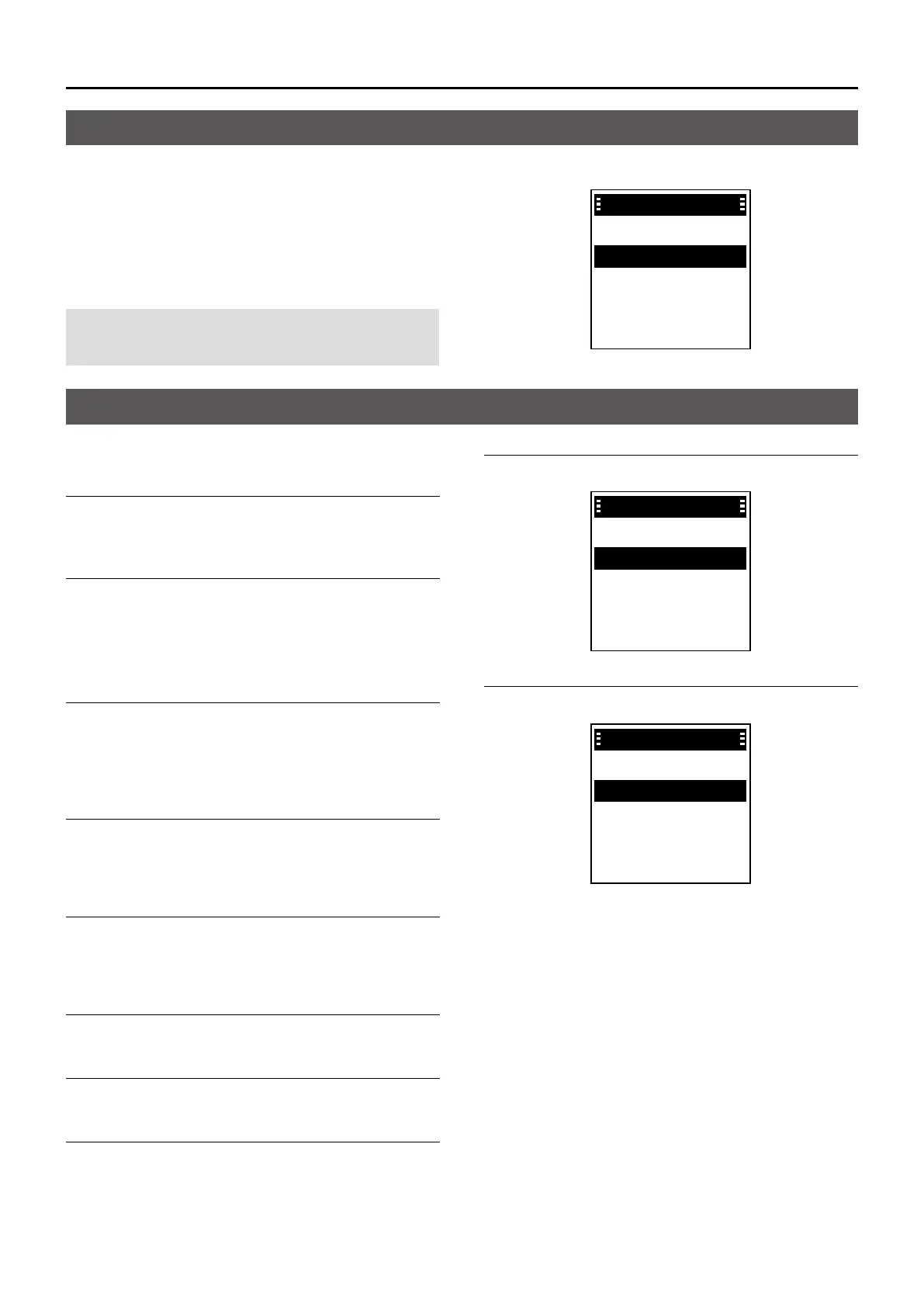
MENU SCREEN
You can use the Menu screen to set infrequently
changed values or function settings.
The Menu screen is constructed in a tree structure.
You can go to the next tree level by pushing [RIGHT]
or [OK], go back a level pushing [LEFT] or [BACK].
To select an item, push [UP] or [DOWN].
NOTE: The menu items contained in the transceiver
may differ, depending on the its version or
presettings.
D Talkgroup
Refresh Talkgroup
Select the item, and then push [OK] to refresh the
Talkgroup list.
Talkgroup List
Displays the Talkgroup list.
L “P” is displayed for the Priority Talkgroup.
D PTT Option
Talk Timer
The Talk Timer displays the time remaining for the
current talk period.
• OFF: Turns OFF the function.
• ON: Displays the remaining time while transmitting.
Mic gain
Sets the microphone sensitivity to between -5 and 5.
L Higher values make the microphone more sensitive to
the user's voice.
Call Recorder
Turn ON or OFF the Call Recorder function.
• OFF: Turns OFF the function.
• ON: Records the received call audio.
Received Message
Displays the Received message list.
Message List
Displays the Created message list.
Location Sharing
Turn ON or OFF the Location Sharing function.
OFF:
Turns OFF the function.
ON: Share your location with other Talkgroup
participants.
Position Format
Select a format to display your position data.
Position Format
✔ ddd˚ mm'ss"
✔
✔
✔
✔
ddd˚ mm.mm'
Distance Format
Select a format to display the distance.
Distance Format
✔ Kilometers
✔
✔
✔
✔
Miles
Menu items
Using the Menu screen
Menu
PTT Options
Bluetooth
Functions
Clock
Talkgroup


 To Next Page