Velocity Curve
Select the available velocity curve of your keybed. For the difference velocity
curve diagram, please refer to P.14
Glob Chan
Set the keybed (no zone setting allowed) global channel from 01 to 16.
Layer button
You may have 2 different “Layers” settings for the four control knobs.
Assign MIDI functions to the knobs (User define mode only)
Select your desired MIDI functions for the knob.
Assign MIDI functions to the fader (User define mode only)
Select your desired MIDI functions for the fader.
Assign MIDI functions to the MMC button (User define mode only)
Select your desired MIDI functions for the MMC button
“Save file” button
Click this button to save your current settings for the Neuron G2. The file is
an “.neuron” file.
“Load file” button
Click this button to load a previously saved “.neuron” setting file for your Neuron G2.
“Send Data” button
TM
Click this button to upload the iMap software settings to your Neuron G2 via
USB connection.
(Note: You must have connected your Neuron G2 to your Mac/PC, otherwise the settings
upload will not be successful.)
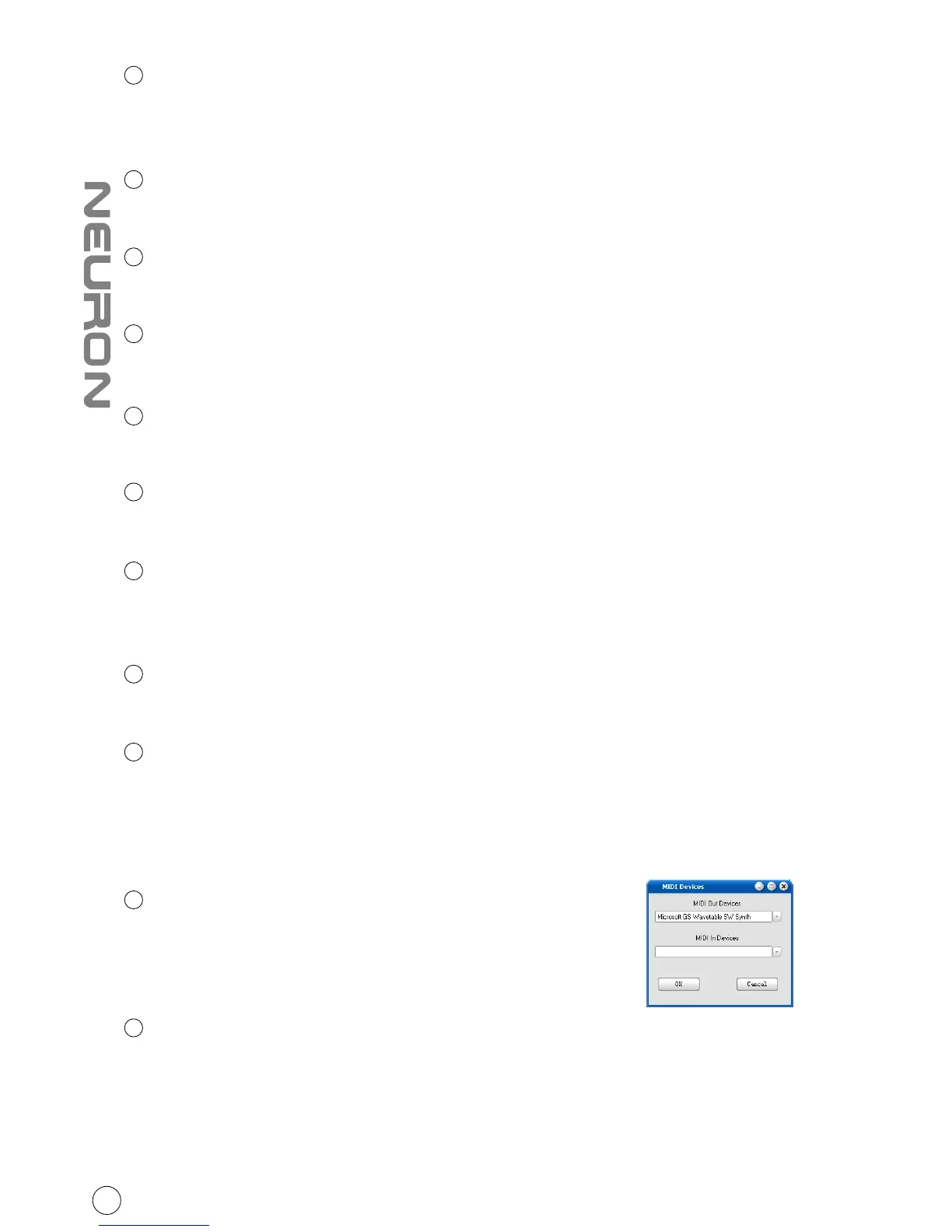
“MIDI Devices” button
Click this button, a MIDI device select window will
appear as shown in diagram 1. Please select “ICON
Neuron G2” for the MIDI Out Devices.
“Firmware Upgrade” button
Click this button to enter into the firmware upgrade window for Neuron G2.
Please refer to P.12 for the firmware upgrade procedure.
Diagram 1
3
4
5
6
7
8
9
10
11
12
13
11



 To Next Page