EasyManua.ls Logo

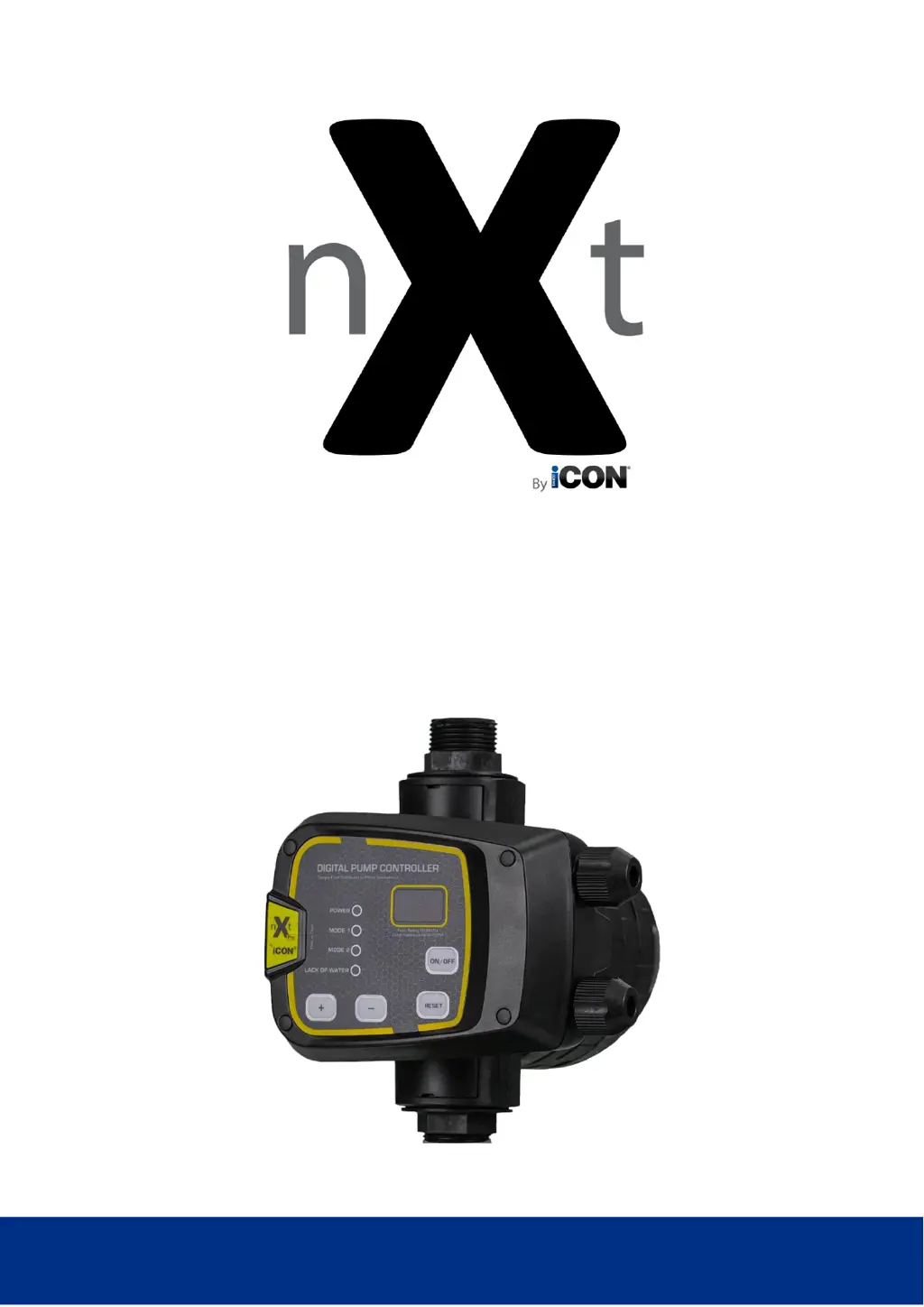
ICON NXT Pro - User Manual

ICON NXT Pro
20 pages
Print Icon
To Next Page IconTo Next Page
Loading...
1
Auto Restart Pump Controller
iCON NXT Pro User Manual
808035 / BIA-NXTPRO

Questions and Answers

  • D
    David CurtisAug 13, 2025
    How to troubleshoot ICON NXT Pro Controller when the pump will not start?
    • C
      Christopher TorresAug 14, 2025
      If your ICON Controller's pump isn't starting, first ensure the controller's ON/OFF button is activated and the GREEN 'POWER' LED is illuminated. Check that the controller isn't in error mode, indicated by a RED 'LACK OF WATER' LED or the display showing -P-, -A-, OL, UL, PF, or Pr. For 'Controller Only' options, verify the controller-to-pump wiring. Also, ensure the water column above the controller doesn't exceed the cut-in pressure. If none of these resolve the issue, internal electronics may have failed due to a lightning strike or power surge.
  • J
    Jeffrey VillanuevaAug 17, 2025
    Why doesn’t my ICON NXT Pro Controller pump stop running?
    • S
      Shannon FoxAug 17, 2025
      If your ICON Controller's pump doesn’t stop, the issue could be due to several factors. First, leaks exceeding the minimum flow requirement (approximately 0.9 l/min) might be the cause; the PF (low flow protection) setting may be disabled. You should also inspect the internal check valve for any issues. Excessive iron oxide disrupting operation or damaged internal electronics may also be responsible.
  • J
    jeremy66Aug 21, 2025
    What to do if the RED 'LACK OF WATER' LED is flashing on my ICON NXT Pro Controller?
    • J
      John JonesAug 21, 2025
      If the RED 'LACK OF WATER' LED is flashing on your ICON Controller, it could be due to several reasons: the pump not being primed or having lost its prime, a water shortage (check if the valve on the suction is closed), air pockets or leaks in the suction line, the pump's thermal protection being activated, or the pump head being less than the cut-in pressure.
  • S
    Shaun FryeAug 25, 2025
    What does 'Pr' mean on my ICON NXT Pro Controller display?
    • B
      Benjamin DiazAug 26, 2025
      If your ICON Controller displays 'Pr', it means the pump has been running continuously, exceeding the time value of the Pr setting, possibly due to a tap left open or a broken pipe. Alternatively, the cut-out pressure (Mode 2) might be greater than what the pump can deliver. You can reset this by cycling power to the controller.
  • B
    benjamindanielsAug 28, 2025
    What does 'OL' mean on my ICON NXT Pro Controller display?
    • C
      Carrie DouglasAug 28, 2025
      If your ICON Controller displays 'OL', it indicates a possible pump fault, specifically a power overload. Check that the OL set value is correct.
  • C
    Carlos SmithSep 1, 2025
    What does 'UL' mean on my ICON NXT Pro display?
    • L
      lrobinsonSep 1, 2025
      If your ICON Controller displays 'UL', it indicates a lack of water (dry run) condition, which signifies a power underload. Check that the UL set value is correct.
  • J
    Justin WebbSep 5, 2025
    What does '-P-' mean on my ICON Controller display?
    • L
      Lindsay LamSep 5, 2025
      If your ICON Controller displays '-P-', it means the actual pressure in the pipeline has exceeded 9.9 Bar for more than 5 seconds. This could indicate damage to the controller or the pressure sensor.
  • A
    Anthony GomezSep 8, 2025
    What does '-A-' mean on my ICON Controller display?
    • B
      Benjamin LambertSep 8, 2025
      If your ICON Controller displays '-A-', check for leaking taps, float valves, or non-return/foot valves.

Summary

Introduction

Key Features

ISO 7010 Symbols

Technical Specifications

Warnings

Cautions

Electrical Connections

Display and Indicators

Programming and Error Messages

Error Messages

Details specific error codes displayed by the controller and their meanings.

Installation

Priming the System

Standards and Approvals

Operation

Mode 1: Electronic Pressure Controller

Describes operation as a traditional pressure controller, including start and stop conditions.

Mode 2: Electronic Pressure Switch

Details operation as an electronic pressure switch with dry run protection.

Operation Details

Operation Display Codes

Explains controller error displays (-P-, -A-, OL, UL, Pr) and their associated causes.

Dry Run Protection Sequence

Details the sequence for dry run detection and auto restart cycles.

Pressure Tank Fitment

Mode 1: Pressure Tank Benefits

Explains pressure controller mode and the benefits of using a pressure tank.

Mode 2: Pressure Vessel Requirement

Details pressure switch mode, requiring a pressure vessel for pump cycling prevention.

Warranty Terms and Conditions

Troubleshooting Guide

Pump Not Starting

Guides on troubleshooting scenarios where the pump fails to initiate operation.

Pump Not Stopping

Provides solutions for issues where the pump continues to run unexpectedly.

Pump Failure Issues

Addresses general pump failures and checks unrelated to the controller.

Lack of Water Indicator Troubleshooting

Troubleshooting steps for the 'Lack of Water' indicator and related dry run conditions.

Troubleshooting Display Codes

Guides on interpreting controller display codes for troubleshooting pump issues.

Notes

ICON NXT Pro Specifications

General IconGeneral
BrandICON
ModelNXT Pro
CategoryController
LanguageEnglish

Related product manuals