36
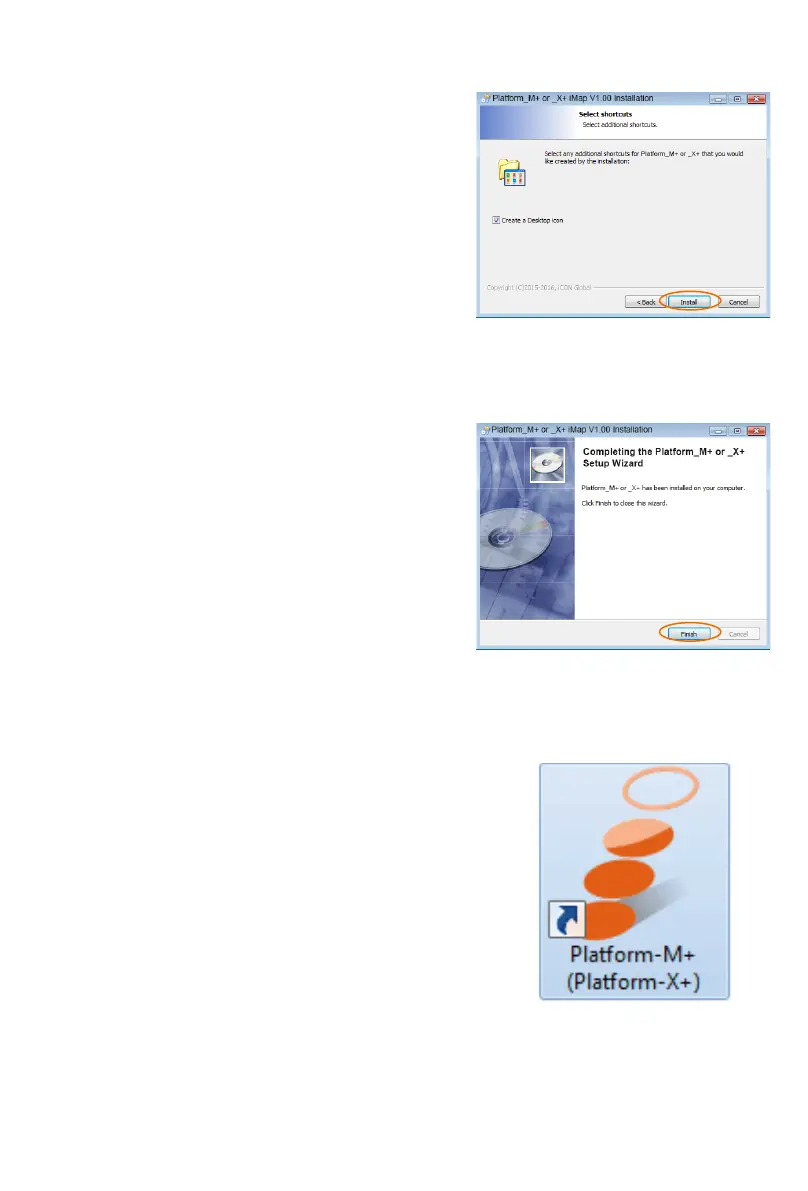
5. Create a shortcut on your desktop
Please untick the box if you do not want to
place a shortcut icon on your desktop for
iMap
TM
, otherwise click “Next”.
6. iMap
TM
started to install
The iMap
TM
installation has now started,
wait for it to nish. Then click “Finish”.
7. Click the iMap logo on your
desktop to launch the iMap
software.



 To Next Page