40
Assigning MIDI message with User Dene
mode at iMap
TM
iMap
TM
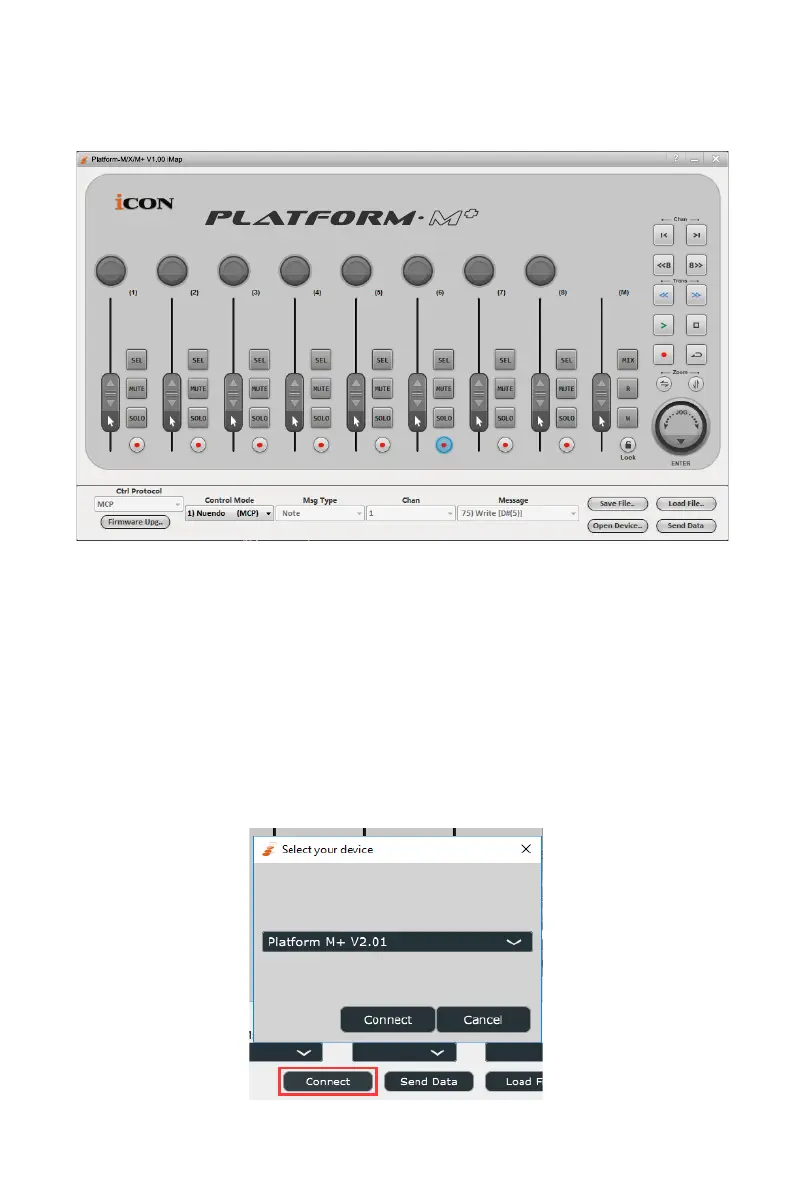
Platform M+ Software panel
To begin the DAW mode setup, let make the connection of your Platform M+
with iMap. Please follow the below steps:
1. Connect Platform M+ to your Mac/PC.
2. Launch iMap and click “Connect ” button.
3. Select “Platform M+” at the pop-up menu as your MIDI out
device.



 To Next Page