EasyManua.ls Logo

ICON PRO-FORM CITY L6 - User Manual

ICON PRO-FORM CITY L6
24 pages
Print Icon
To Next Page IconTo Next Page
Loading...
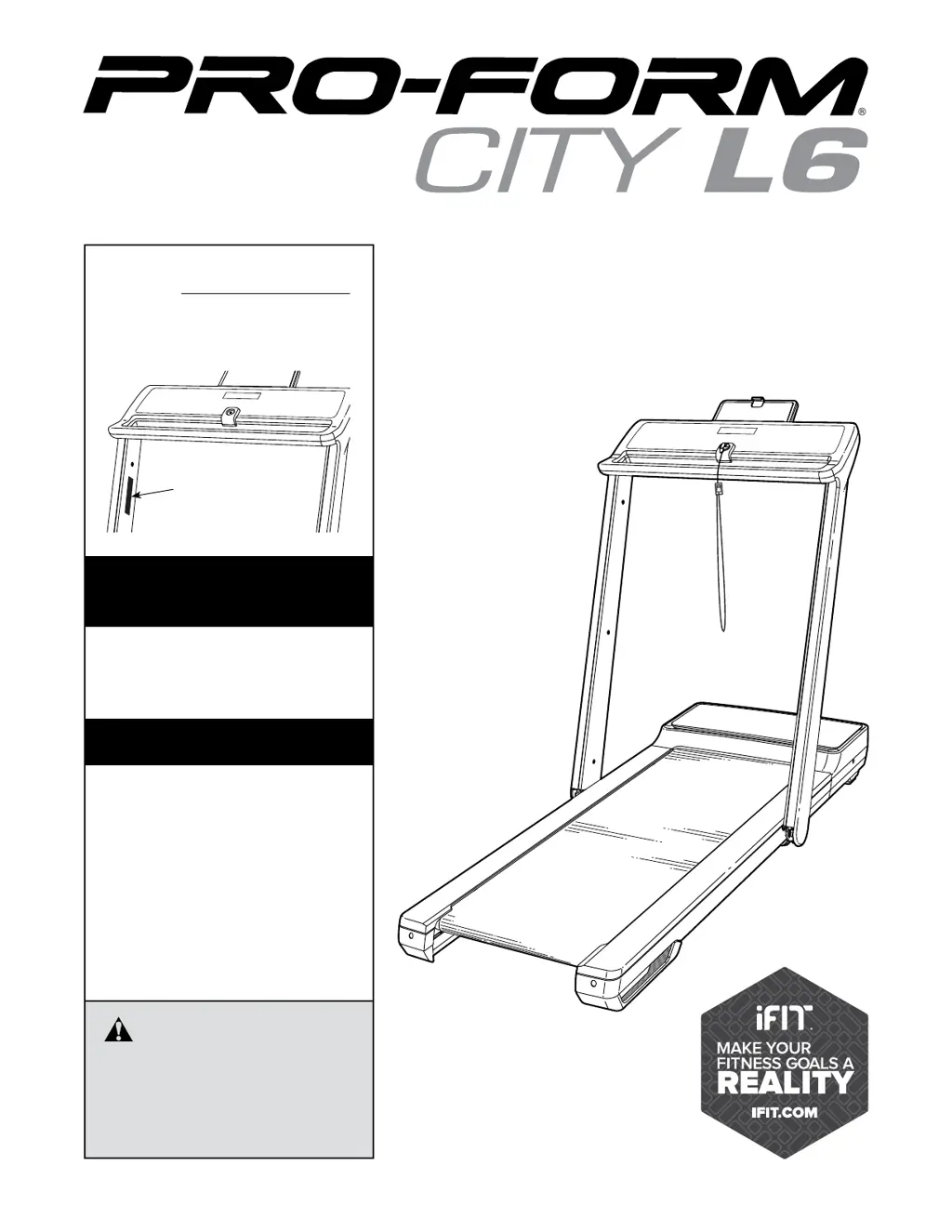
USER’S MANUAL
proform.com
Model No. PFTL28820.0
Serial No.
Write the serial number in the space
above for reference.
To register your product and
activate your warranty today,
go to my.proform.com.
For service at any time, go to
support.proform.com.
Or call 1-888-533-1333
Mon.–Fri. 6 a.m.–6 p.m. MT
Sat. 8 a.m.–12 p.m. MT
Please do not contact the store.
ACTIVATE YOUR
WARRANTY
CUSTOMER CARE
Serial
Number
Decal
CAUTION
Read all precautions and
instructions in this manual before
using this equipment. Keep this
manual for future reference.

Questions and Answers

  • J
    Jason TaylorJul 30, 2025
    How to fix ICON PRO-FORM CITY L6 Treadmill when it does not turn on?
    • J
      jenningslisaJul 30, 2025
      First, ensure the power cord is plugged into a surge suppressor, and the surge suppressor is connected to a properly grounded outlet. Also, verify that the key is inserted into the console after plugging in the power cord. Check the power switch on the treadmill frame near the power cord; if it's protruding, wait five minutes, then press it back in. If the treadmill is connected to an AFCI-equipped outlet and the circuit breaker trips, consider purchasing an arc filter.
  • D
    David GibsonAug 8, 2025
    What to do if ICON Treadmill power turns off during use?
    • B
      Brent LucasAug 8, 2025
      If the power turns off during use, check the power switch and if it has tripped, wait five minutes before pressing it back in. Ensure the power cord is securely plugged in; if it is, unplug it, wait five minutes, and then plug it back in. You can also try removing and reinserting the key from the console.
  • J
    Jeffrey NormanAug 19, 2025
    Why is the walking belt off-center or slipping on my ICON Treadmill?
    • A
      Andrew PerezAug 19, 2025
      If the walking belt is off-center, remove the key and unplug the power cord first. If the belt has shifted left, use the hex key to turn the left idler roller screw clockwise 1/2 turn. If it has shifted right, turn the left idler roller screw counterclockwise 1/2 turn. If the walking belt slips when walked on, remove the key and unplug the power cord. Then, use the hex key to turn both idler roller screws clockwise 1/4 of a turn. Properly tightened, you should be able to lift each edge of the belt 2 to 3 inches off the platform.

Summary

Warning Decal Placement

Important Precautions

Assembly

Assembly Steps

Steps for assembling the treadmill, including initial setup and activation.

How to Use the Treadmill

Connecting the Power Cord

Instructions on how to properly connect the treadmill's power cord using a surge suppressor.

Console Diagram

How to Turn On the Power

Using the Manual Mode

Connecting Your Tablet

Connecting a Heart Rate Monitor

Folding and Moving the Treadmill

Maintenance and Troubleshooting

Troubleshooting Common Issues

Solutions for common problems like power issues, belt problems, and slips.

Exercise Guidelines

ICON PRO-FORM CITY L6 Specifications

General IconGeneral
InclineYes
Running Surface51 x 140 cm
FoldingSpaceSaver Design
Running Area51 x 140 cm
Speed0.5 - 10 mph

Related product manuals