20 / 47
will be decreased to make you more comfortable.
Digital Output
- Choose between HDMI LPCM / HDMI RAW / SPDIF LPCM / SPDIF RAW. In raw mode,
Dolby Digital, DTS, or MPEG sound can be bypassed to the HDMI TV or Digital amplifier.
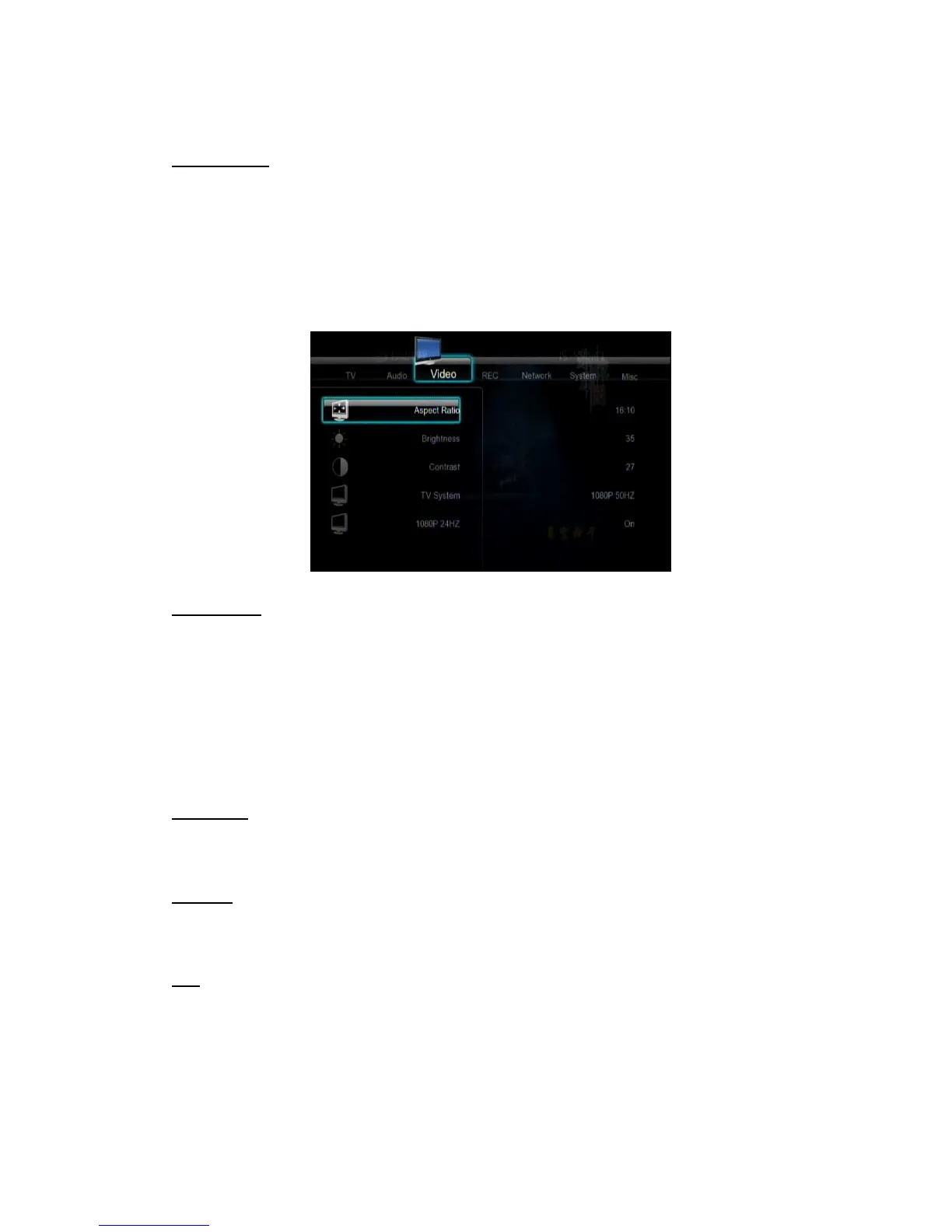
3.2 Changing Video Settings
Use this menu to configure video settings.
Aspect Ratio
- Pan Scan 4:3: Display a wide picture on the entire screen and cuts off the redundant
portions. Select when a standard 4:3 TV is connected.
- Letter Box 4:3: Display a wide picture with two black borders on the top and bottom of 4:3
screen. Select when a standard 4:3 TV is connected.
- 16:9: Compress the image to convert the whole image. Select when a 16:9 TV is
connected.
Brightness
- Adjust the level of brightness.
Contrast
- Adjust the level of contrast.
Hue
- Adjust the level of hue.



 To Next Page