39 / 47
download data from the Internet, please be patient to wait;
For more about SHOUTcast, please refer to the website: www.shoutcast.com
The following buttons can be used under this menu.
Move cursor up / down to select station, channel, and genre.
Confirm and enter the selected menu.
Add / delete a station to / from Favorite while it is highlighted.
Begin playback after a channel has been selected.
Return to the previous menu.
Station
- All downloaded stations will be listed under this menu.
Genre
- You can search for stations by genre (pop, rock, jazz, etc.) under this menu.
Favorite
- Your favorite stations can be kept under this menu.
4.5 P2P Share Menu
Select the P2P Share icon on the main menu. You can see the status of torrents download
progress and configure the BT download settings in this menu. Press LEFT/RIGHT button to
enter into download menu and BT setup menu.
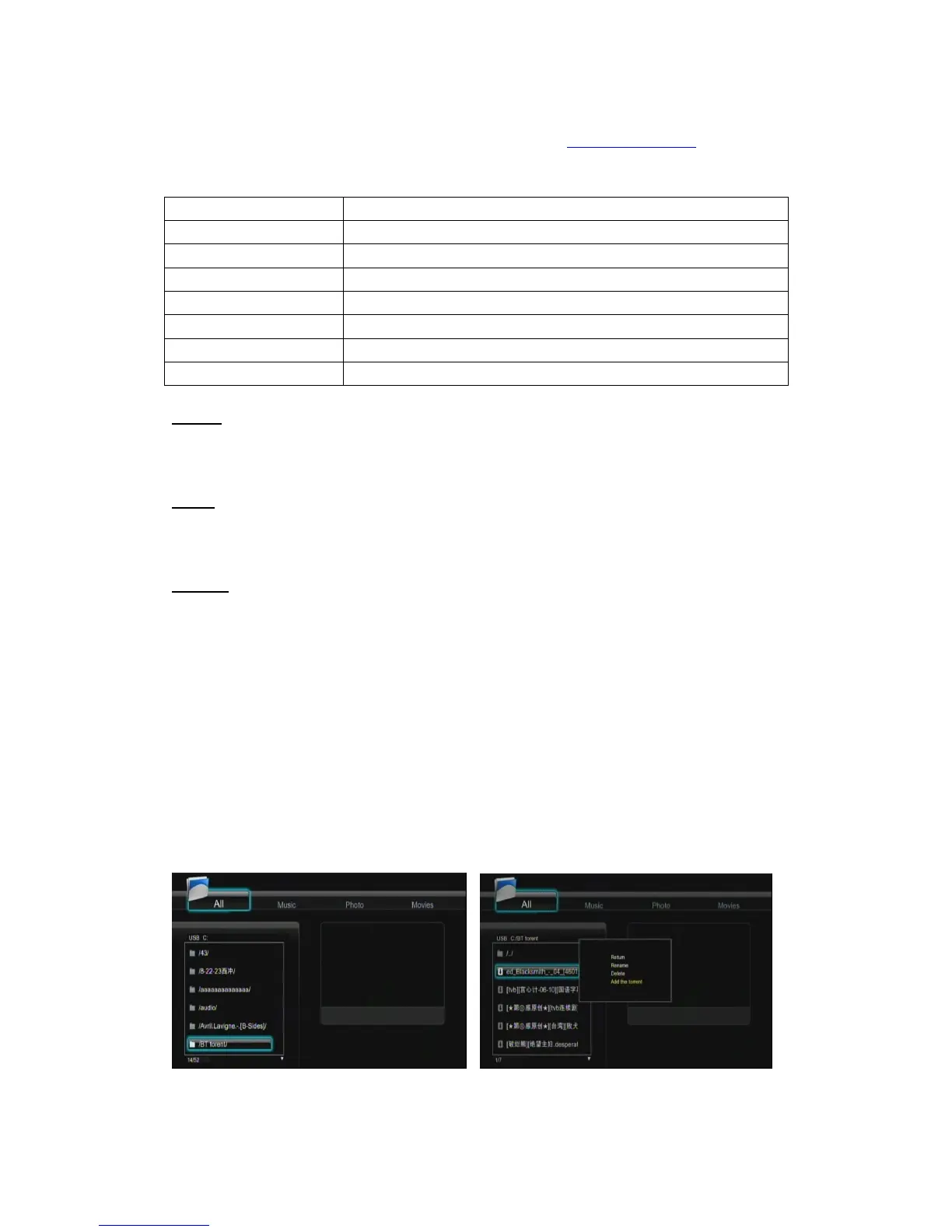
Add a torrent
Locate your torrent file in Browser menu,then press MENU button to add the torrent to start
downloading.



 To Next Page