37 / 47
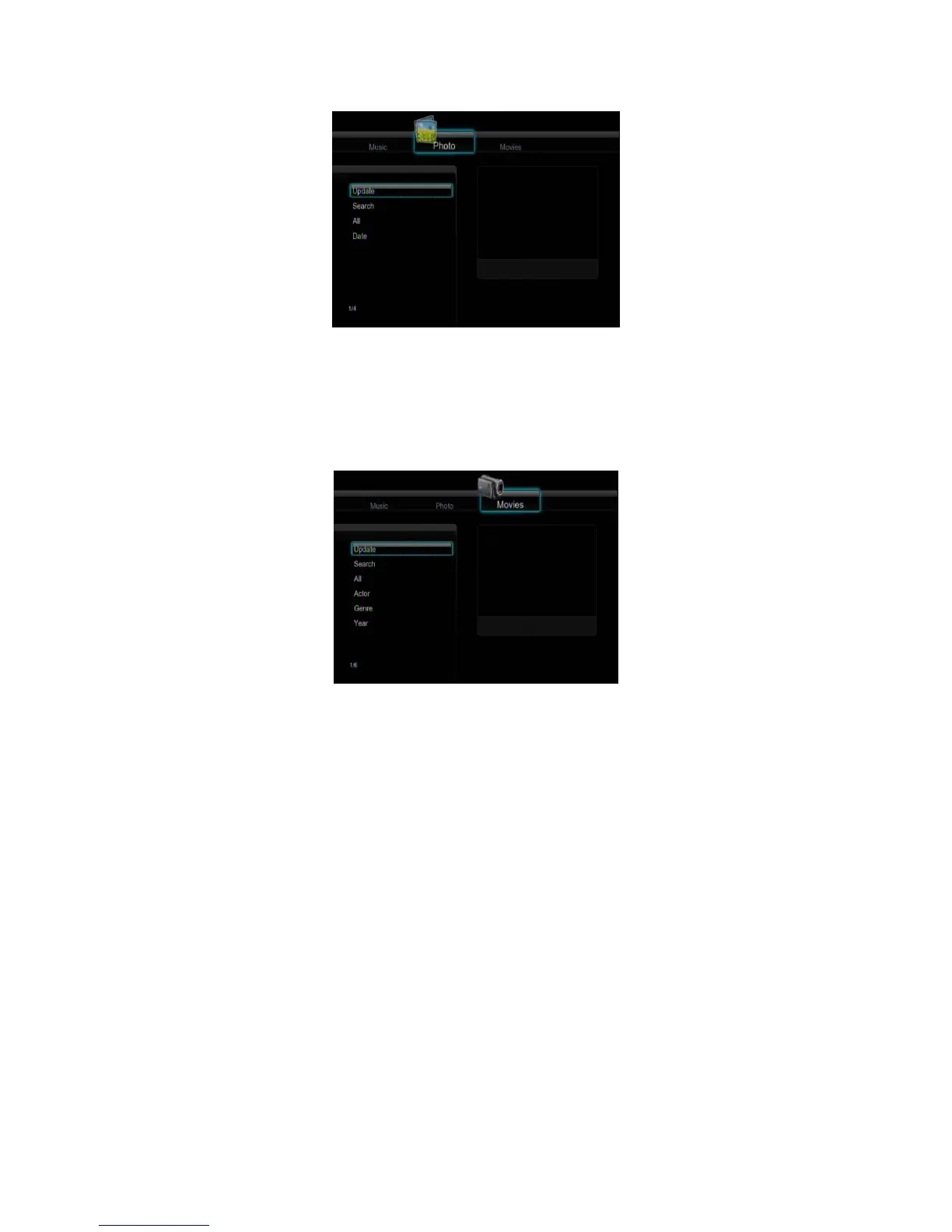
Press the up / down button to select from Update, Search, All, and Date. And press the enter
button to confirm.
4.2.3 Movie Library
Use the left / right button on the remote control to select the Movies tab.
Press the up / down button to select from Update, Search, All, Actor, Genre, and Year. And
press the enter button to confirm.
Note:
In order to use the search function more efficiently, you are encouraged to use the following
rules to name the movies stored on the internal HDD.
Syntax: [Name][Actor][Genre][Year].extension
Examples: [Enchanted.CD1][Amy Adams][Love][2007].avi, [The.Dark.Knight.CD1][Christian
Bale][Action][2008].avi, etc.
4.3 File Copy Menu
Select the File Copy icon from the home screen to enter the File Copy menu or press the
BROWSER button on the remote control, which allows you to copy files between Removable
Devices (Card, USB), HDD, and Network.



 To Next Page