21 / 47
Saturation
- Adjust the level of saturation.
TV SYSTEM
- Select to adjust video output resolution: NTSC / PAL / 480P / 576P / 720P 50HZ / 720P
60HZ / 1080I 50HZ / 1080I 60HZ / 1080P 50HZ / 1080P 60HZ.
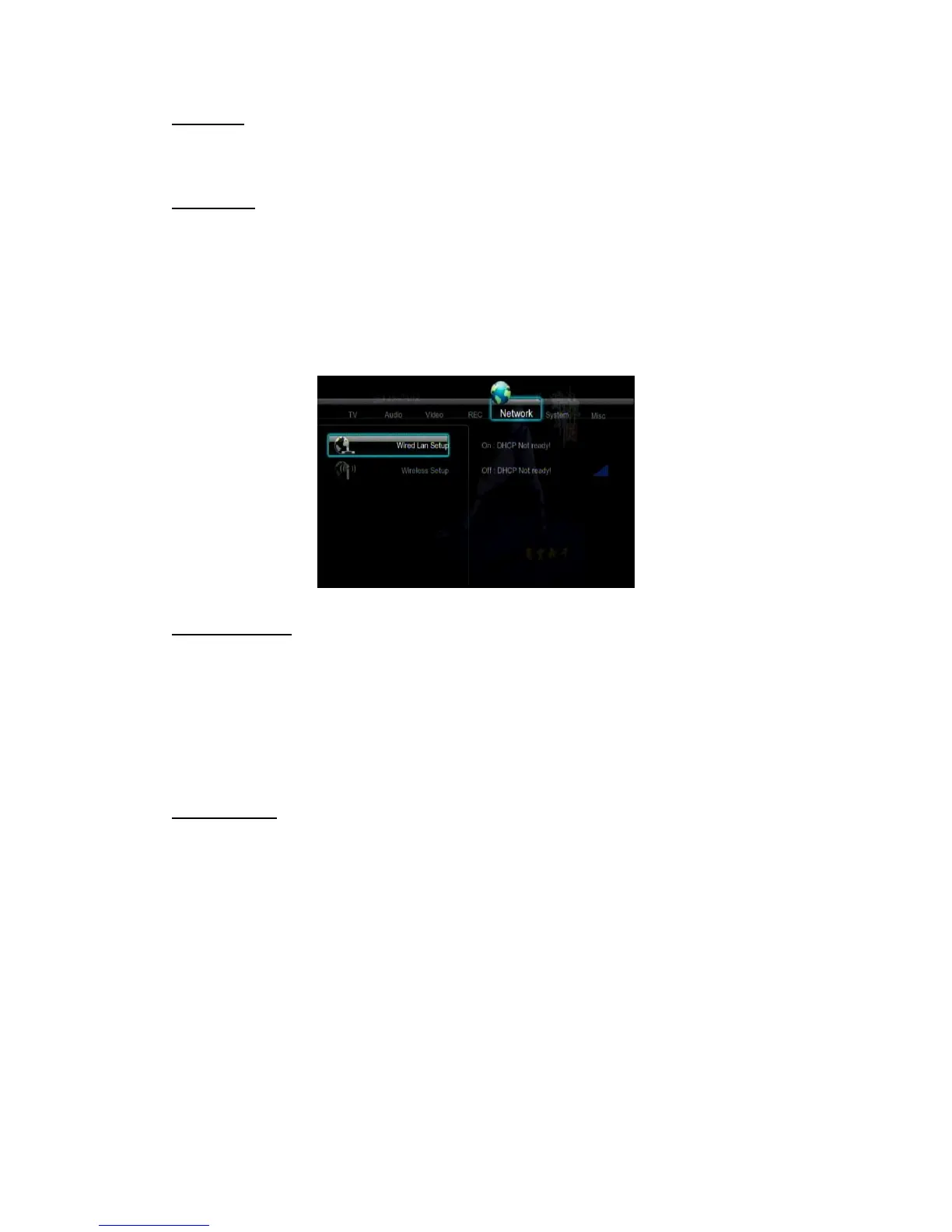
3.3 Changing Network Settings
Use this menu to configure Ethernet and WLAN (Wireless Local Area Network) settings.
Wired LAN Setup
- DHCP IP (AUTO)
Select to obtain IP address automatically.
- FIX IP (MANUAL)
Select to manually input the IP Address, Subnet Mask, Default Gateway, and DNS Server
IP Address.
Wireless Setup
- Selecting a connection profile



 To Next Page