25 / 47
System Update
- Select Extension Package Upgrade to update extension files for BT download and
SAMBA services.
- Select system upgrade to update the firmware via a USB stick.
1) Copy ‘install.img’ to the root directory of a USB stick, and connect it to the USB HOST
port of the player.
2) Press ENTER to confirm.
HDD Format
- Select to format the built-in or external HDD.
Note: Please take care that all data on the hard disk will be removed after formatting.
System Info
- Select to view system information (firmware version, HDD info, Mac address, etc.)
Restore Default
- Select to restore factory defaults.
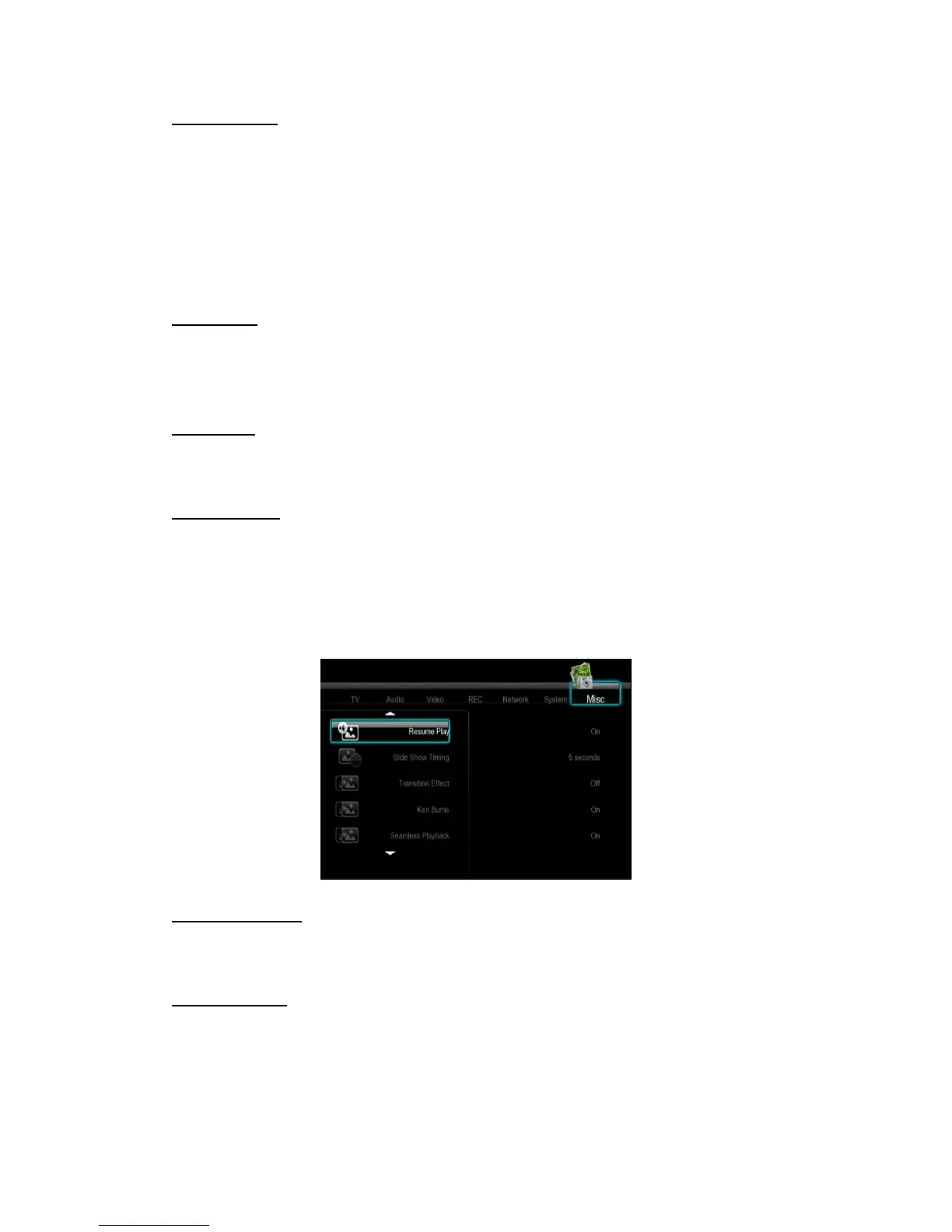
3.5 Miscellaneous
Use this menu to adjust miscellaneous settings.
Slide Show Timing
- Select to set the interval time for photo slide show.
Transition Effect
- Select to set the transition effect for photo slide show.



 To Next Page