36 / 47
If you wish to delete a file from the playlist, press the RED button to select, and then press the
GREEN button to confirm.
4.2 Media Library
Owning to a powerful search engine, the library menu allows you to search and browse
multimedia files stored on the internal HDD in most easy ways. To enter this menu, select the
Library icon on the home screen.
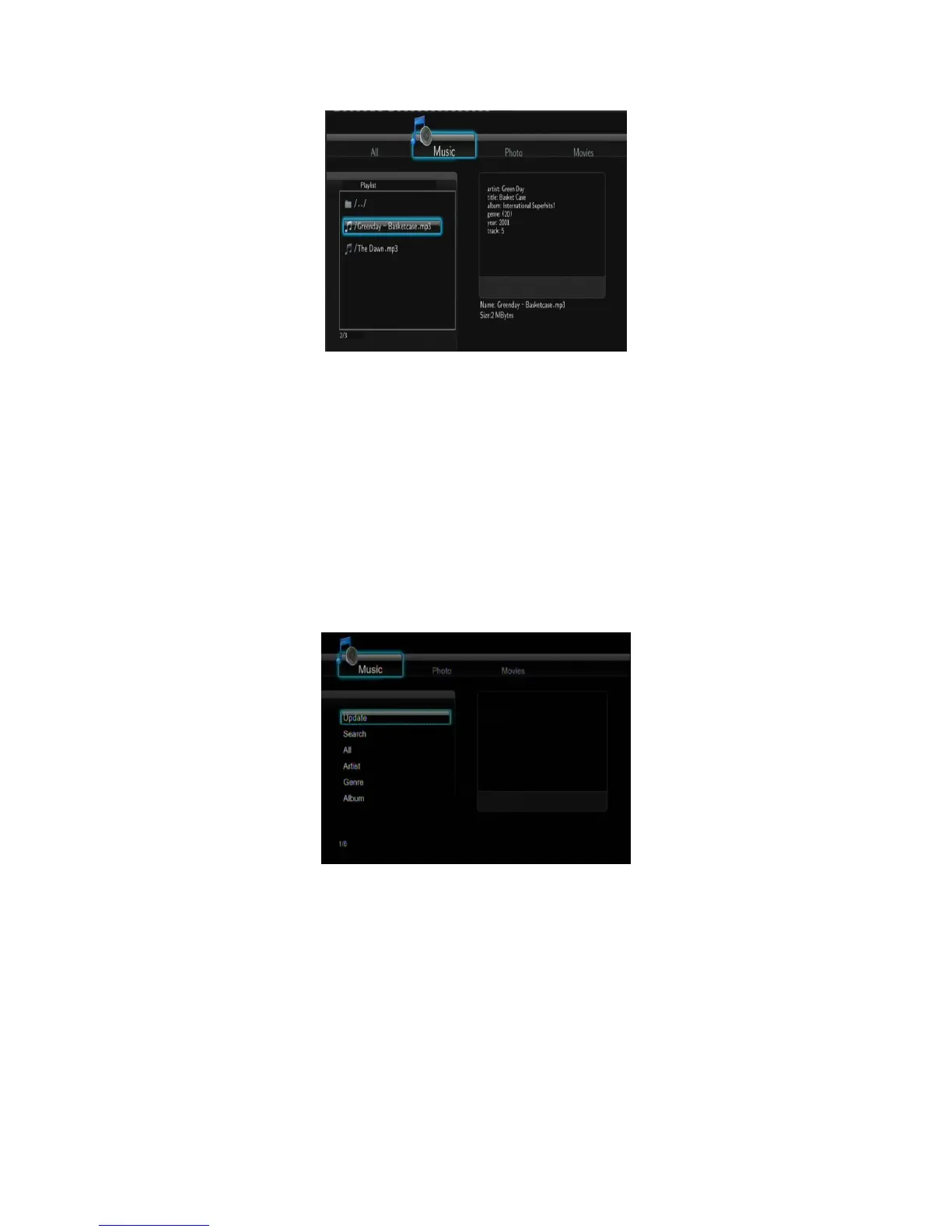
4.2.1 Music library
Use the left / right button on the remote control to select the Music tab.
Press the up / down button to select from Update, Search, All, Artist, Genre, and Album. And
press the enter button to confirm.
4.2.2 Photo Library
Use the left / right button on the remote control to select the Photos tab.



 To Next Page