35 / 47
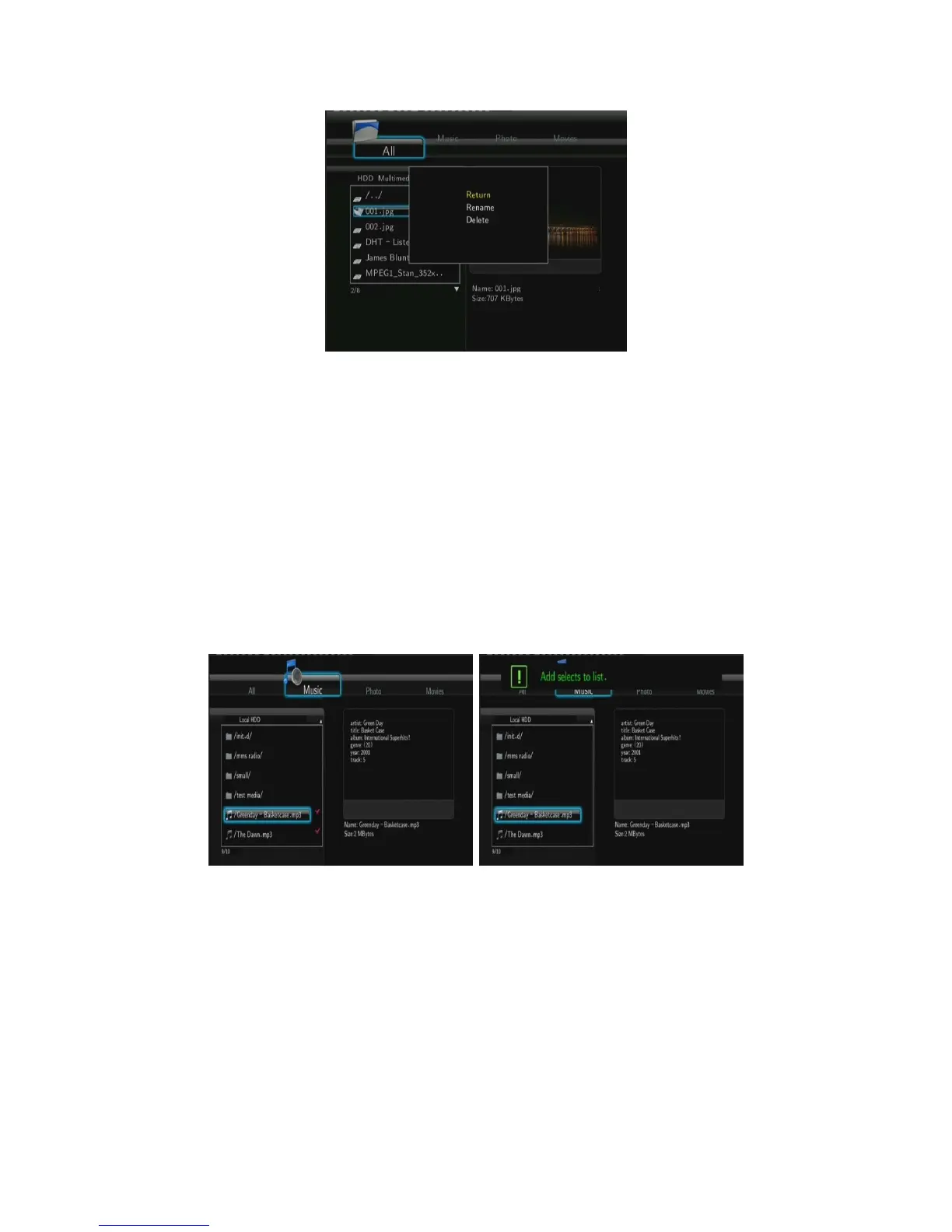
Press the UP / DOWN buttons to select from Return, Rename, and Delete. And press ENTER
to confirm.
4.1.8 Managing the Playlist
This player supports the playlist function, which allows you to add your favorite contents on
local HDD to the playlists (All, Music, Photos, and Movies), and enjoy them at any time.
4.1.8.1 Adding files to the playlist
Select the favorite file you wish to add, press the RED button, and the file will be ticked. Press
the GREEN button to confirm, and then an on-screen message ‘Add selects to list’ will be
shown. Multiple selections are allowed. See photo below.
4.1.8.2 Browsing the playlist
Press the UP / DOWN buttons to select Play List in the browser menu. Press the LEFT /
RIGHT buttons to select between All, Music, Photos, and Movies. And press the ENTER
button to confirm. Then you will enter the playlist.



 To Next Page