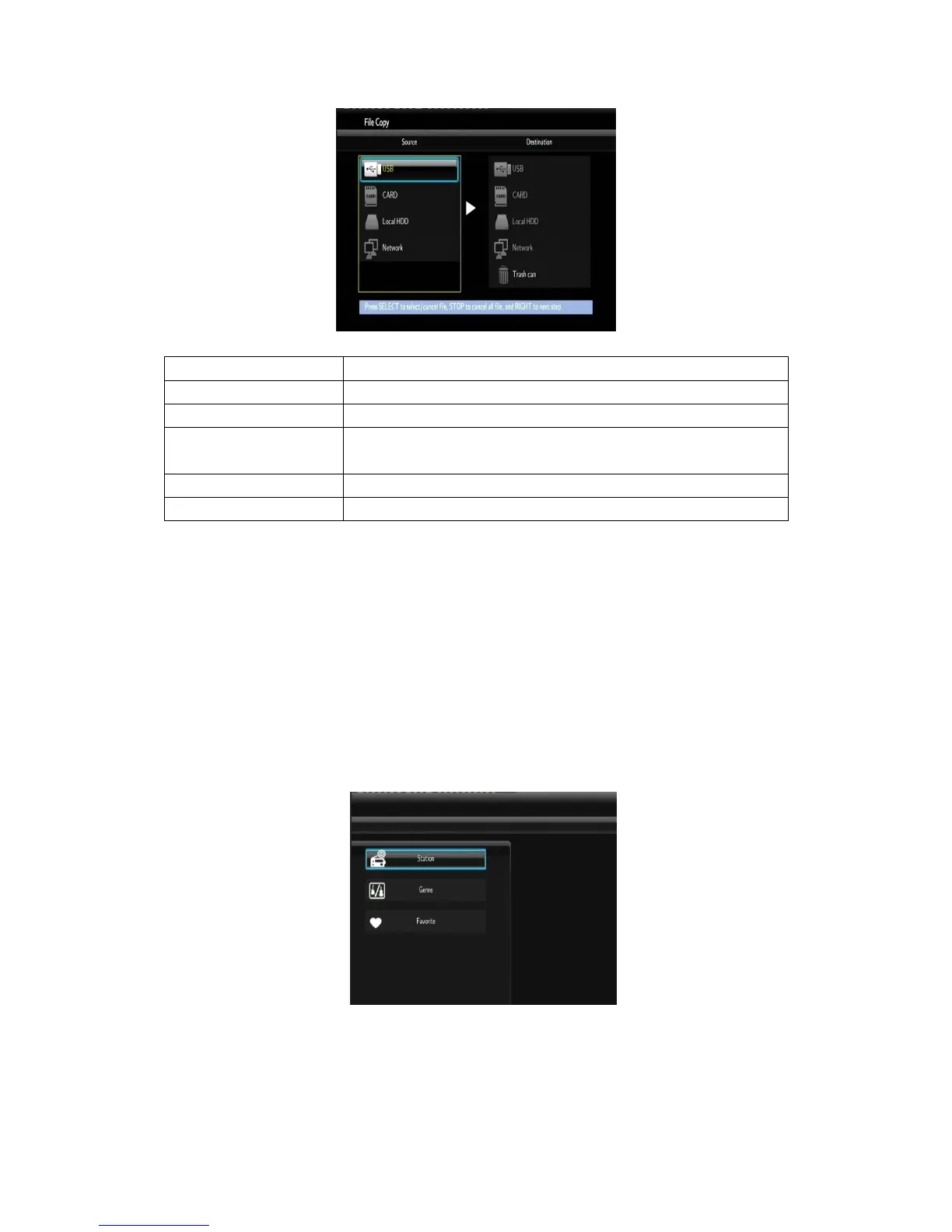
Please refer to the following operations to copy / move folders / files between devices.
- Step 1: Select the source device and destination device.
- Step 2: Select the source files you want to copy.
- Step 3: Select the destination folder to store the above files.
- Step 4: Select Copy or Move to proceed.
4.4 Internet Radio
This player integrates the SHOUTcast free Internet radio function. Select the Internet Radio
icon on the main interface to enter this menu.
Note:
Make sure the player is connected properly to a LAN or WLAN with Internet access,
please refer to ‘3.3 Changing Network Settings’ for more details;
When you enter the Digital Radio menu at the first time, it will take several seconds to



 To Next Page