34 / 47
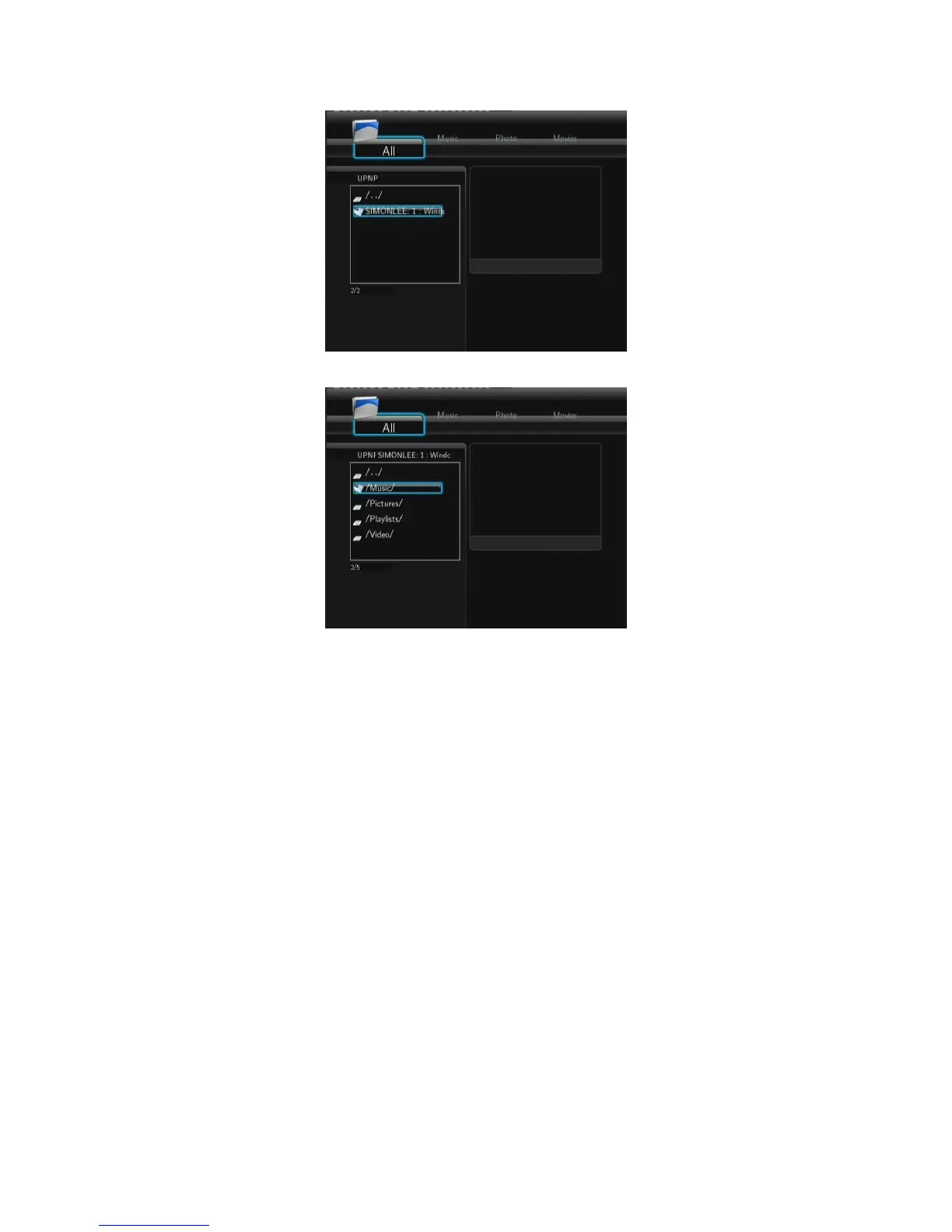
- Then you can browse the media library shared by Windows Media Player 11.
Note:
Make sure your player and your computer are on the same local area network and subnet.
Firewalls may prevent your player to communicating with your computer. Please open the
ports manually and add your player to the ‘trusted’ list, or disable the firewall temporarily.
4.1.7 Renaming / Deleting Files
When navigating in the browser menu, you can press the MENU button to activate a popup
menu where you can rename and delete files or folders.



 To Next Page