22 / 47
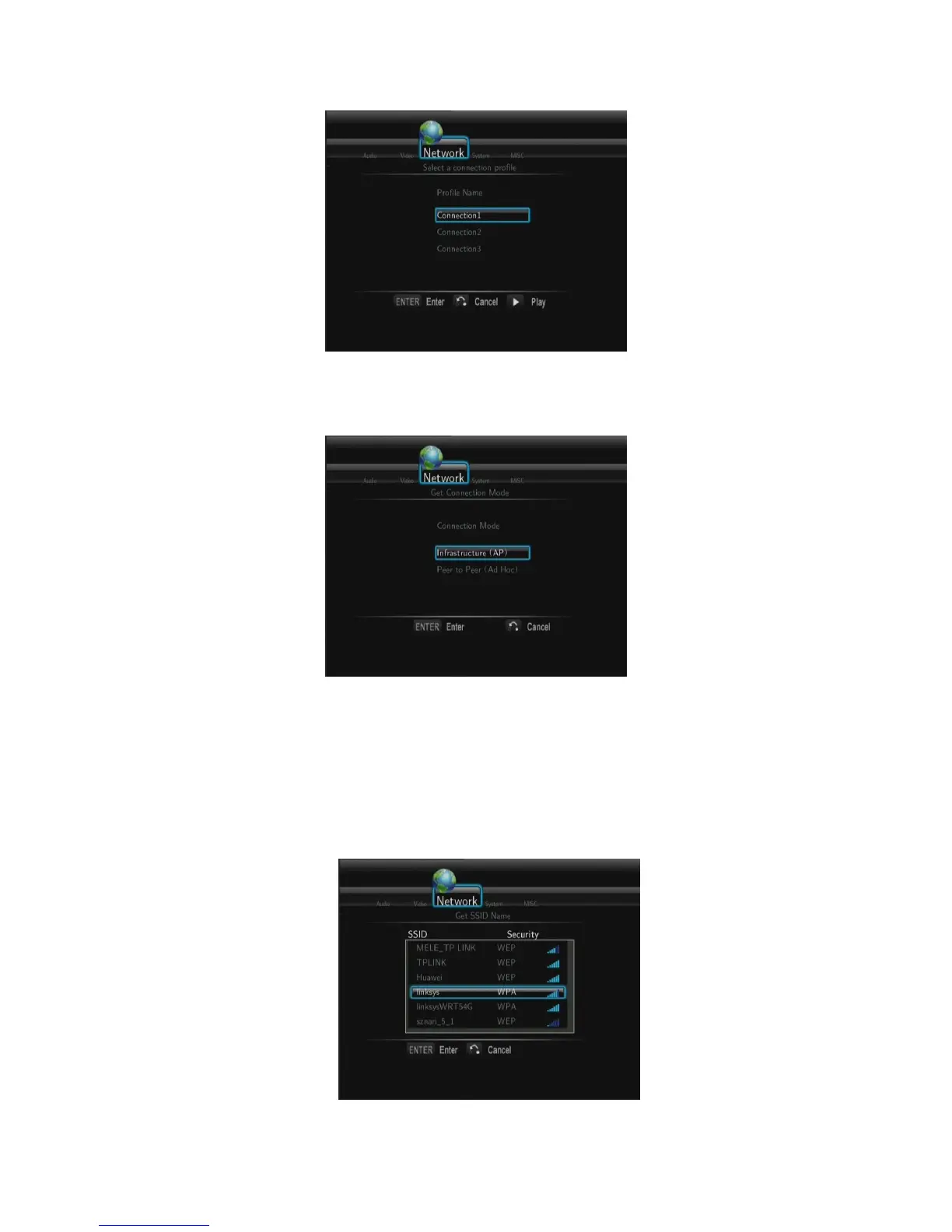
This player can store up to three wireless network connections. Press ENTER to go to
next step, press RETURN to cancel, and press PLAY to connect.
- Get Connection Mode
Choose between Infrastructure (AP) and Peer to Peer (Ad Hoc). Press ENTER to go to
next step, and press RETURN to cancel.
- Infrastructure (AP)
Infrastructure mode is used to connect computers with wireless network adapters, also
known as wireless clients, to an existing wired network with the help from wireless router
or access point.
Get SSID Name



 To Next Page