23 / 47
Press ENTER to go to next step, press RETURN to cancel, and press SELECT to refresh
the SSID list.
Note: In the Security list, WEP (Wired Equivalent Privacy) and WPA (Wi-Fi Protected
Access) means the network is encrypted, i.e. an encryption key is needed to access the
network. NONE means it is an open system network.
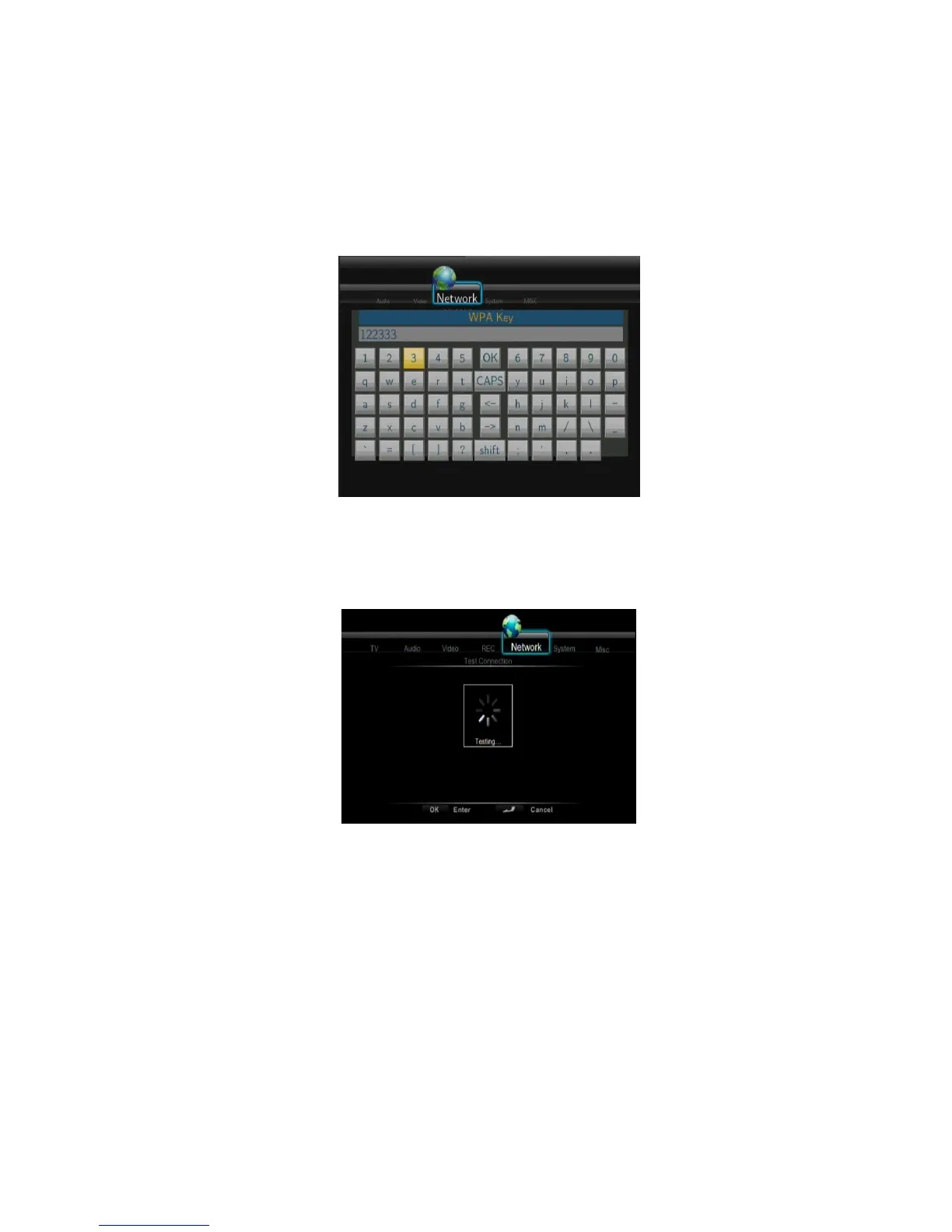
Input WEP / WPA Key
Encryption keys can be inputted via the virtual keyboard. Press the navigational buttons to
select, ENTER to input, CAPS to switch between uppercase and lowercase, <- to delete a
character, -> to insert a space, shift to make more symbols available, and OK to confirm.
Test connection
The testing process will take for a while, please be patient to wait. If the test is ok, the
network information (Profile Name, IP address, Subnet Mask, Gateway, etc.) will be
displayed on the screen.
- Peer to Peer (Ad Hoc)
Peer to Peer mode, which is also called Ad Hoc mode or computer-to-computer mode, is
used to connect wireless clients directly together, without the need for a wireless router or
access point.



 To Next Page