29 / 47
The following buttons can be used to control photo playback.
View the previous or next photo.
Set repeat options: One, All, (and Shuffle).
Hide or display the information bar during playback.
You can view photos in slide show mode with background music. When it is enabled, the slide
show starts automatically once you press PLAY button. (Please refer to Slide Show Timing,
Transition Effect, and Background Music in chapter ‘3.5 Miscellaneous’ for more details)
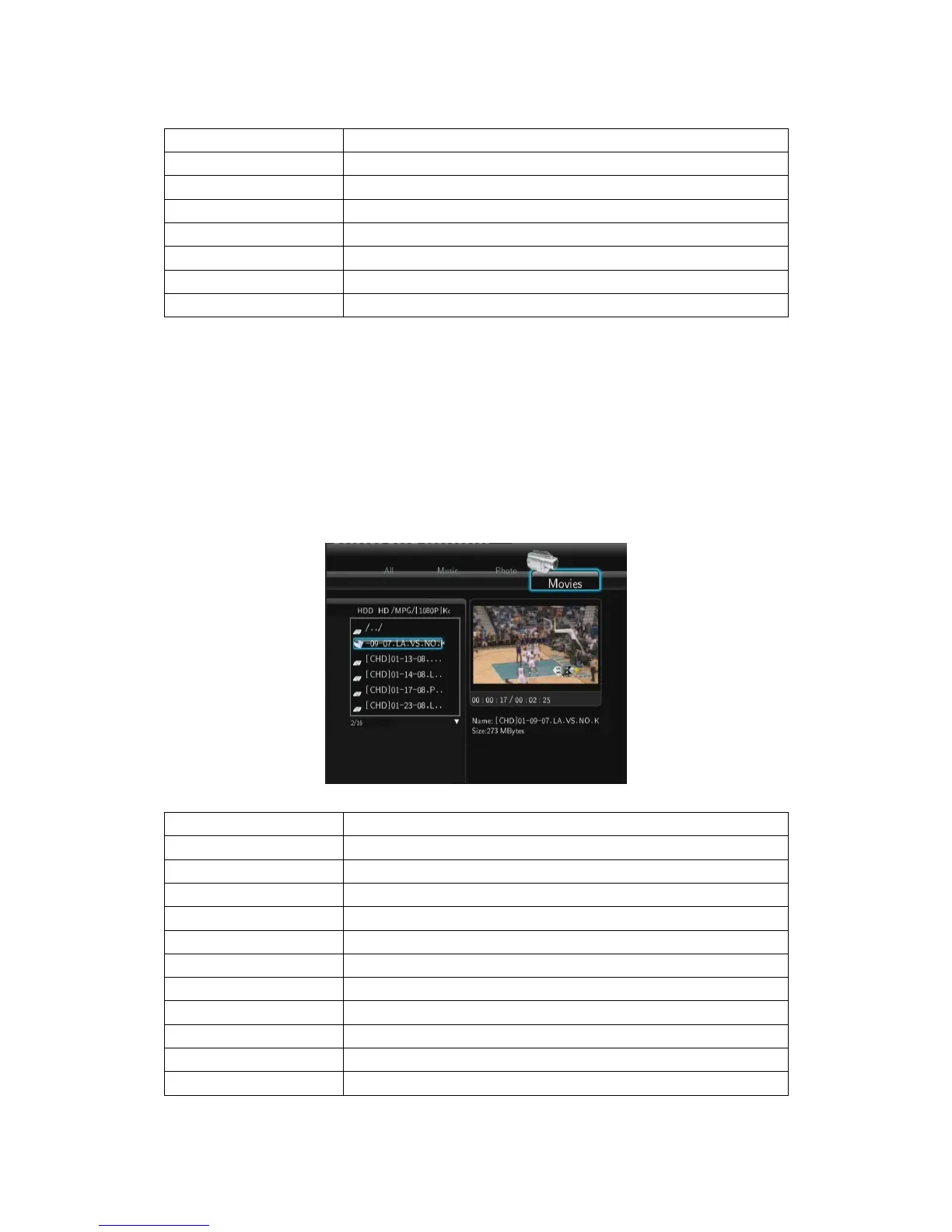
4.1.4 Browsing Movies
In this mode, all folders and supported video files in current directory will be displayed.
The following buttons can be used to control video playback.
Pause. Press again to go to the next frame.
Play video in slow motion. Press repeatedly to select the speed.
Fast rewind or fast forward. Press repeatedly to select the speed.
View the previous or next movie.
Set repeat options: One, All, Off.
Hide or display the information bar during playback.
Display playback search menu.
Set the beginning and end points of a section to repeat.
Change the view angle during DVD (with multi-angle) playback.



 To Next Page