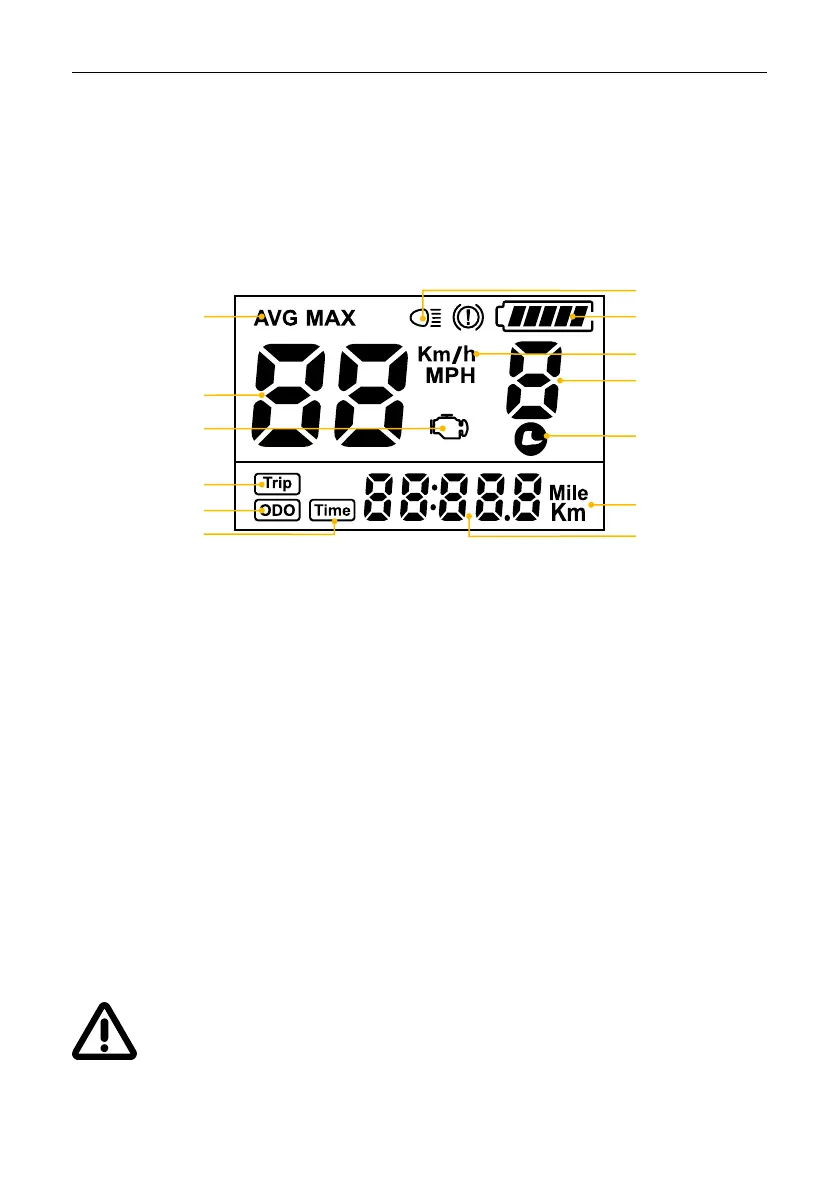
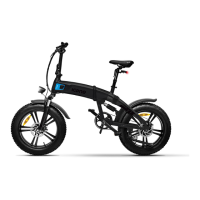
Basic interface:
6. Cycle computer
Images and / or icons relating to functions not supported by the purchased
product may appear on the display. Therefore, please always refer to this
manual.
WARNING! When using the display, pay attention to safety, do not connect the
display when the power is turned on. Avoid use during heavy rains, snowfall and
strong sunlight. If the display should be damaged, send it for repair as soon as
possible.
Numeric values
Battery indicator
Mode
Speed
Error
Travel
Kilometers
Total Kilometers
Riding time
Light
Pedal assisted
level
Unit speed
Unit
Walk assist


 To Next Page