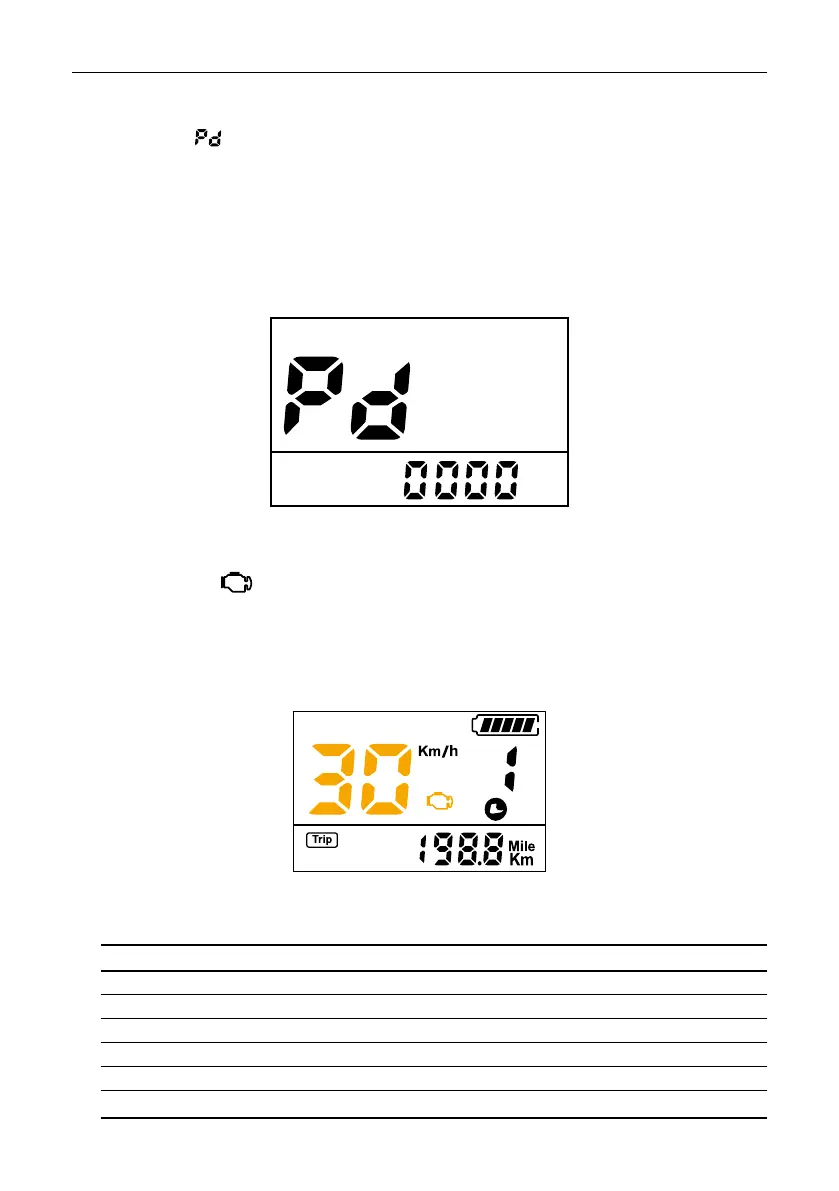
When there is a failure, the icon appears on the screen and displays the error code.
Interface shown as below:
Error codes
Error code table:
ERROR CODE ERROR DESCRIPTION VERIFICATION METHOD
21
22
23
24
25
30
Abnormal current
Accelerator failure
Motor phase failure
Engine failure
Brake failure
Controller communication error
Check battery
Check acceleration
Check the engine
Check the engine
Check brakes
Check the controller connector
Press the M button to access the advanced factory settings menu (menu not available).
Bypassing the password and changing the factory settings will void the warranty.
Interface shown as below:
Password



 To Next Page