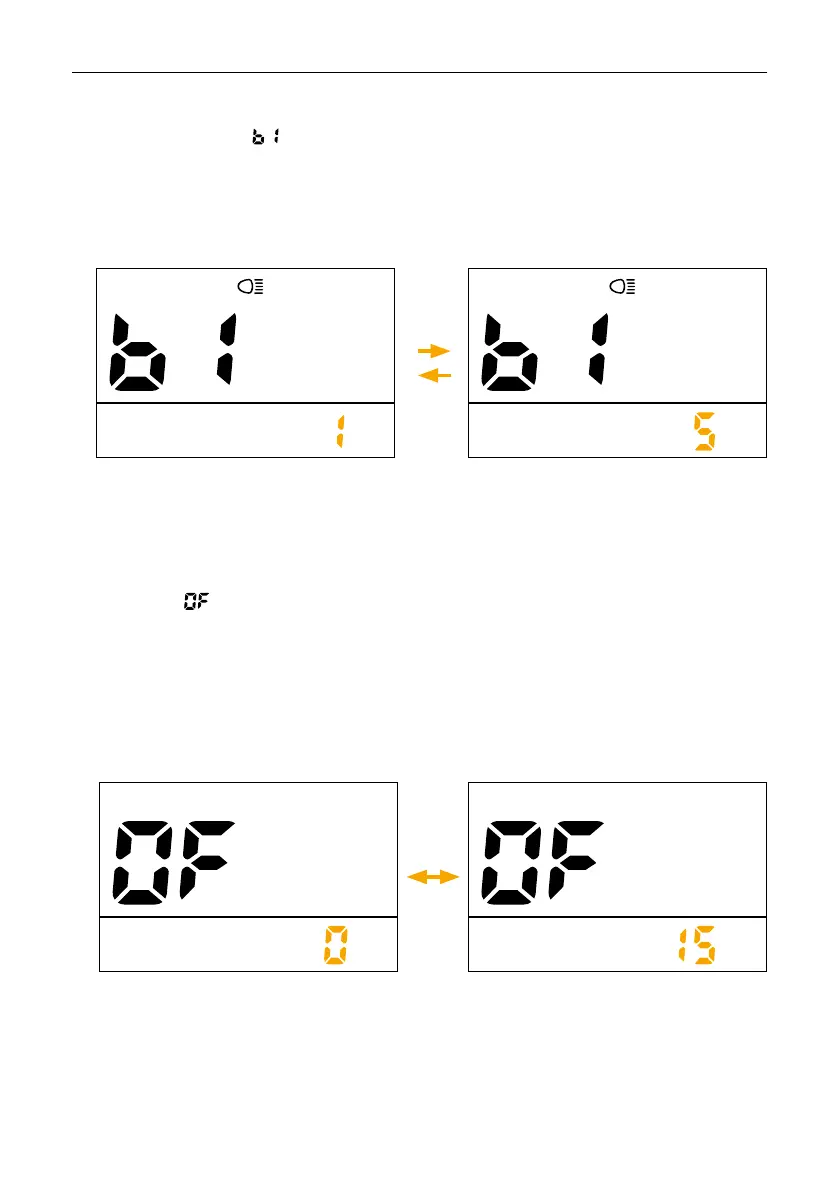
Press the + / - button to change the brightness of the headlight, from 1 to 5.
Interface shown as below:
Light brightness
Press the + / - button to change the automatic switch-off time, from 0 to 15. The number re-
presents the time (minutes) for the switch-off, OFF means to disable the automatic switch-off
function, the default value is 5 minutes.
Interface shown as below:
Auto off



 To Next Page