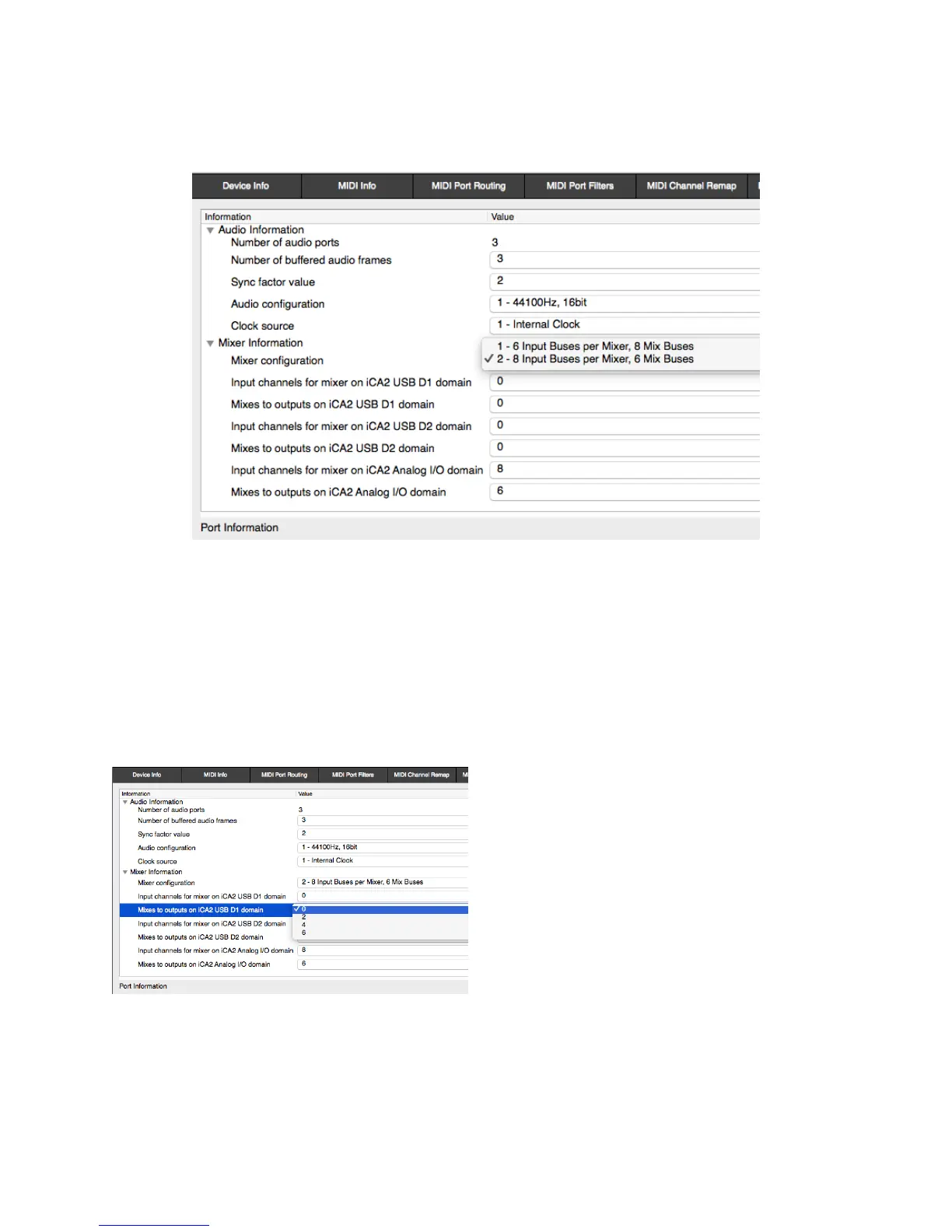
Mixer Information
Mixer Configuration — There are two options: 8 input Buses per Mixer, 6 mix Buses
(the default); and vice versa, as shown below. This comes down to a choice between
more sources and more destinations.
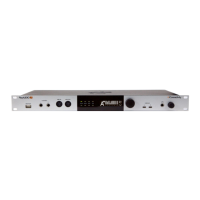
Enabling USB mixer Destination Busses – The USB Mixers are not enabled in the
iConnectAUDIO2
+
’s factory default set-up. Since most DAWs and other software
programs have mixing built in (and the factory default is intended for use with DAWs),
they aren’t needed.
When you do need the USB1 or USB2 Mixers, for example in a live situation, the way to
enable them is to change the number of “Mixes to outputs on USB1 [and/or USB2]
domain” from 0 to an available number. as shown below:


 To Next Page