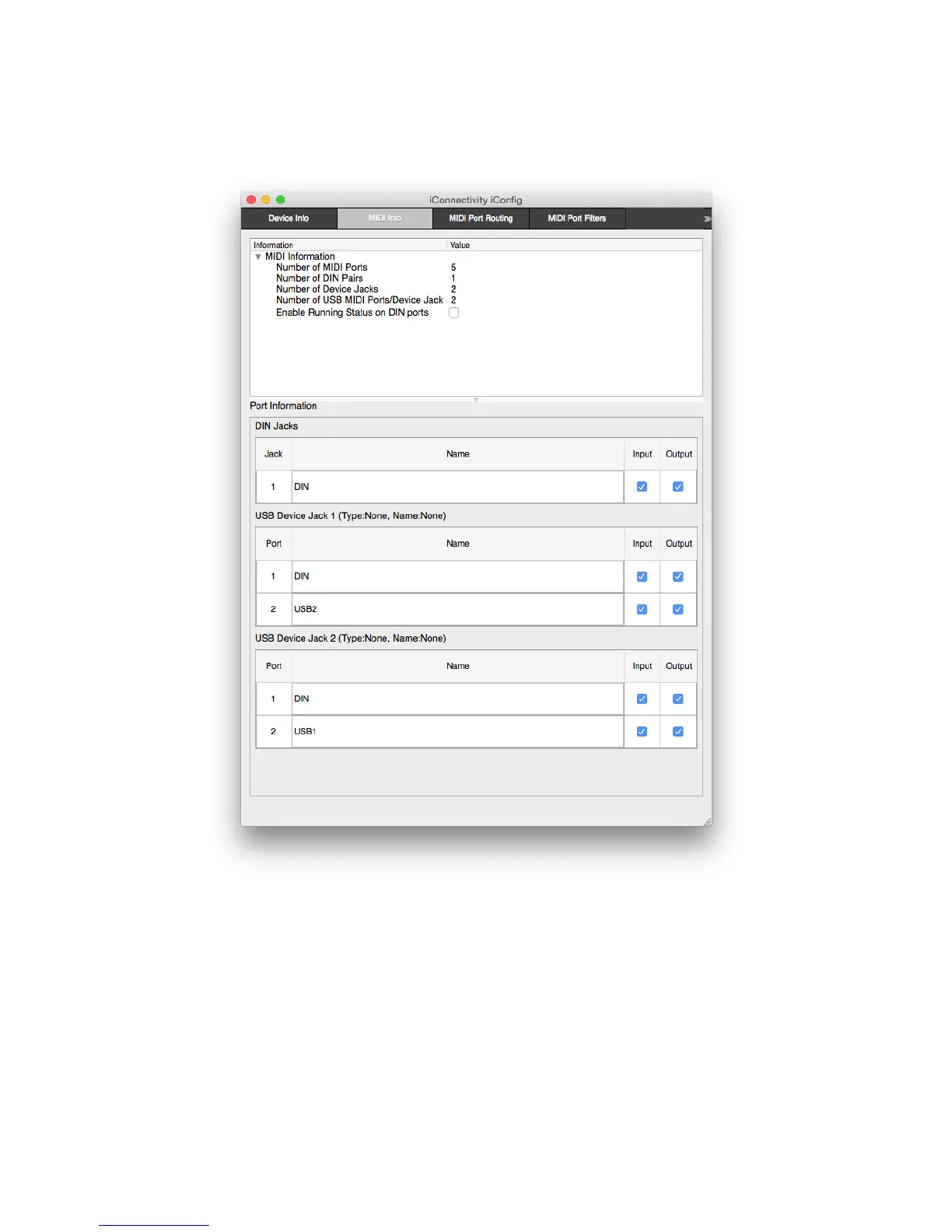
MIDI Info
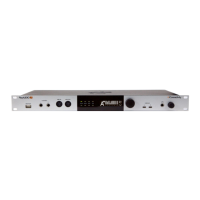
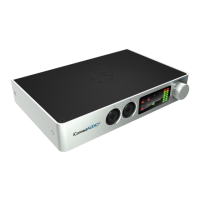
MIDI Information: Summary MIDI information about the iConnectAUDIO2
+
’s physical
ports, as well as the 16-channel MIDI Ports available on each connected computer for
routing.
Running Status on DIN ports (defaults to off) – Running status is a way of reducing the
amount of MIDI data that must be sent. It works by assuming that the first part of the
MIDI message - the status byte that identifies what it is (for example a note) – remains
the same until further notice. Running status must be implemented correctly by the
receiving device to work; we recommend enabling it only if you can confirm that this is
the case.


 To Next Page