© 2021 ICS®, Oregon Tool Inc. REV12232021 P/N 610794
536-E OPERATOR MANUAL
21
Unpacking & Assembly
GUIDEBAR AND DIAMOND CHAIN
INSTALLATION & TENSIONING
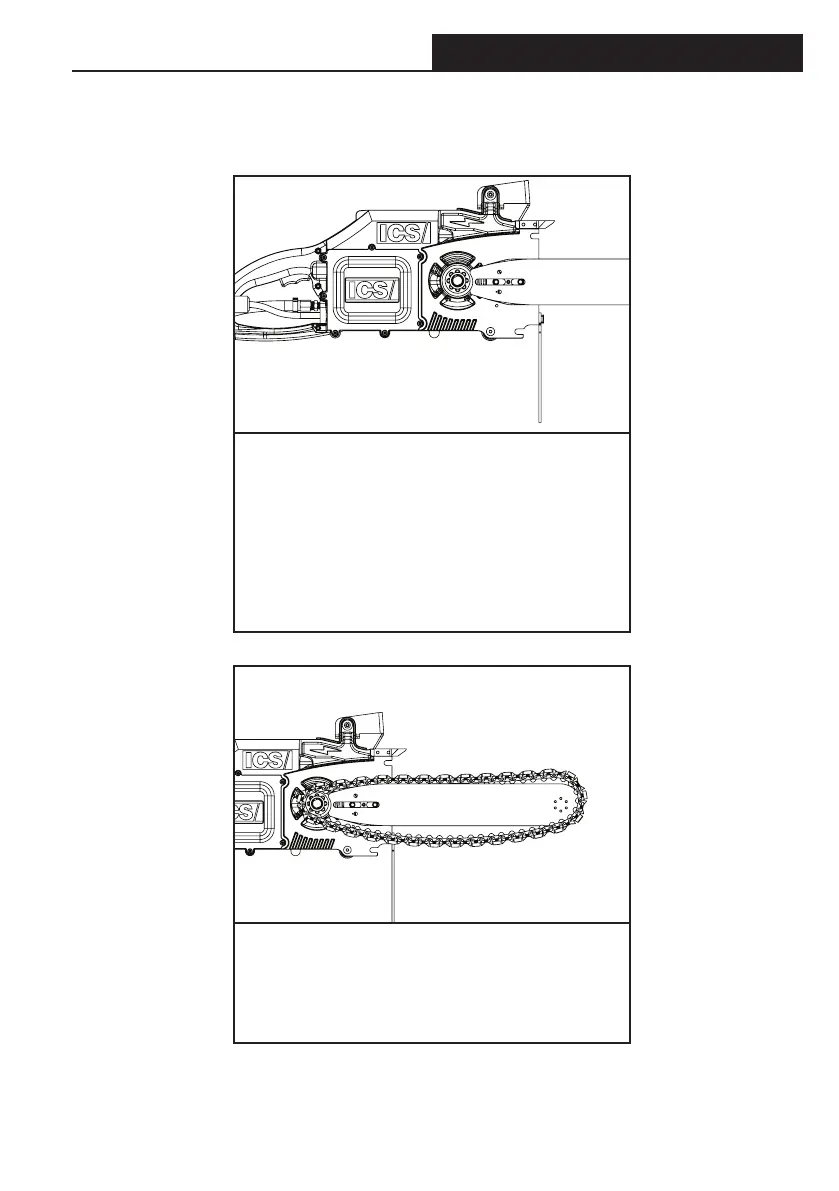
STEP 4
Install bar over chain tensioning pin. Place
bar clamp plate through bar slot into bar pad.
to wear gloves as rails of guidebar can be
extremely sharp. Install bar clamp bolts so
bar clamp plate is loosely held in place.
STEP 5
Install the chain around the drive sprocket,
insert into top bar groove and then around
the nose sprocket.



 To Next Page