EasyManua.ls Logo

ICS 536-E - User Manual

Default Icon
40 pages
Print Icon
To Next Page IconTo Next Page
Loading...
© 2021 ICS®, Oregon Tool Inc. REV12232021 P/N 610794
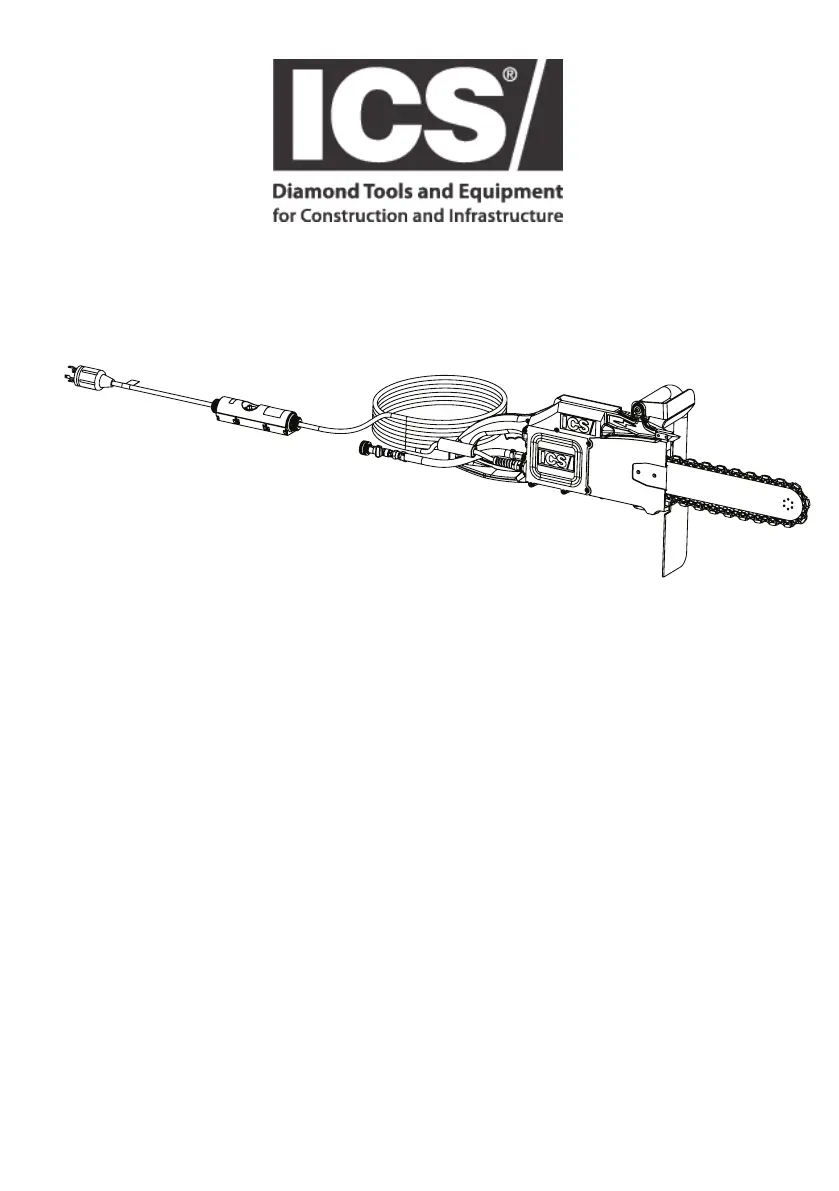
536-E
OPERATOR MANUAL
WARNING: READ AND UNDERSTAND ALL SAFETY WARNINGS
AND ALL INSTRUCTIONS BEFORE YOU USE THIS EQUIPMENT.
Failure to follow the warnings and instructions may result in re, serious injury, or death.
SAVE ALL WARNINGS AND INSTRUCTIONS FOR FUTURE REFERENCE

Questions and Answers

  • G
    Gary SmithAug 3, 2025
    What to do if the ICS Cutter motor does not turn on?
    • M
      Mr. Anthony GibsonAug 3, 2025
      If the motor of your ICS Cutter does not turn on, first ensure that the power cord is properly plugged into an outlet providing 220-240V at 60Hz. Then, reset the GFCI/PRCD and inspect the power cable for any signs of damage. Also, verify that the power source voltage is neither too high nor too low, using a multimeter on ACV mode to measure the voltage.
  • M
    Michael Andrews DDSAug 7, 2025
    Why is the ICS 536-E Cutter chain breaking?
    • S
      sullivanbethanyAug 7, 2025
      Chain breakage in your ICS Cutter can occur due to several reasons. Ensure proper chain tension according to factory recommendations. Replace the drive sprocket if there's excessive wear. Check for sufficient water pressure, ensuring at least 1.4 bar (20 psi). Avoid cutting in slots narrower than the chain segments and replace the chain if it's stretched beyond its tensioning ability or if it has come into contact with rebar or steel.
  • P
    Pamela WalkerAug 12, 2025
    Why is the ICS 536-E cutting speed so poor?
    • B
      Barbara GarciaAug 12, 2025
      Poor cutting speed on your ICS Cutter can stem from several issues. Check the chain tension. If the diamonds are glazed over, make a few cuts in an abrasive material to expose them. Also, the chain or diamonds may be worn out, requiring chain replacement. Another potential cause is a worn drive sprocket, which should be replaced.
  • A
    Alan SalasAug 16, 2025
    What causes premature chain stretch on my ICS 536-E?
    • D
      David StewartAug 16, 2025
      Premature chain stretch in your ICS Cutter may be due to initial chain tension being too tight; tension the chain to the factory recommendation. Avoid burying the bar nose in cuts by using the step cut method. Ensure you have at least 1.4 bar (20 psi) of water pressure. Prevent the chain from contacting ground, dirt, gravel, or sand by clearing the surrounding area.
  • M
    melaniehaneyAug 20, 2025
    How to fix water not flowing in my ICS Cutter?
    • C
      Christine KingAug 20, 2025
      If water is not flowing in your ICS Cutter, first ensure the water hose is not kinked and the water supply is turned on. Check the water delivery system for blockages and ensure it functions properly, providing clean water to the cutter. Clear any debris or ice from the guidebar water ports using a pipe cleaner or small wire, then blow compressed air into the guidebar exit ports. If the water valve on the supply line is damaged or worn, replace it.
  • S
    Susan HancockAug 25, 2025
    Why is my ICS 536-E Cutter chain speed slow?
    • W
      williambellAug 25, 2025
      A slow chain speed on your ICS Cutter is usually caused by the chain tension being too tight. To resolve this, tension the chain to the factory recommended level.
  • B
    Bryan ThomasAug 28, 2025
    What causes chain tensioner breakage on an ICS Cutter?
    • M
      mckenziekellyAug 28, 2025
      Chain tensioner breakage on your ICS Cutter can occur if the bar clamp bolts aren't tightened enough; torque them to 27-33 Nm (20-25 ft-lbs). Also, avoid tensioning with bar clamp bolts already tight; loosen them before adjusting. Ensure the tensioner pin is aligned through the bar pin hole.

Summary

Introduction

Symbols and Labels

Safety

Safety Rules

Provides safety rules and explanation of warning levels for safe operation.

Explanation of Warning Levels

Defines the meaning of DANGER, WARNING, CAUTION, and IMPORTANT labels.

General Power Tool Safety Warnings

Work Area Safety

Guidelines for maintaining a safe and clean work environment.

Electrical Safety

Precautions regarding electrical connections and usage to prevent shock.

Personal Safety

Recommendations for personal protective equipment and safe operating practices.

Power Tool Use and Care

Instructions for proper use, maintenance, and storage of the power tool.

Service

Guidance on servicing the power tool and its components.

Concrete Power Cutter Safety Warnings

Specific safety warnings for operating the concrete power cutter.

Causes and Prevention of Kickback

Explains kickback and provides methods to prevent it.

Product Identification

ICS 536-E Names and Terms

Unpacking and Assembly

Guidebar and Diamond Chain Installation & Tensioning

Step-by-step instructions for installing and tensioning the guidebar and chain.

Operation

Pre-Operation Safety Checks

Essential safety checks to perform before operating the power cutter.

Pre-Cut Checklist

A checklist of preparations and precautions before starting a cut.

Cutting with the Power Cutter

General guidelines and warnings for the cutting process.

Concrete;Masonry Cutting

Techniques and planning for cutting concrete and masonry materials.

Pipe Cutting Using PowerGrit Pipe Cutting Chain

Specific techniques for cutting pipes using the PowerGrit chain.

Maintenance

System Clean-Up and After Each Use

Procedures for cleaning and inspecting the power cutter after use.

Drive Sprocket Maintenance

Information on drive sprocket wear, replacement, and assembly.

Chains & Guidebars

Inspection and maintenance of chains and guidebars for optimal performance.

Chain Tensioner Maintenance

Cleaning and maintenance of the chain tensioner mechanism.

Troubleshooting

Technical Specifications

ICS 536-E Specifications

General IconGeneral
BrandICS
Model536-E
CategoryCutter
LanguageEnglish