18
© 2014 ICS, Blount International Inc. Specications are subject to change
without notice. REV061914 F/N 545067
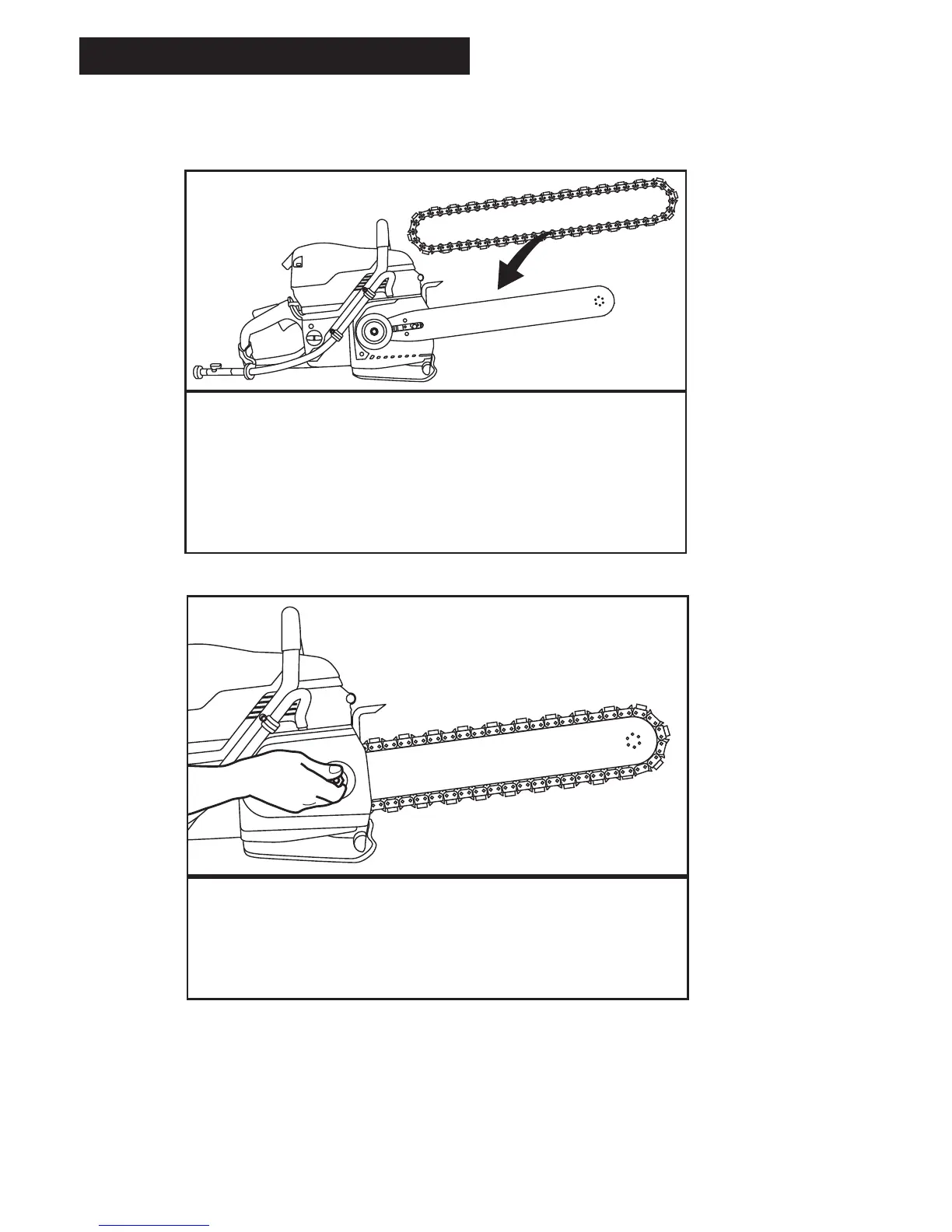
GUIDEBAR AND DIAMOND CHAIN INSTALLATION
STEP 3
Mount the diamond chain on the guidebar starting
at the drive sprocket and continue over the
guidebar nose.
NOTE: FORCE4 requires rim to be pulled outward
for chain installation.
STEP 4
Install the side cover and ensure chain adjustment
pin engages hole in bar. Do not fully tighten side
cover nut until after chain is properly tensioned.
SETUP



 To Next Page