19
© 2014 ICS, Blount International Inc. Specications are subject to change
without notice. REV061914 F/N 545067
SETUP
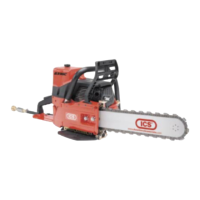
STEP 6
Before cutting, check for proper tension by pulling
the chain around the bar by hand. If you cannot
easily pull by hand, the chain is too tight and needs
to be loosened slightly.
CAUTION: Be aware that the guidebar rails may
develop sharp edges over time so always pull the
diamond chain by the diamond segments.
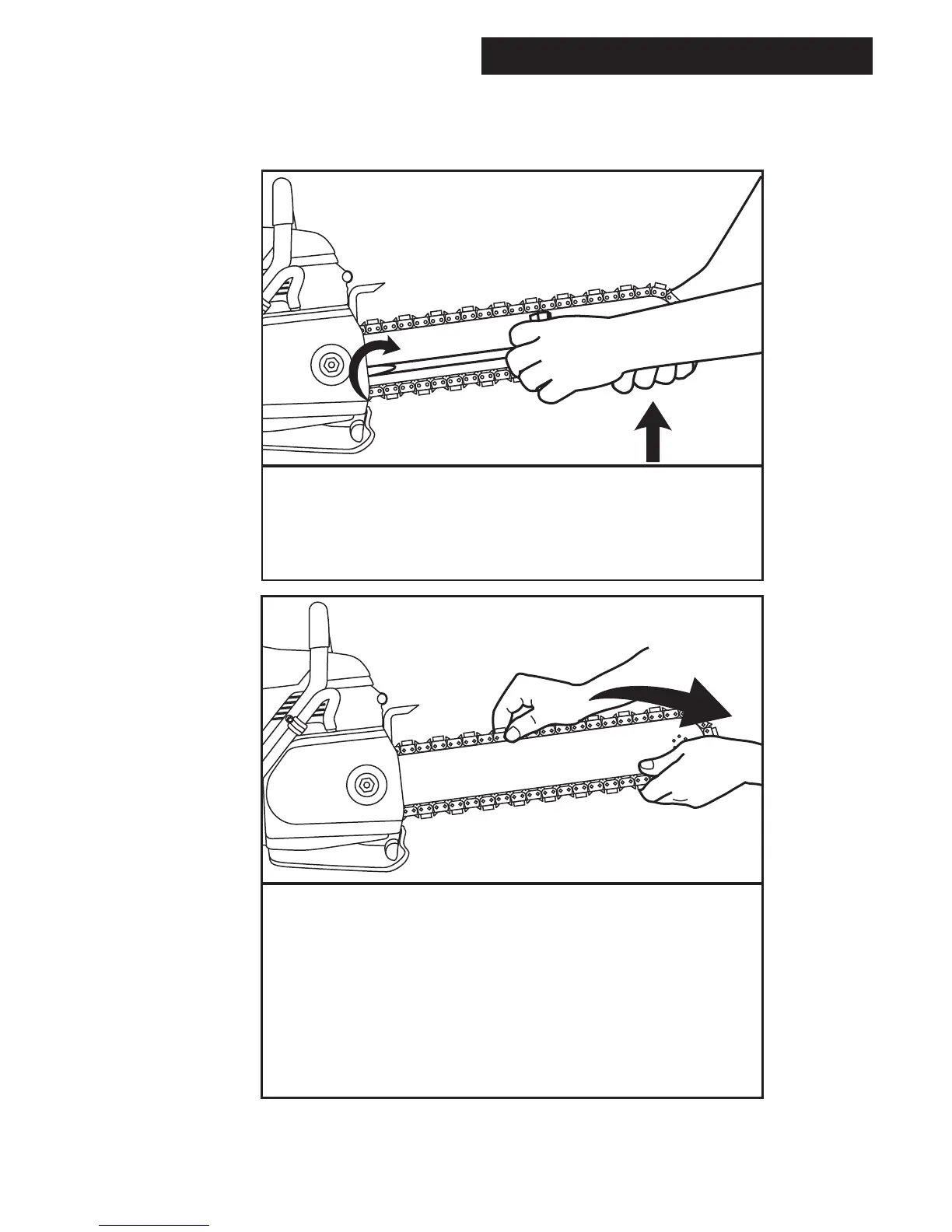
STEP 5
Make sure all the drive links are inside the
guidebar groove then lift the bar nose and tension
the chain by turning the screw clockwise.
GUIDEBAR AND DIAMOND CHAIN INSTALLATION



 To Next Page