Hardware Options
The Protege Rear Mount Mortise Wireless Lock offers the flexibility to create your own configuration. Simply
choose your preferred components from the range of available options to compile your perfect combination.
1. Select the Electronic Assembly color.
2. Select the Rear Mount Module Cover color.
3. Select the Mortise Lock Body type.
4. Specify the Handing.
5. Select the optional Thumbturn if required.
6. Select a Handle Set.
7. Select the Sectional Trim.
8. Specify the Finish.
9. Optionally, order a 1 ⅛" key cylinder from a third-party supplier.
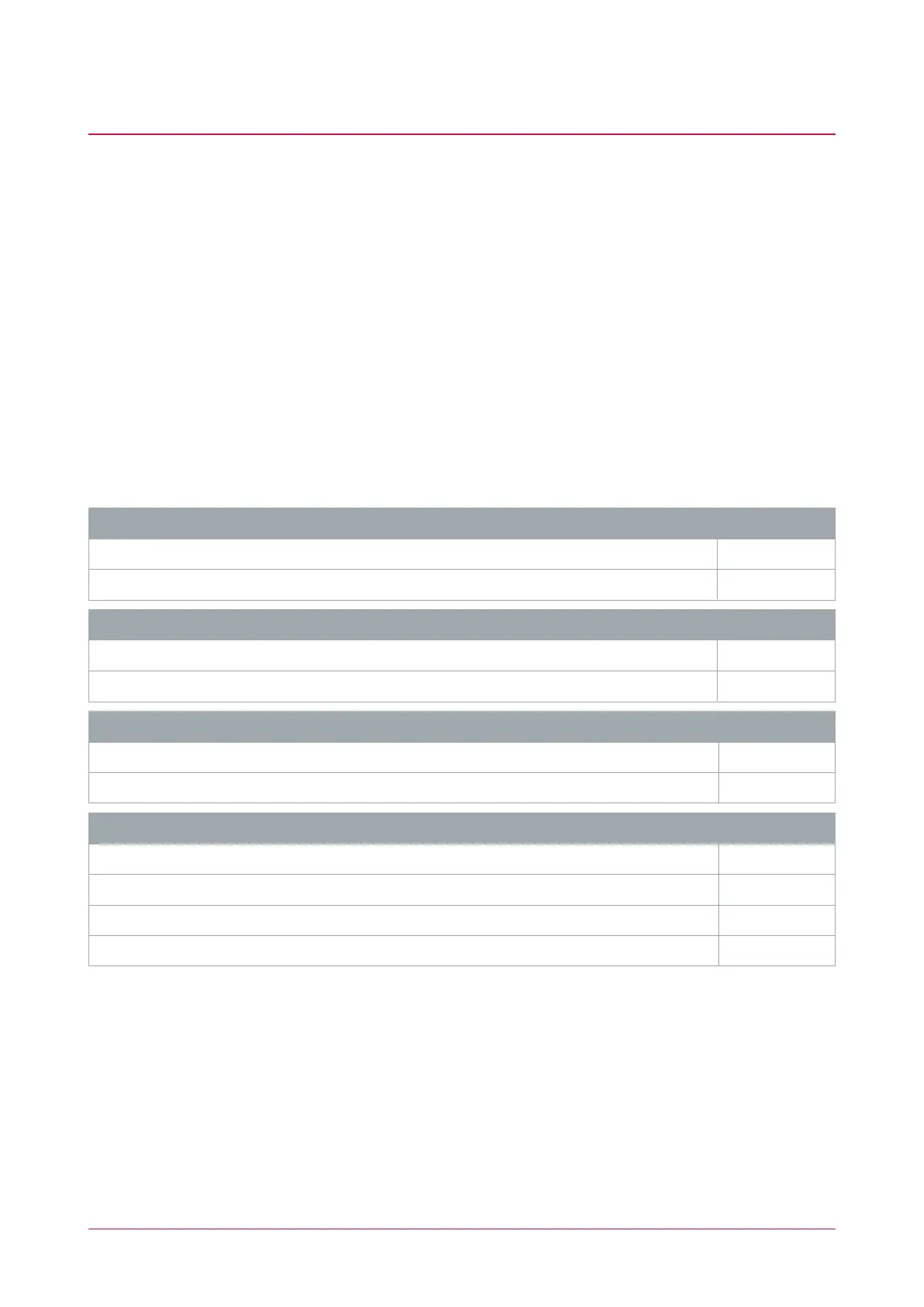
Rear Mount Mortise Wireless Lock Options
Electronic Assembly Code
Mortise Electronic Rear Mount Assembly &Reader (Black) RME-DFBT-B
Mortise Electronic Rear Mount Assembly & Reader (White) RME-DFBT-W
Rear Mount Module Cover Code
Rear Mount Module Cover (Black) RMC-B
Rear Mount Module Cover (White) RMC-W
Mortise Lock Body Code
Mortise Lock Body (with Optional Thumbturn) MLB
Mortise Lock Body with Deadbolt and Thumbturn MLB-DB
Handing Code
Left Hand LH
Right Hand RH
Left Hand Reverse LHR
Right Hand Reverse RHR
Ensure that you select the correct handing when you order the locks. Re-handing the product in the field is
possible, but there is a risk of voiding the warranty. If you do not have the correct locks for a project, we
strongly recommend restocking instead of changing the handing of existing stock.
The handing of the mortise lock depends on the door orientation. To determine the handing, stand on the outside
(entry side) of the door. Reach your right or left hand across your body to open the door. If the door opens
inwards, it is a standard handing; if the door opens outwards, it is a reverse handing.
Protege Rear Mount Mortise Wireless Lock | Installation Manual 7



 To Next Page