iData 95 User Manual
- 10 -
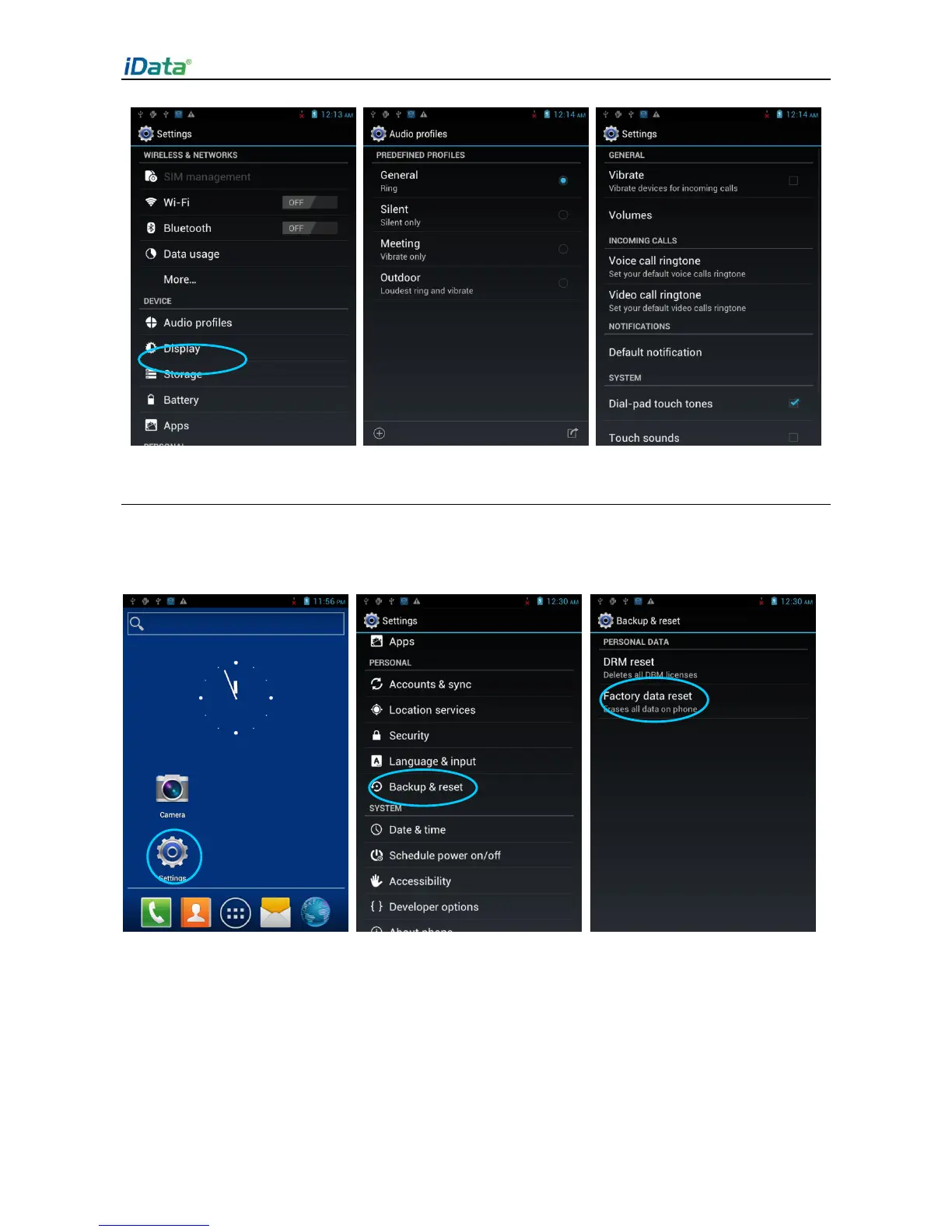
2.6.4 Security Setting
Select Settings > Reset > Factory date reset.
Click Clear all. The iData 95 starts to restore the factory settings.
★ Caution
This operation will clear the following data in the iData 95:
Account
Data and settings of the system and applications
Downloaded applications
This operation does not clear the following data:



 To Next Page