User Guide
4
USER
1.2 BOILER OPERATION
To START the boiler
If a programmer is tted refer to separate instructions for the
programmer before continuing.
Start the boiler as follows:
1.
Ensure that all hot water taps are turned o.
2. Check that the electricity supply to boiler is on.
3. Press the mode button until a cross is not shown through
the radiator symbol.
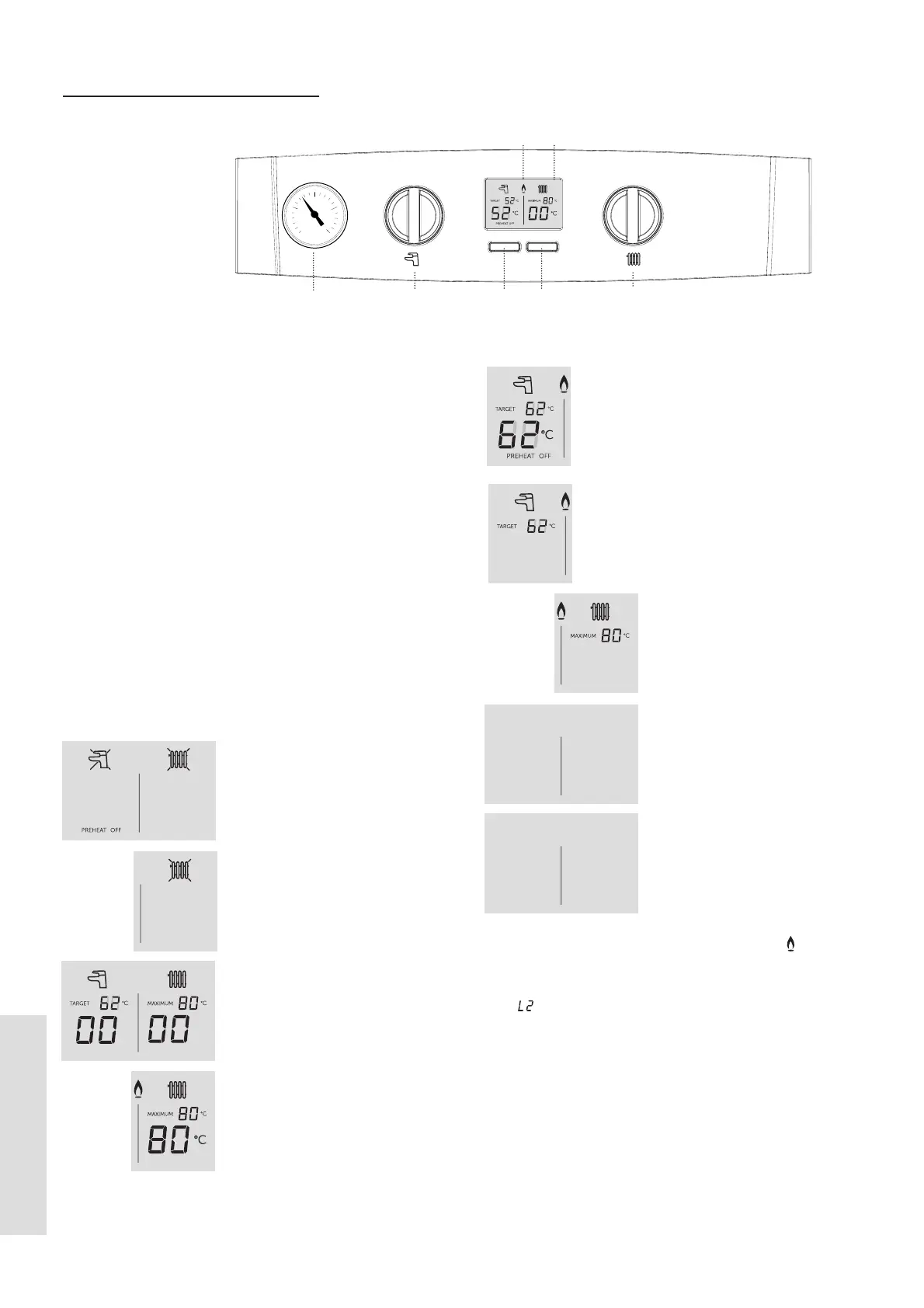
4. Turn the Domestic Hot water temperature knob (A)
clockwise until a 65°C target temperature is shown. Turn
the Central Heating temperature knob (B) clockwise until
an 80°C target temperature is shown.
The boiler will commence ignition sequence, supplying heat to
the central heating, if required.
Note. In normal operation the boiler status display (D) will
show codes:
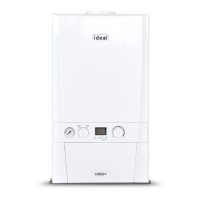
Legend
A. Domestic Hot Water
Temperature Knob
B. Central Heating
Temperature Knob
C. Mode Button
D. Boiler Status Display
E. Burner On indicator
F. Restart Button
G. Pressure Gauge
1
0
2
3
4
bar
A
D
B
C
E
G
F
Boiler O Mode
Press the Mode button once to
enable DHW or twice to enable
CH.
CH O
Press the Mode button until the
cross disappears to enable CH.
Winter Mode, no heat demand
Boiler is active for Central
Heating
Boiler is active for Domestic
Hot Water
Boiler is heating up the
Plate Heat Exchanger
Boiler is in Lockout for a
specic error. Display will
show a number after the
“L” to indicate which error is
detected
Boiler has a fault for a
specic error. Display will
show a number after the
“F” to indicate which error is
detected.
Boiler is active for boiler
frost protection: operates
if the ambient temperature
is below 5°C until it reaches
19°C.
PH
PREHEAT ON
FP
L 01
F 01
During normal operation the burner on indicator ‘ ’ will
remain illuminated when the burner is lit.
Note: If the boiler fails to light after ve attempts the fault
code
will be displayed (refer to Fault Code page).




 To Next Page