Page 8
Calibration Procedure (cont’d)
A AC Calibration:
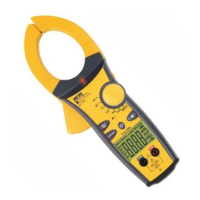
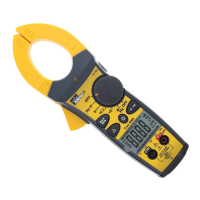
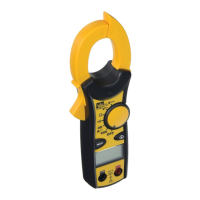
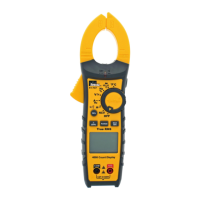
61-764 (Refer to Figure 1B), 61-766 (Refer to Figure 2B) (Adjustments made under front panel label.)
1. Set the function / range to the 660A AC.
2. Set output of the AC calibrator for 10.00A/60Hz +/- 0.01% and connect it to Coil = 10N = 100.0A
AC.
3. Clamp the jaws to the coil = 10N.
4. Adjust VR2 (VR 1KΩ) for a display reading of 100.0 ±1 digit. (61-764)
Adjust VR4 (VR 2KΩ) for a display reading of 100.0 ±1 digit. (61-766)
5. De-energize source and remove test leads.
A DC Zero Calibration
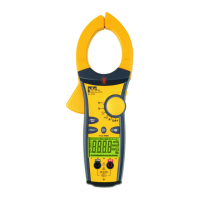
61-768 (Refer to Figure 3B)
1. Set the function/range to A DC.
2. Short the V and COM inputs on the meter.
3. Adjust VR5 (VR 5KΩ) until display reads 000.
4. De-energize source and remove test leads.
A DC Calibration
61-768 (Refer to Figure 3B)
1. Set the function / range to the A DC.
2. Set output of the DC calibrator for +10.00A ± 0.01% and connect it to Coil = 10N = +100.0A DC.
3. Clamp the jaws to the coil = 10N.
4. Adjust VR4 (VR 3.3KΩ) for a display reading of 100.0 ±1 digit.
5. De-energize source and remove test leads.
Calibration of the 61-760 series is complete.
Remove all leads from the calibrator and equipment.
Return unit to proper operating condition.
Form number TM61764-6-8 Rev 5 November 2007



 To Next Page
 Loading...