9. Secure MSO getting started
9.1 Description
In addition to normal installation process, the secure MSO device must be unlocked and
personalized. To perform this, the security information provided with the batch of secure
MSO devices is required: two transport files (usually send by email), and their
corresponding password (usually send under secure cover).
9.2 Installation
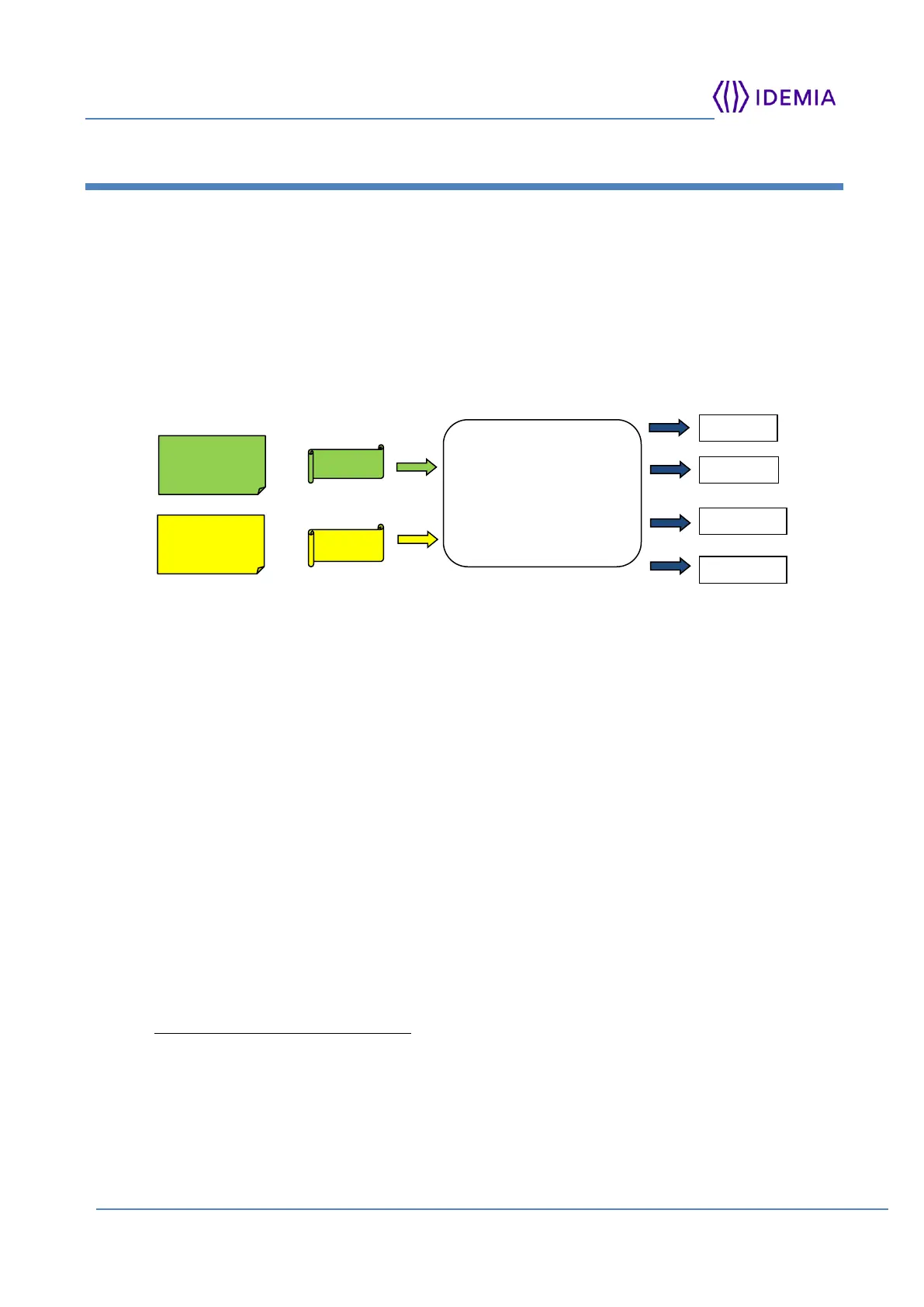
Figure 10: MSO S unlocking with KMS application
Install MKMS by double clicking on MKMS-installer-<version>.exe.
After installation, start the MKMS application in C:/ IDEMIA / MSO Key Management
System /
Select the 'Root key generation' action in the 'Initialization' menu, to create your MSO
Certification Authority.
Click ‘Insert Transport Files’ button to import the two transport files and their passwords
into the MKMS database (figure 1).
Set up the value of the security configuration parameters and of the key parameters
('Initialization' menu).
Then connect a new MSO device to the PC, and use the 'MSO Personalization' button to
unlock it, and to put it in operational condition.
Perform the previous action for each new secure MSO device of the batch.
9.3 Reference
For more information about the secure MSO, please refer to the
MSOKeyManagementSystem.pdf in C:/ IDEMIA / MSO Key Management System /



 To Next Page