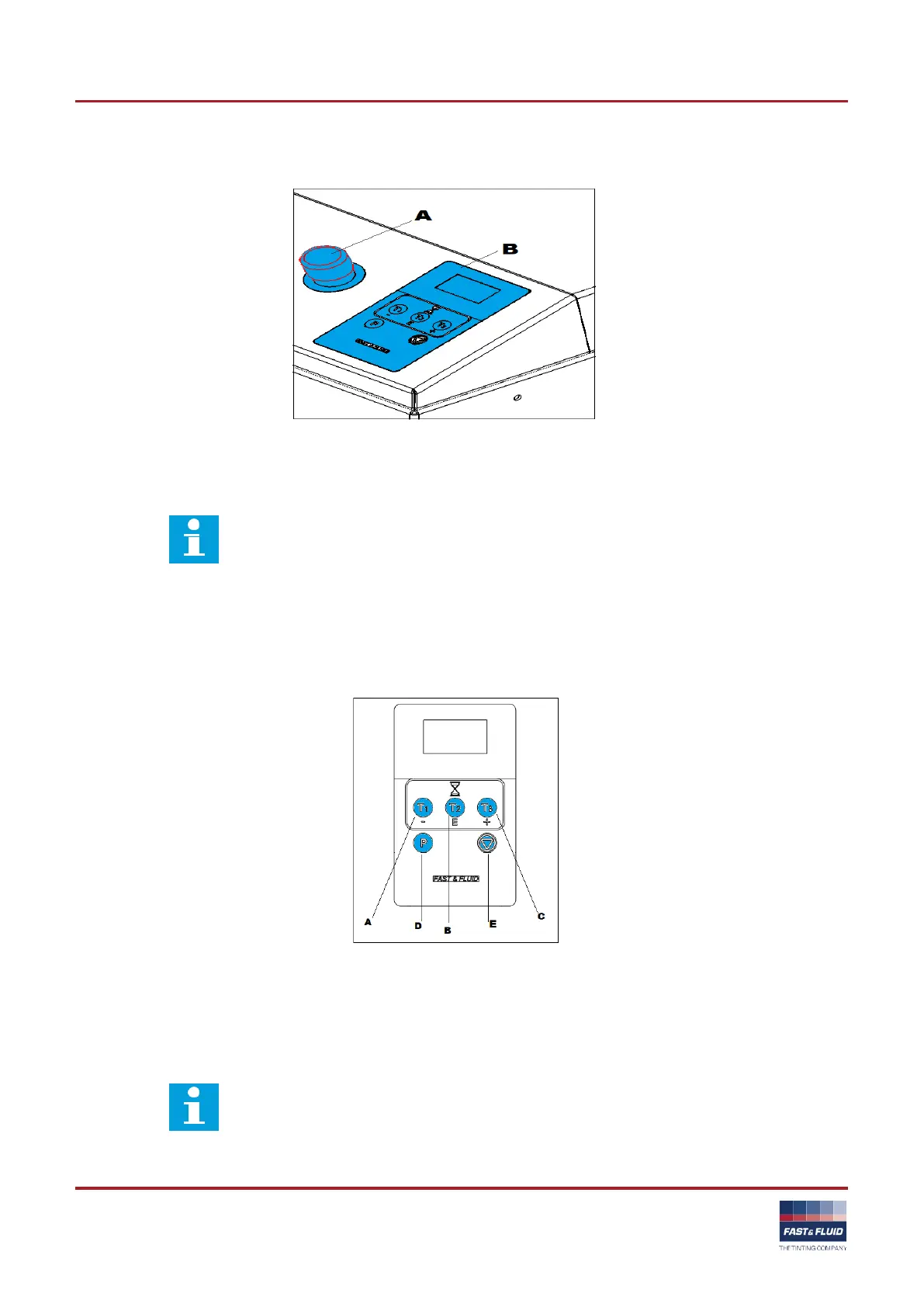
3.1.2 Overview of the control panel
`
A: Emergency stop switch
B: Program keys.
Note
The display shows the program menu with the multiple functions of the program keys.
3.1.3 Overview of the program keys
Ready for use
When the machine is ready for use, the display shows the available programs.
A: T1 key (mix time 1) D: Program key
B: T2 key (mix time 2) E: Stop key
C: T3 key (mix time 3)
Note
The function of the T1 to T3 keys changes when you adjust the default values of the
machine.



 To Next Page