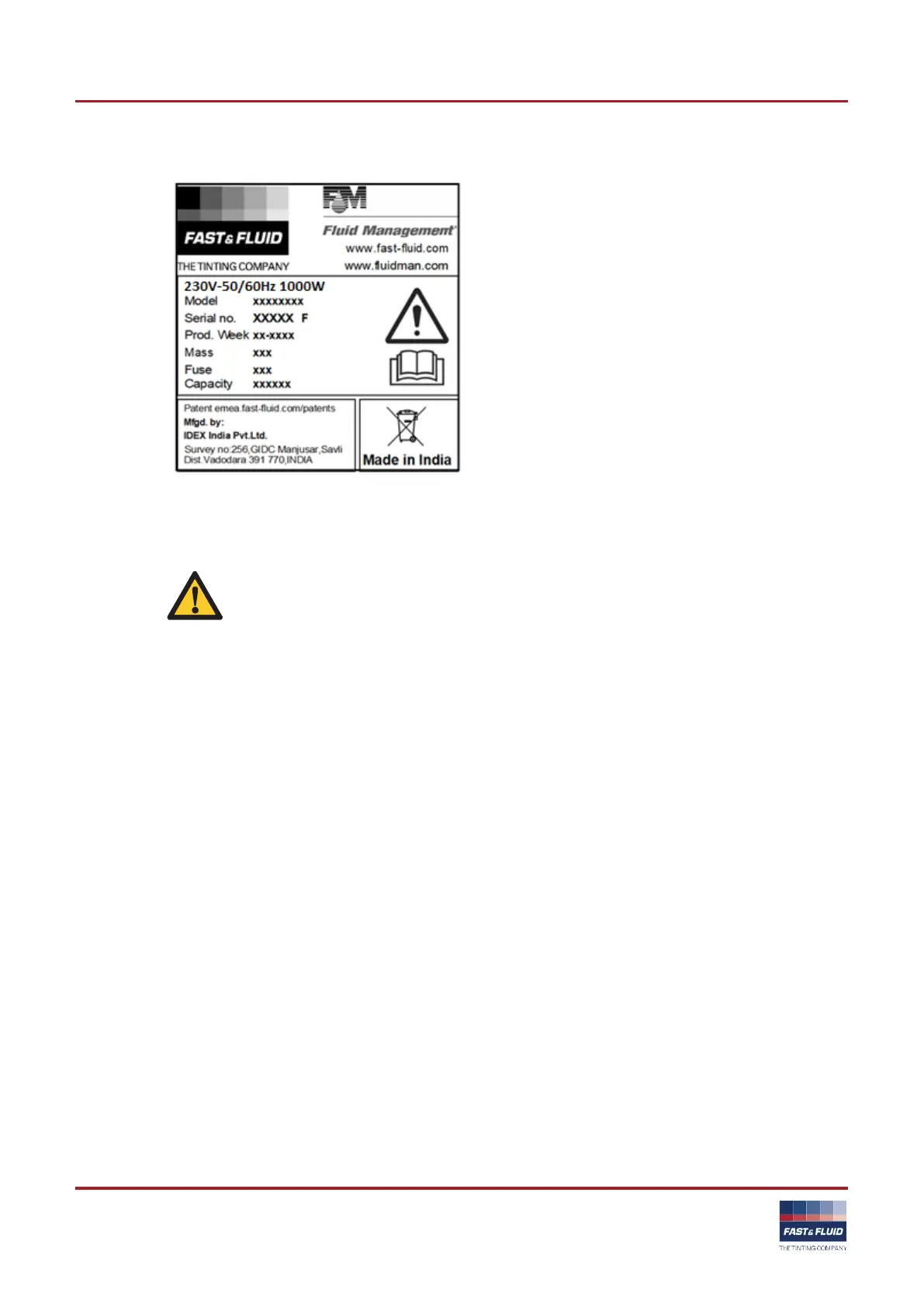
3.1.4 Type plate: serial number
3.2
Operation
WARNING
Only push the emergency stop switch in case of a
safety emergency.
3.2.1 Turning on the machine - if the cradle is in the correct position
1. Connect the power cable to the grounded wall socket.
2. Make sure that the emergency stop switch is released.
3. Set the Main switch to 'ON'. When the machine is on, you
hear two ‘beeps’. When the machine is operational the
display shows ‘RDY’.
3.2.2 Turning on the machine - if the cradle is not in the correct position
1. Connect the power cable to the grounded wall socket.
2. Make sure that the emergency stop switch is released.
3. Set the Main switch to 'ON'.
4. Press any key & let cradle come to its home position.
5. Remove the can. See § 3.2.7.
6. Push any key. When the machine is operational, the display
shows ‘RDY’



 To Next Page