Part 2 - Conguration
41
Network Security (Host Certicates)
This is the certicate management menu for network
security access. It supports checking the product certicate
information, creating the new certicate, exporting and
importing certicates.
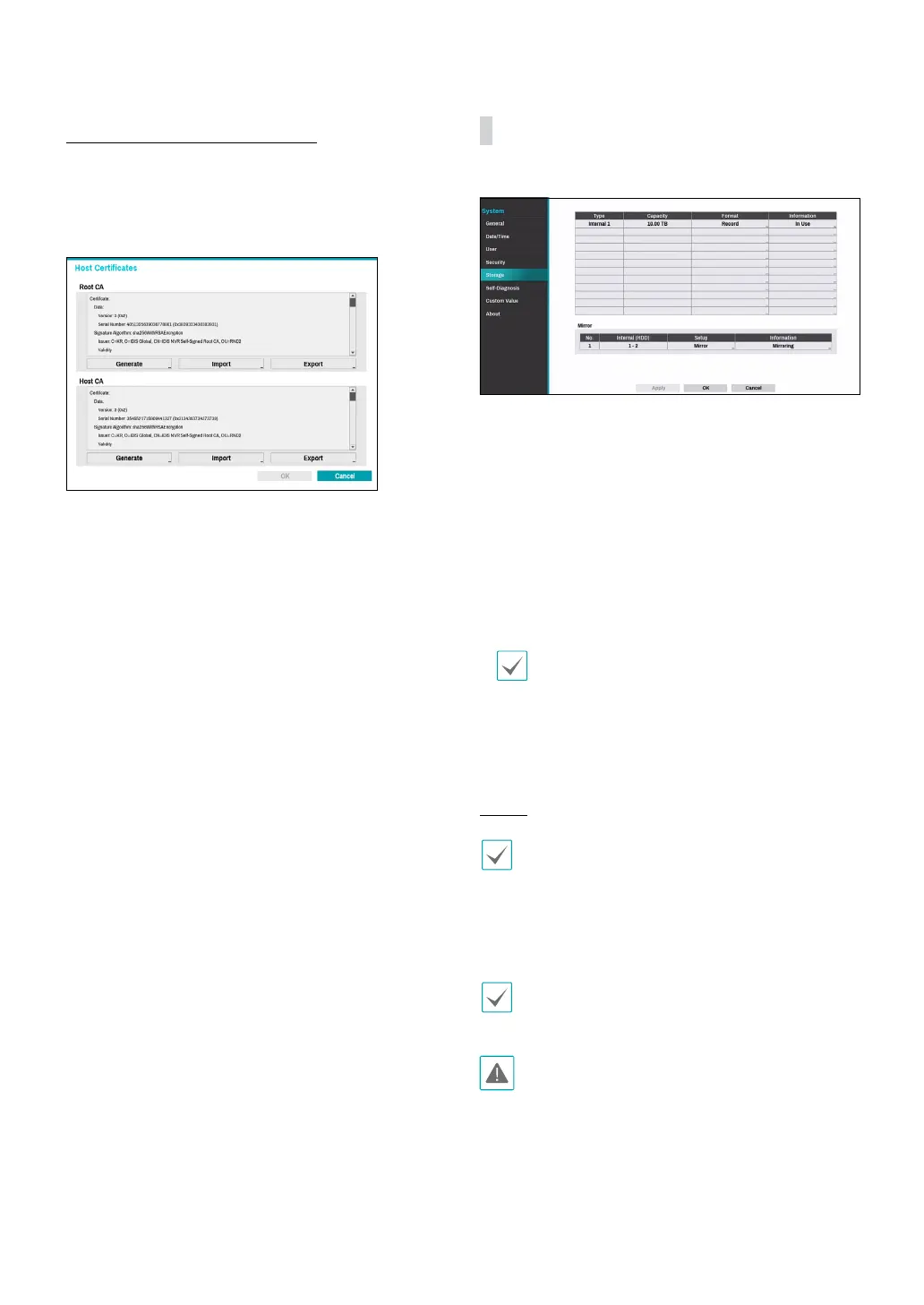
Storage
Use this option to congure storage settings.
● Type: Indicates the type of the installed disk.
● Capacity: Indicates the disk’s capacity.
● Format: If the disk has been formatted, indicates
either Record or Not Using. If you have connected an
unformatted storage device, the Use As value will be
indicated as Not Formatted.
● Information: Indicates if the disk is being used for
recording purposes. Disks that were used in dierent
systems will show up as Other. Select Information
to check the saved data’s time information or select
Delete to erase the data.
• Select Format to prepare the disk as a storage for
data recording.
• Disks formatted with Use As set to Not Using will
not be used for data recording.
• This NVR supports SATA3 HDDs.
Mirror
This function is supported only with DR-2504P-A
model.
The NVR supports function that records the same
data on the two disks at the same time. You can set up
mirroring by selecting Storage in the System menu and
then selecting Setup in the Mirror.
This function only works if the two internal hard disks
have the same capacity and model.
• If you change the setup related to Mirror, you must
reboot the system.
• A disk problem may cause mirroring to stop. The
separated disk can be used to reboot the system.
● Internal HDD: Indicates the available disks for



 To Next Page