Part 2 - Conguration
44
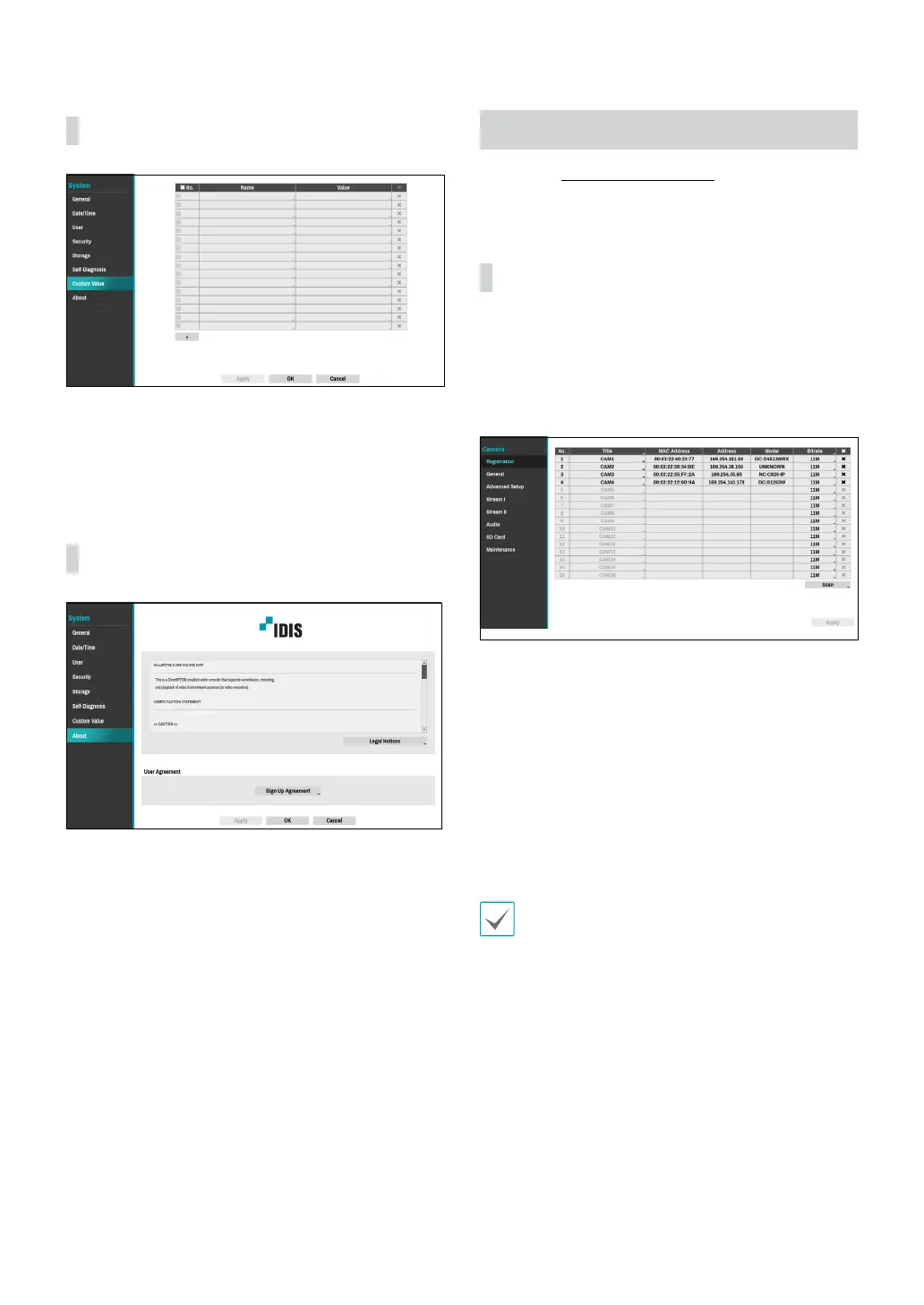
Custom Value
● Name: Set the name of system properties to be
included in a JSON le on HTTP notications.
● Value: Set the value of system properties to be
included in a JSON le on HTTP notications.
About
● User agreement: User agreement for the use of
the FEN service. If you agree, we collect device
information such as IP address, port and router
information to the FEN server.
Camera Setup
Refer to the Menu Use on page 33 for basic
information on using the Setup menus.
Registration
You can register cameras at remote locales. By selecting
a number from the list, you can move the camera up
or down the list using the mouse wheel to reorder its
position. The remaining cameras will move down the list
automatically.
● Title: Edit the camera’s name.
● MAC Address: Displays the camera’s MAC address
registered to the NVR.
● Address: Displays the camera’s IP address registered
to the NVR.
● Model: Indicates the camera’s model.
● Bitrate: Changes the bitrate allocated to the channel.
● Scan: Select to scan and register the device
connected to the NVR.
This feature is supported only when connected to the
NVR from a remote program.



 To Next Page