CP-D80 User Manual
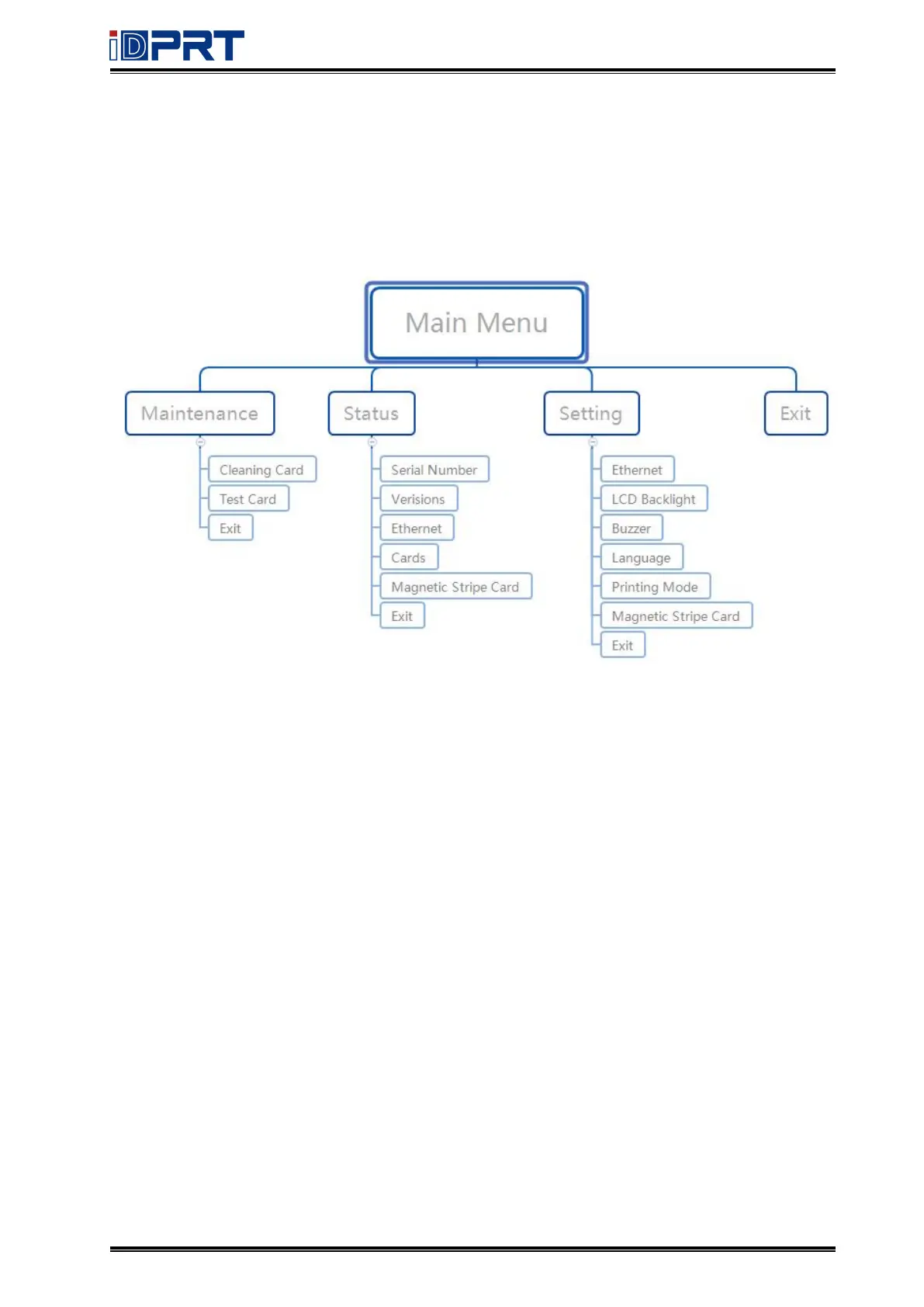
(4) Main Menu:
The LCD panel displays the menu system of the printer and displays the information of the
printer. When the printer is in the ready state, the LCD will display the model of the printer.
The menu system has four main parts:
• Use the maintenance menu to run the cleaning card and print the test card·
• Use the status menu to view the settings and data about the printer·
• Use the setting menu to change the configuration.



 To Next Page