CP-D80 User Manual
Chapter 5 Windows Driver Instruction
5.1 Connect the printer to PC driver (USB)
Note:
Under different operating systems, the screen may be slightly different. Take Windows 7
as example.
Please make sure that the driver has been installed.
Note: If you have already installed the driver (No matter what kind of ports), it will
generate a USB port automatically when connecting the printer to computer.
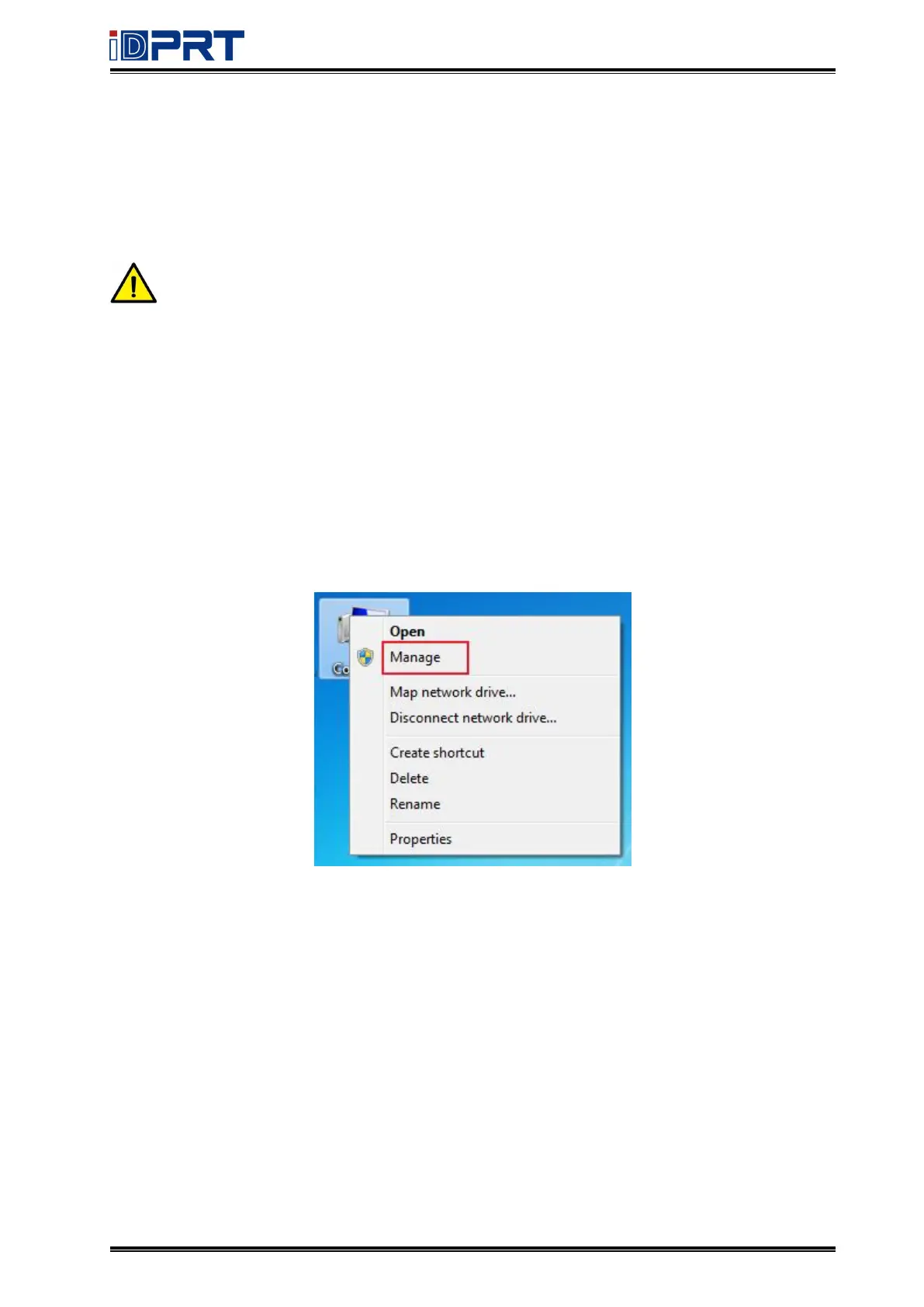
1. Right click on the computer desktop and select “Manage”.



 To Next Page