CP-D80 User Manual
5.2 Connect the printer to PC driver (Ethernet)
Note:
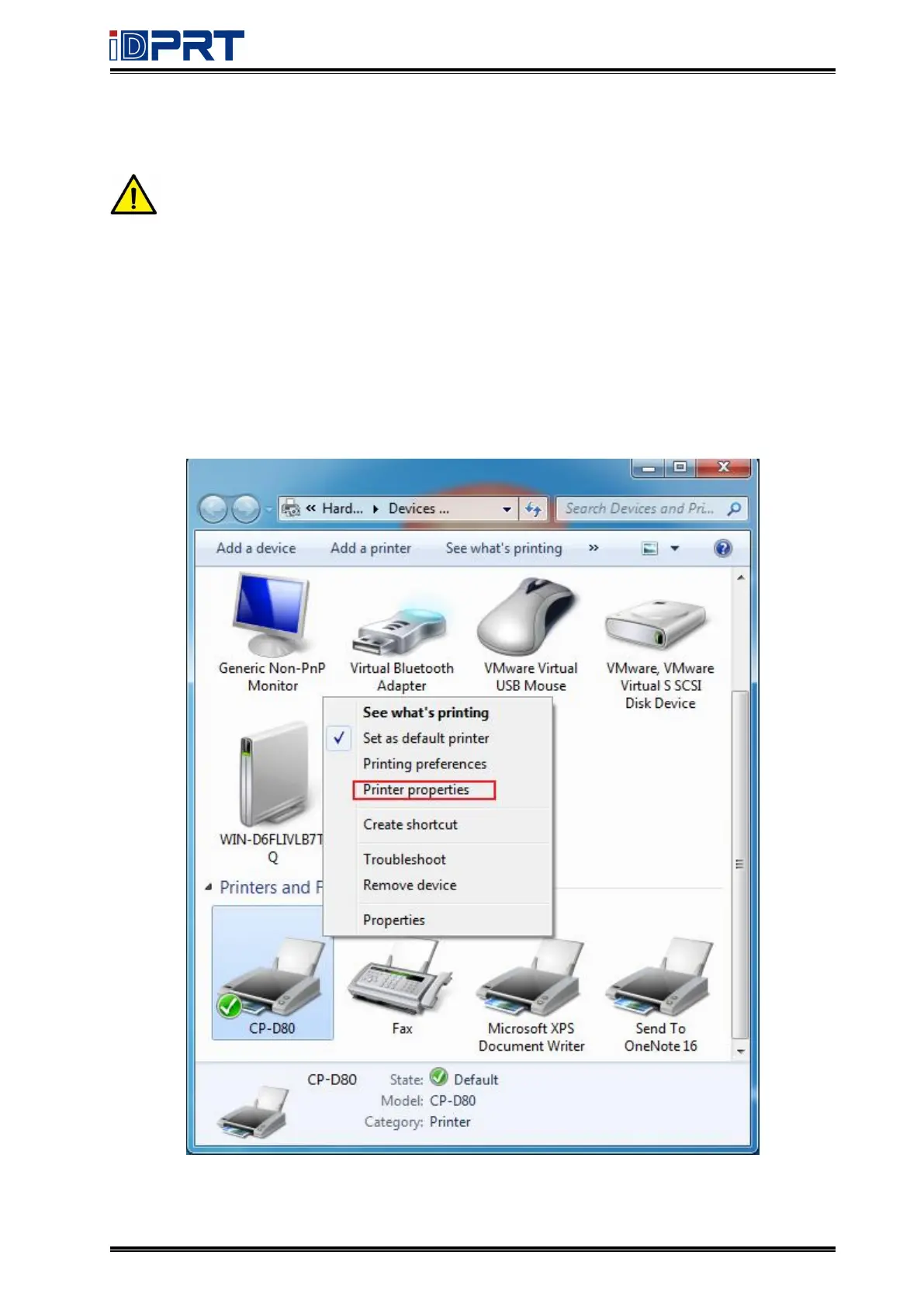
Under different operating systems, the screen may be slightly different. Take Windows 7
as example.
Make sure the printer and PC are in the same LAN.
1. Query the IP address in the "Status-Ethernet" on the printer screen.
2. Click “Start”
→
“Devices and Printers”. Right click the icon and choose “Printer properties”.



 To Next Page