


 To Next Page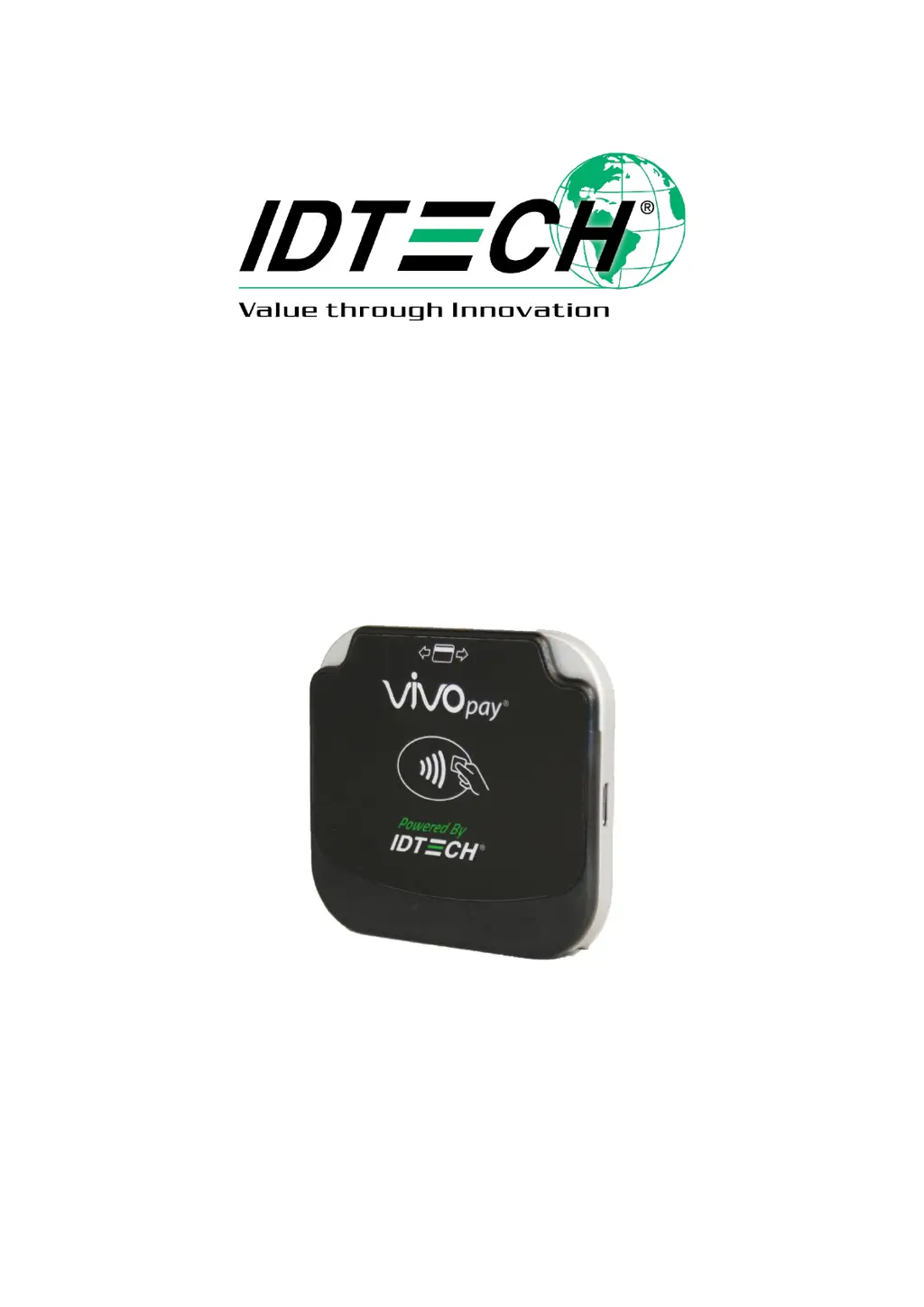
K
Kyle RamirezAug 15, 2025
How to fix an IDTECH ViVOpay VP3350 Card Reader that won't power on (no LEDs light up)?
- LlaurenjacksonAug 15, 2025
If your IDTECH Card Reader doesn't seem to power on, with no LEDs lighting up, the issue might be that the reader is not powered on or the battery is out of charge. Try these steps: * Connect the device to a PC via a USB cable, as the device could be set to automatically power on and enter charging mode. * Replace the device with another unit known to work to verify that the installed USB cable wiring works correctly.
 General









