EasyManua.ls Logo

IDTECH SREDKey - User Manual

IDTECH SREDKey
7 pages
Print Icon
To Next Page IconTo Next Page
Loading...
SREDKey
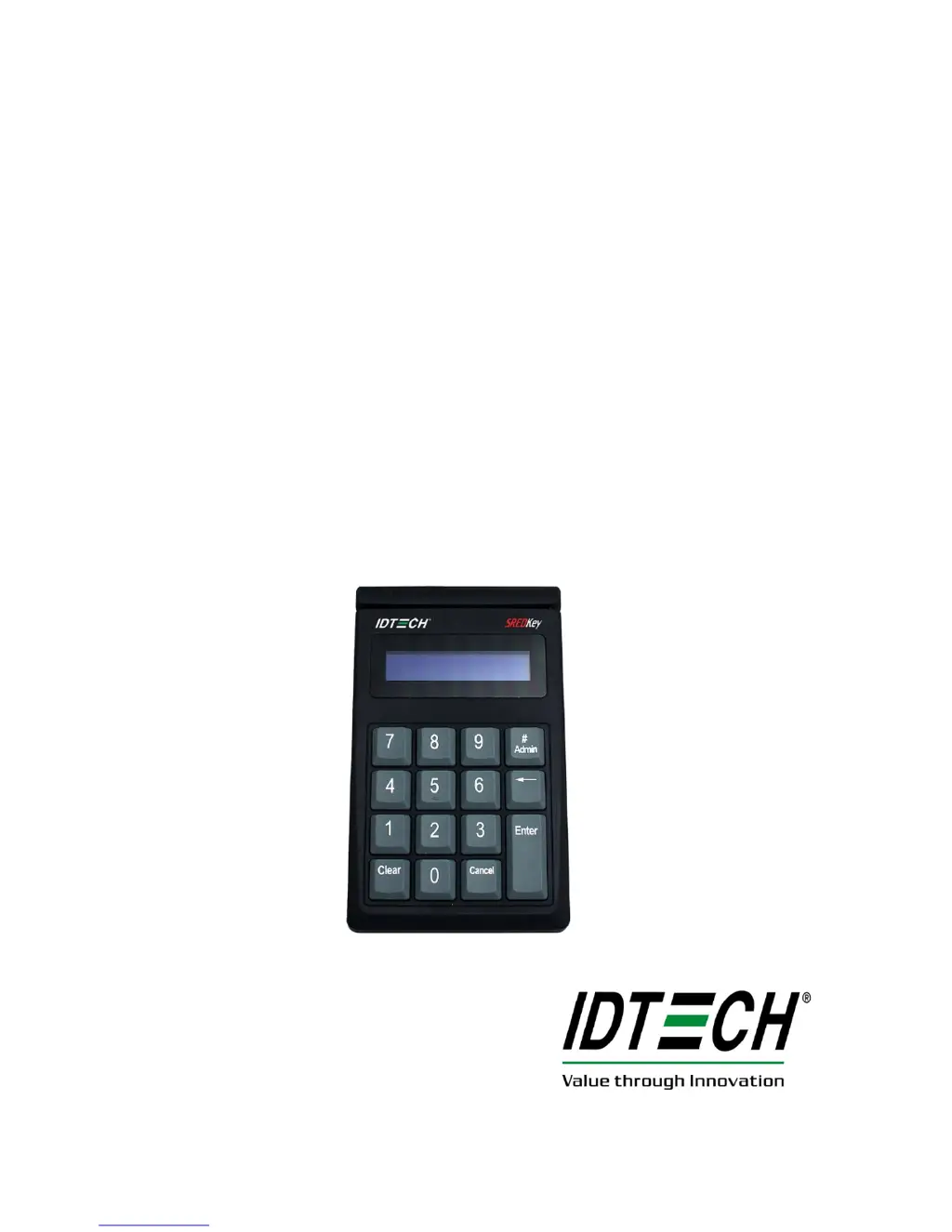
PCI 3.0 Encrypted Key Pad
with MagStripe Card Reader
USB Interface
QuickStart Manual

Other manuals for IDTECH SREDKey

Questions and Answers

Summary

SREDKey Product Description

Product Overview and Configurations

Details the SREDKey's PCI 3.0 certification, MSR, tamper switch, keys, LCD, and standard configurations.

Encryption and Interface Details

Explains data encryption using TDES/AES with DUKPT key management and available USB interfaces.

Magstripe Reader Operation

Initial Swipe and Key-in Procedure

How to connect, initialize, and use the device for card swiping or manual number entry.

Function Key Operations Guide

Guides on using Clear, Backspace, Admin, and Cancel keys for transaction control.

Manually-Keyed Configuration Options

Manual Entry Mode Selection Process

Procedure for selecting one of six manual data entry modes via the Admin key.

IDTECH SREDKey Specifications

General IconGeneral
Connectivity TechnologyUSB
PIN PadYes
Smart Card StandardISO 7816
Track SupportTrack 1, Track 2, Track 3
EncryptionAES-256
Card Types SupportedSmart Card
Magnetic Stripe StandardsISO 7811
Supported CardsCredit Card, Debit Card, Gift Card
Operating System CompatibilityWindows, Linux

Related product manuals