EasyManua.ls Logo

IDTECH ViVOpay VP6300 - User Manual

IDTECH ViVOpay VP6300
25 pages
Print Icon
To Next Page IconTo Next Page
Loading...
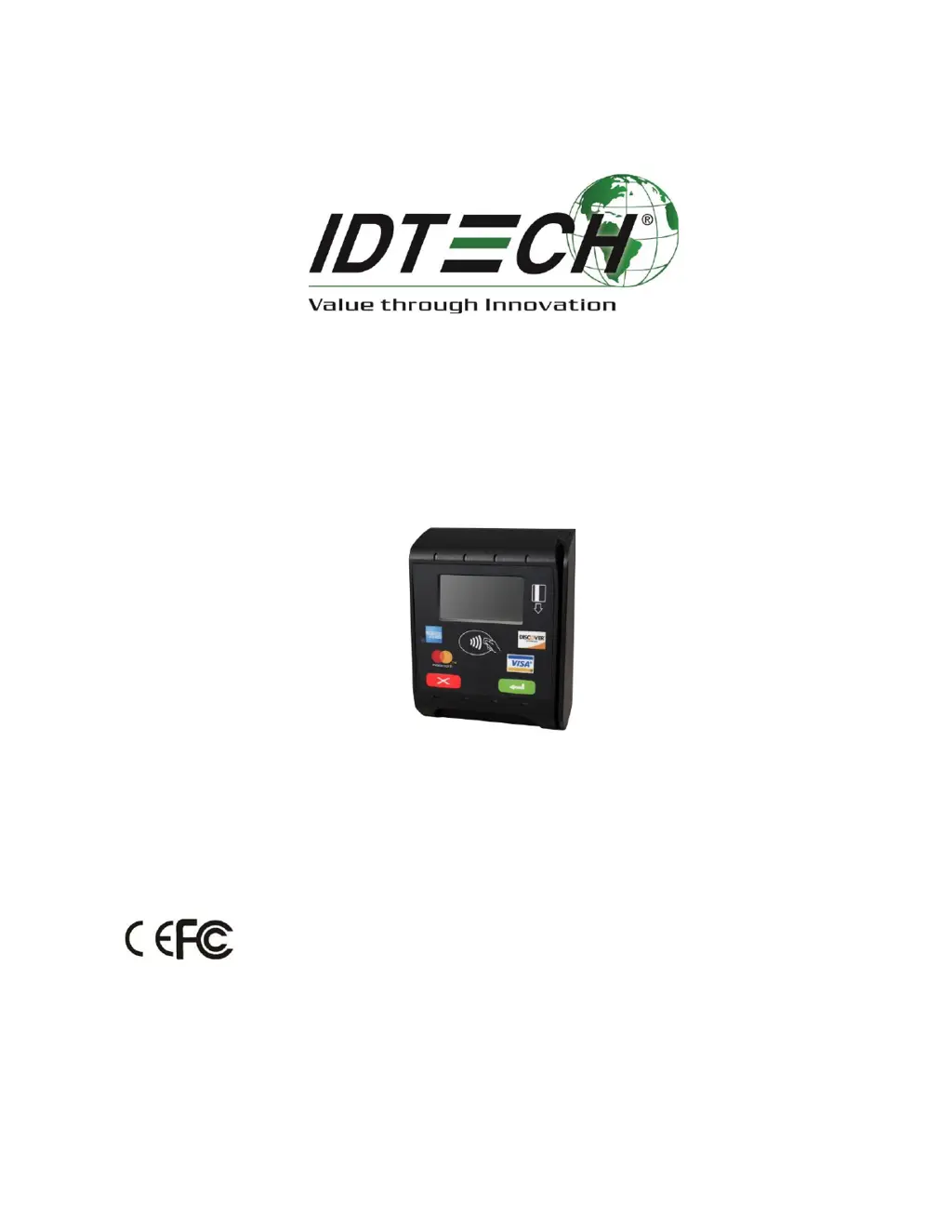
ViVOpay VP6300
User Manual
80154502-001 Rev. D
July 8, 2019

Questions and Answers

Summary

FCC Regulatory Compliance

FCC Class B Equipment Notices

Details FCC Class B equipment compliance limits and conditions.

FCC Compliance Warning Statement

States conditions for FCC compliance regarding interference.

Proximity to Radio Transmitter Warning

Provides a warning about proximity to radio transmitters.

Product Overview and Specifications

PCI;EMV Certified Reader Models

Lists model numbers and their descriptions for certified readers.

Key Device Features

Lists the key features and capabilities of the ViVOpay VP6300.

Regulatory and Brand Approvals

Lists regulatory and card brand approvals for the device.

Firmware and Security Details

Details firmware features, key injection, and security aspects.

Physical and Mechanical Characteristics

Describes the dimensions, materials, and physical attributes of the device.

Durability and Reliability Specifications

Outlines the durability specifications for key components.

Electrical Power Requirements

Specifies the power input requirements and consumption.

Environmental Operating Conditions

Details operating and storage temperature, humidity, and ESD ratings.

Contactless Communication Standards

Lists hardware and receiver subcarrier data standards for contactless.

Contact EMV Transaction Standards

Specifies parameters for contact EMV card transactions.

Magnetic Stripe Reading Specifications

Details specifications for magnetic stripe reading.

Connectivity Ports and Signals

Describes the connector types and pin assignments for communication.

Installation and Setup Procedures

Overall Device Layout and Dimensions

Provides a visual overview of the device's physical arrangement.

Custom Wiring Procedures

Provides guidance on fabricating custom wiring for the unit.

Required Cables for Connection

Details the required cables and their part numbers for connection.

Installation Parts List

Lists the necessary hardware components for installation.

Mounting the Reader Unit

Guides on locating, marking, and drilling holes for mounting.

Connecting the Power Supply

Explains how to connect the power supply to the device.

Installation Pointers and Best Practices

SRED Device Decommissioning

Making a Purchase with ViVOpay VP6300

Presenting Cards or NFC Phones

Explains how to present cards/phones for contactless payment.

RF Interference Management

Importance of RF Interference Awareness

Explains the importance of RF interference for contactless payments.

Effects of RF Interference on Payments

Details how RF interference can cause data errors or intermittent operation.

Common RF Interference Sources

Lists common sources of radio frequency interference.

Firmware Update Procedures

Preparation for Firmware Update

Lists prerequisites for updating the device firmware.

Uploading Firmware via RS-232 or USB

Provides step-by-step instructions for firmware upload.

Troubleshooting General Issues

Reader Power and LED Status

Addresses issues like the reader not powering on.

Troubleshooting Card and Fob Reading

Card;Fob Presentation and Beep Issues

Covers issues with LEDs and beeper not activating for card/fob.

Troubleshooting Communication and Firmware Loading

Partial Card Reads and CAPK Updates

Addresses partial card reading and CAPK updates.

Kiosk Data Communication Failures

Deals with issues of no data or garbled data transmission.

Firmware Loading Errors and Solutions

Covers errors during firmware loading, like RS-232 or Send Command failures.

IDTECH ViVOpay VP6300 Specifications

General IconGeneral
Contactless TechnologyNFC
EMV ContactYes
Status IndicatorsLED
Card Reader TypeHybrid
Supported Card TypesMagstripe, EMV
MagstripeTriple Track, Bi-directional
Weight68g
CertificationsEMV Level 1 & 2

Related product manuals