22
ifm Device Manual IO-Link Master with PROFINET interface CabinetLine 8 Ports IP 20 (AL1900) 05 / 2018
Operating and display elements LED indicators
>
7.2.3 IoT port
7722
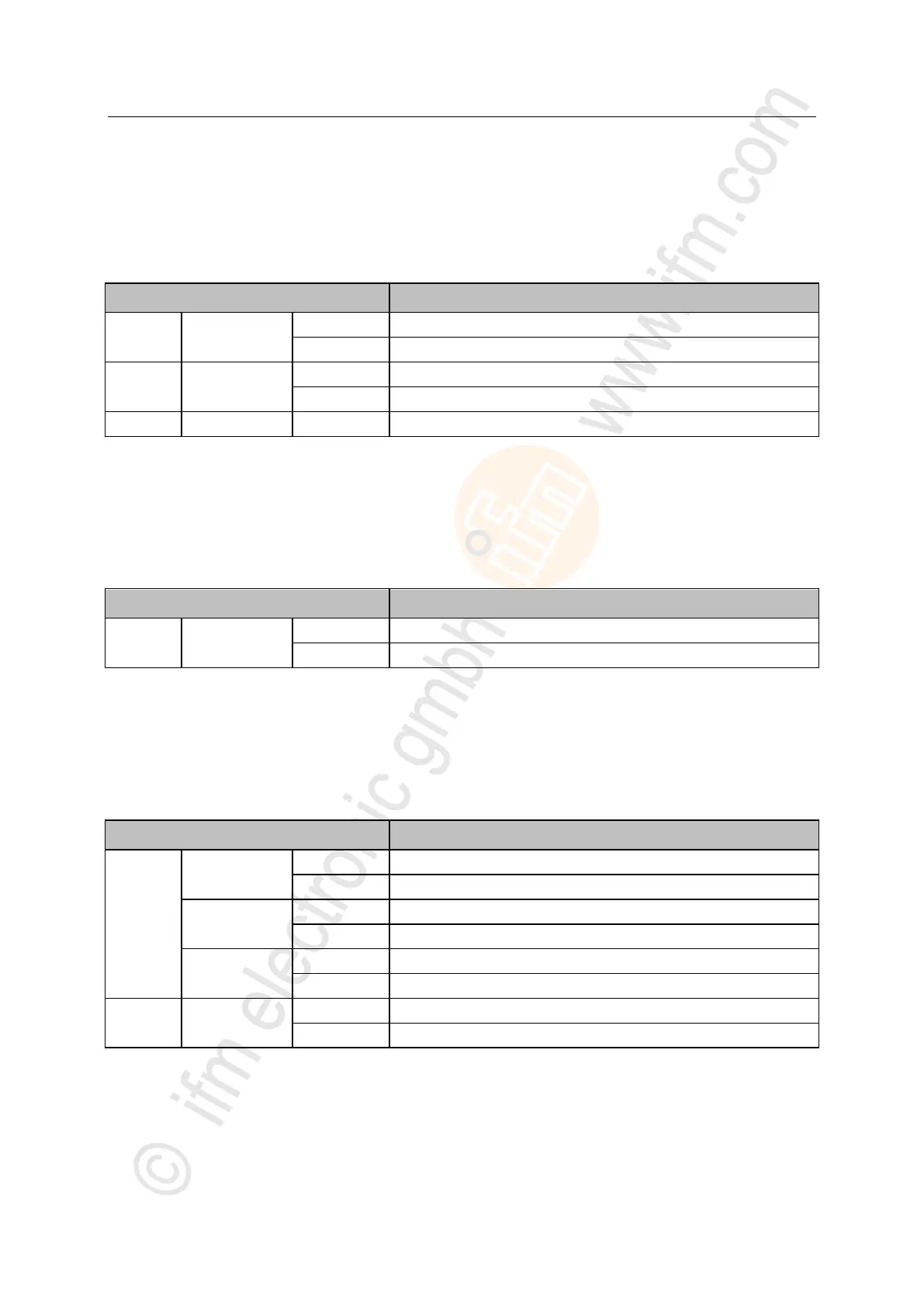
The IoT port (X23) has the 3 LNK, ACT and IoT LEDs. The LEDs indicate the status of the Ethernet
connection and the device identification.
Ethernet connection established
Data is transmitted via the Ethernet interface.
Device identification active
>
7.2.4 Power supply
17856
The interface for voltage supply (X31) has the PWR LED. The LED indicates the status of the voltage
supply.
Supply voltage Us is applied
No supply voltage is applied or the applied supply voltage is too low
>
7.2.5 IO-Link ports (Class A)
22029
Each IO-Link port Class A (X01 ... X08) has 2 LEDs marked as IOL and DI. The LEDs indicate the
status of the IO-Link port.
Interface configured as DI/DO: clamp 4 (C/Q) =ON
Interface configured as DI/DO: clamp 4 (C/Q) = OFF
IO-Link transmission functions properly
Interface configured as IO-Link, but no IO-Link transmission
Short circuit or overload in supply voltage
Digital input: clamp 2 (DI) = ON
Digital input : clamp 2 (DI) = OFF


 To Next Page